PROMPT IN · COVER OUT
AI thumbnail maker with room for your headline
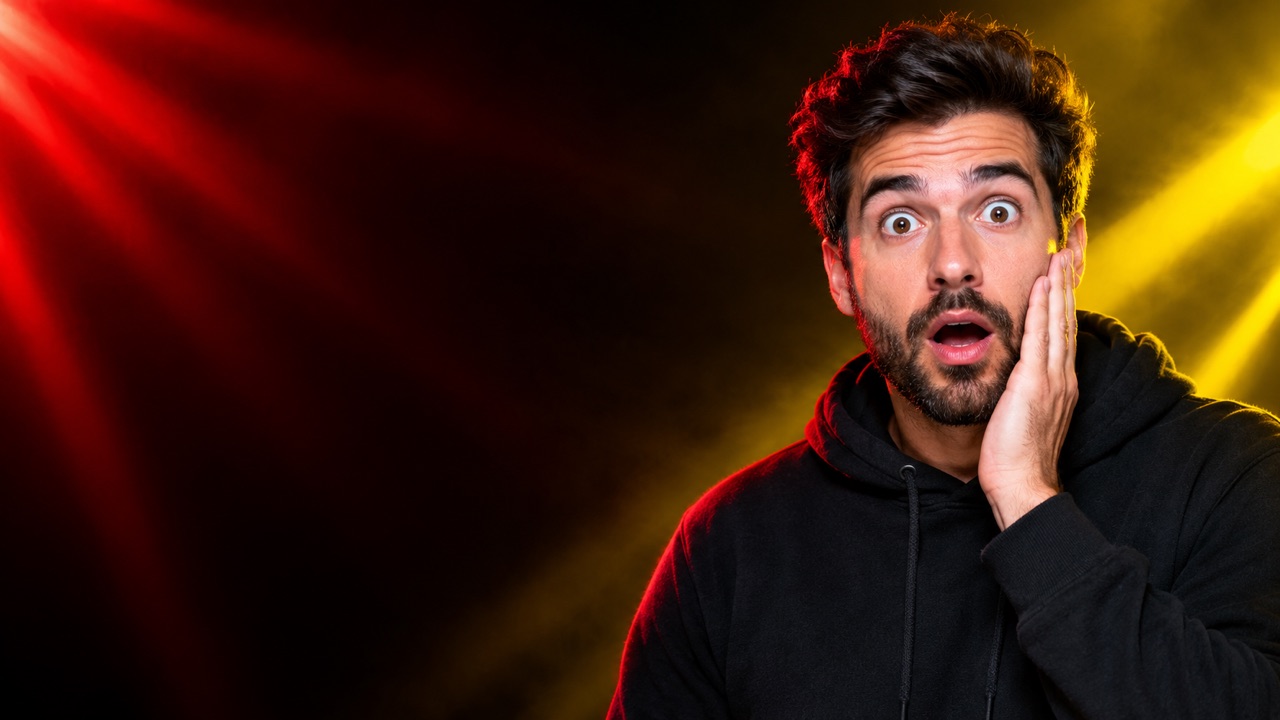
A thumbnail has one job: make the click feel obvious. This tool generates a bold 16:9 background with controlled light, contrast and negative space, so you can add a short headline in Canva, Photoshop or your editor. It does not bake in messy AI text.
Signed-in accounts get 3 free images a day. One purchase raises it to 10.
Make a thumbnail background
Generate the scene, then add your headline in a design tool.
0/600
Style presets
Aspect ratio
Sign in to generate. Your first 3 images each day are free.
Your result appears here
Add a photo or a prompt, then press Generate image.
How it works
Describe the mood
Name the subject, colours and emotion: surprised creator, neon gaming street, clean tutorial desk. Ask for empty space on one side.
Lock 16:9
The 16:9 ratio matches YouTube thumbnails and most video covers. The composition leaves room for a short, readable headline.
Add your text
Download the PNG and add the headline in your design tool. Keep it to three to five words and check it on a phone.
Best for
- YouTube thumbnails and video covers
- TikTok and Reels cover frames
- Blog post and newsletter hero images
Good to know
- !The tool does not render reliable headline text; add it yourself.
- !Faces generated from text are fictional; use the headshot editor for your own face.
Adults only. Use photos you have permission to use. No nudity, violence or impersonation. AI results vary. Label AI-generated media when a platform requires it.
Prompt ideas
Use these as a starting point, then adjust the details.
“Surprised creator on the right, red and yellow beams, dark studio, space on the left”
“Neon cyberpunk street, purple and cyan light, central silhouette, no text”
“Clean desk tutorial scene, warm lamp, soft bokeh, space for a headline”
Questions, answered
Does it add the headline text?
No, by design. Image models still struggle with short, accurate text. The tool leaves clean space and you add the headline in a design editor.
What size is the output?
A 1K PNG in 16:9. That is enough for a draft; upscale to 1280×720 or larger before publishing if your editor requires it.
Can I put my own face in the thumbnail?
Use the AI image editor or headshot page to create a portrait, then combine it with the background in your design tool.
Is it free to try?
Yes. Signed-in accounts get three free images per UTC day; a completed purchase raises the limit to ten.
Can I use the thumbnail commercially?
You are responsible for the final image. Avoid trademarks, celebrity likenesses and misleading claims, and follow the platform's rules for AI-generated media.
Related tools
All tools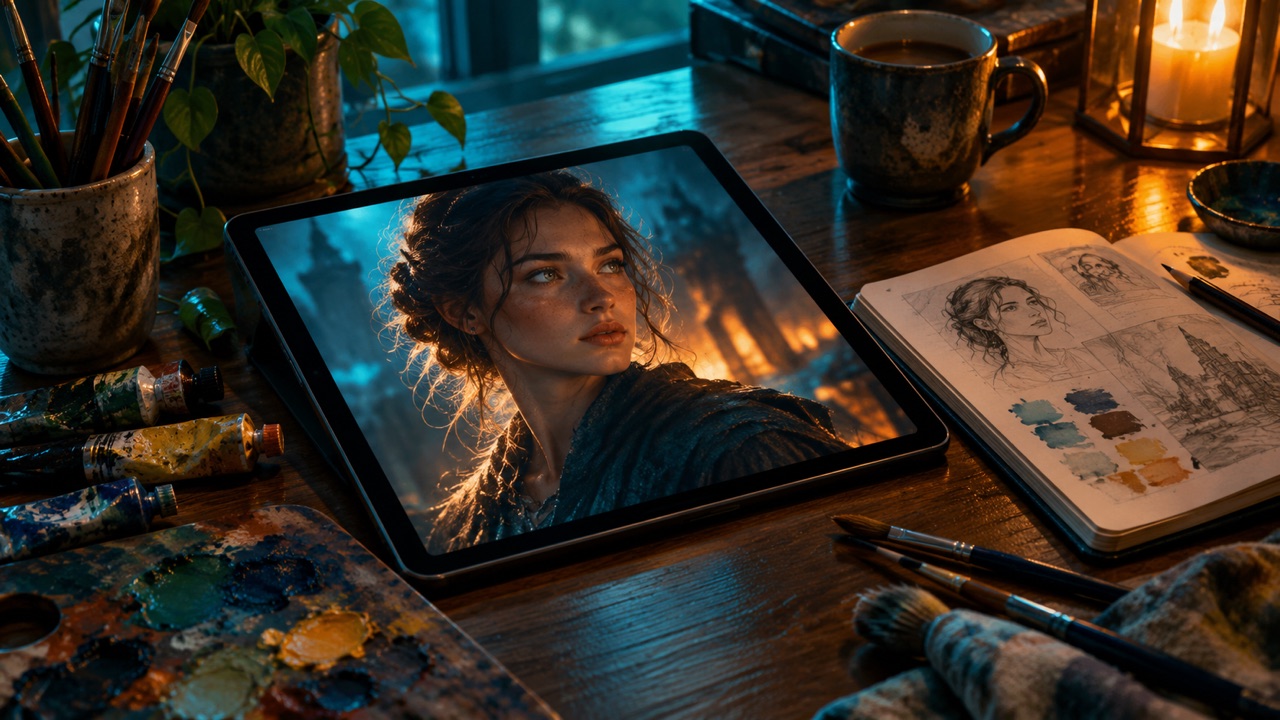
Make a thumbnail background
Generate the scene, then add your headline in a design tool.