TEXT IN · IMAGE OUT
AI image generator for concepts, posts and products
Write what you want to see, choose a shape, and generate a clean 1K image. This page is built for quick visual drafting: social posts, product concepts, thumbnail backgrounds and mood boards. No prompt engineering degree required, and three images a day are free for signed-in accounts.
Signed-in accounts get 3 free images a day. One purchase raises it to 10.
Generate an image
Start with a preset or write your own scene.
0/600
Style presets
Aspect ratio
Sign in to generate. Your first 3 images each day are free.
Your result appears here
Add a photo or a prompt, then press Generate image.
How it works
Describe the scene
Name the subject, setting, light and mood. Mention what you do not want, such as text, logos or extra people.
Choose a shape
1:1 for feeds, 9:16 for stories, 16:9 for thumbnails and 3:4 for portraits. The model composes for the ratio you pick.
Generate and download
Press Generate image and wait about 20–60 seconds. Download the PNG when the result appears.
Best for
- Social post visuals and mood boards
- Backgrounds for thumbnails and covers
- Early product or character concepts
Good to know
- !Small text inside an image may be malformed; add headlines in a design tool.
- !Hands, jewellery and fine patterns can vary between runs.
Adults only. Use photos you have permission to use. No nudity, violence or impersonation. AI results vary. Label AI-generated media when a platform requires it.
Prompt ideas
Use these as a starting point, then adjust the details.
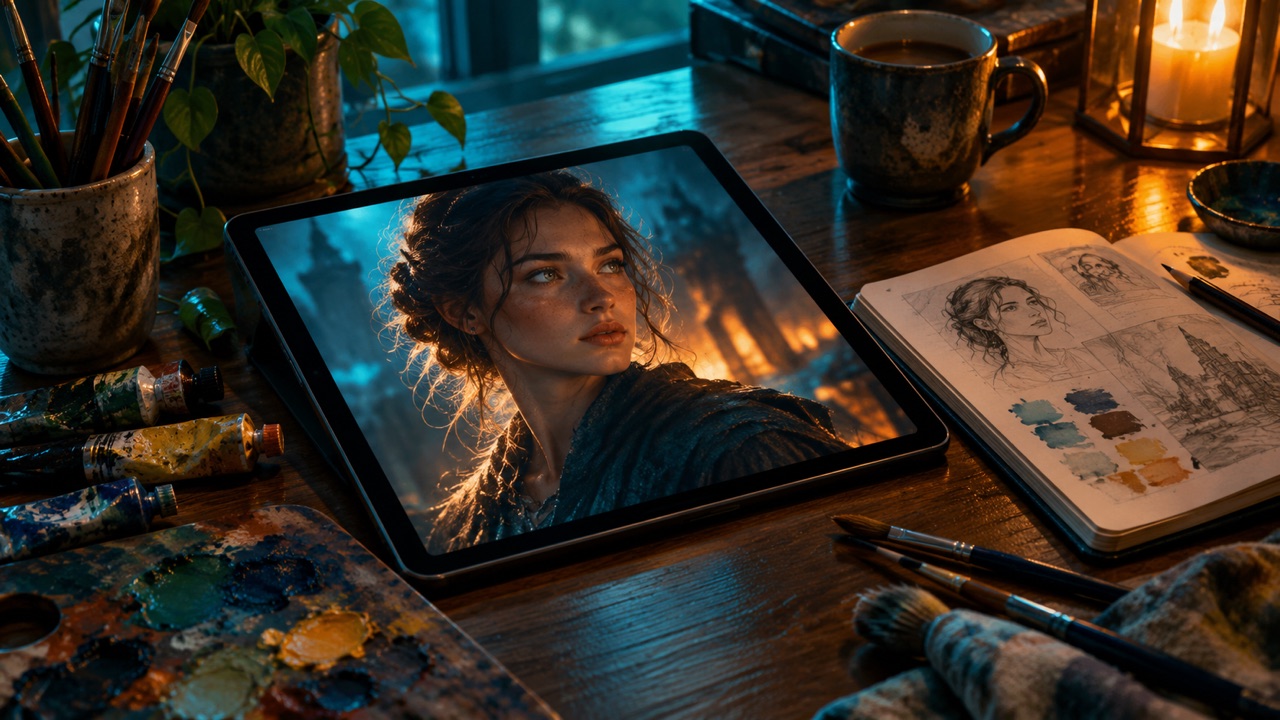
“A cinematic portrait with teal light and subtle film grain”
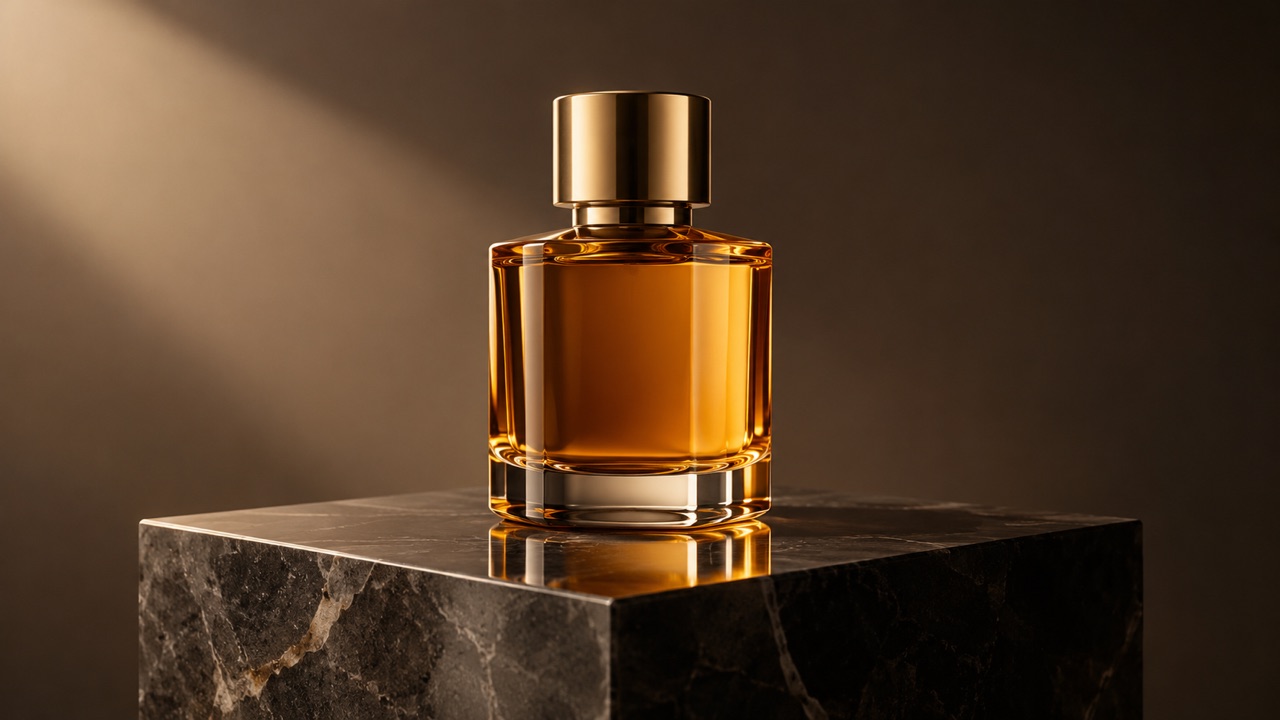
“A premium product still life on dark stone, warm rim light, no text”
“A neon-lit street after rain, wide composition, photorealistic”
Questions, answered
Is the image generator free?
Signed-in accounts get three free images per UTC day. A completed purchase raises the daily limit to ten. There is no subscription requirement to try it.
What resolution do I get?
The current pipeline returns a 1K PNG in the aspect ratio you choose. Larger output would need a different model tier.
Can I use the images commercially?
You are responsible for the prompt and the result. Do not generate trademarks, real people without consent or misleading content, and check the model provider's terms for your use case.
Can I edit the result afterwards?
Yes. Open the AI image editor page, upload the result if you have it locally, and describe the change you want.
Why was my prompt blocked?
Prompts and outputs pass an automated safety check. Sexual content, graphic violence and impersonation are rejected. Rewrite the prompt without those elements.
Related tools
All tools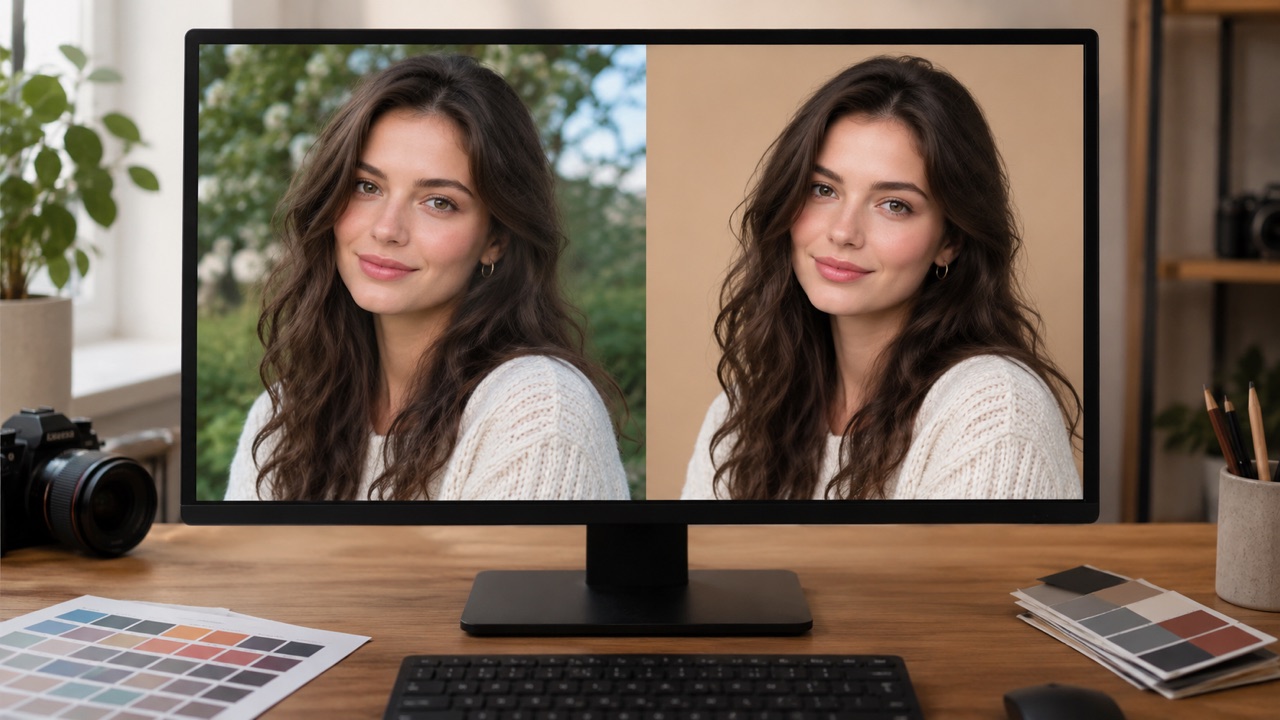
Generate an image
Start with a preset or write your own scene.