PRODUCT IN · SCENE OUT
AI product photo generator for small catalogs
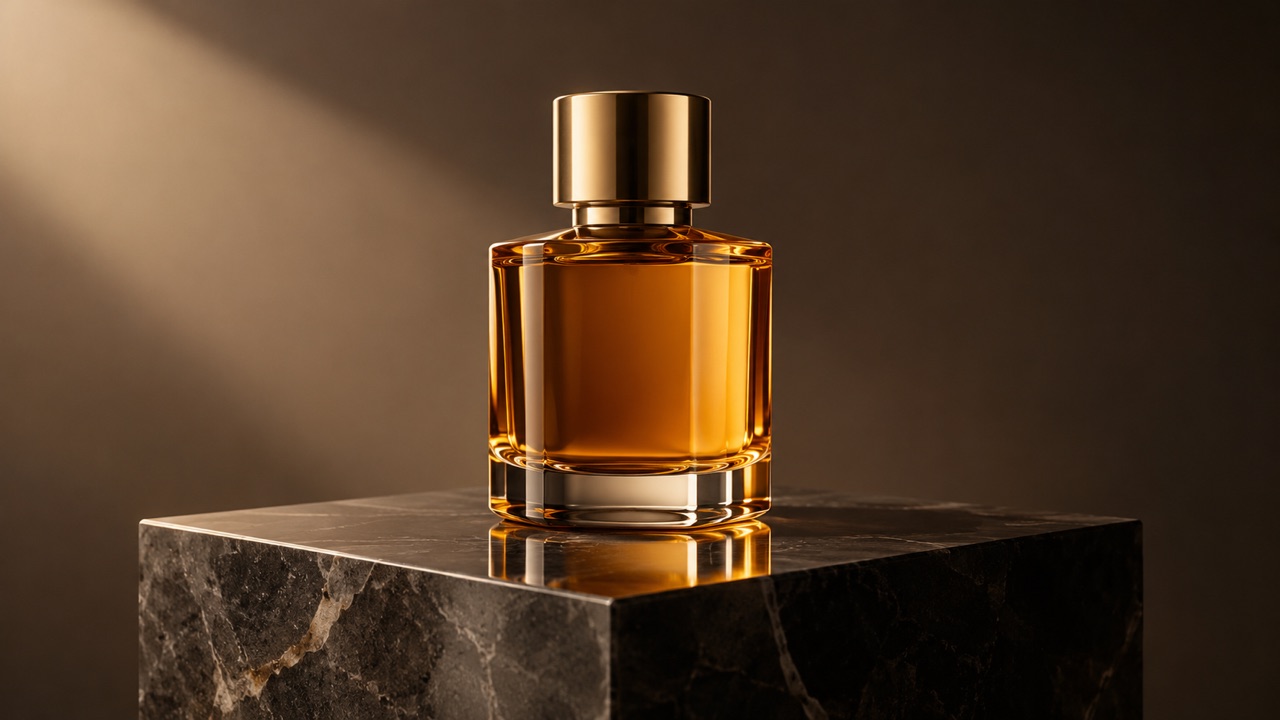
You do not need a studio to get a studio-looking product photo. Upload one clear product shot, choose a scene, and generate a new background with controlled light and reflections. The prompt tells the model to keep the product itself unchanged, so labels and shape stay as close as possible.
Signed-in accounts get 3 free images a day. One purchase raises it to 10.
Place a product
One product per image gives the cleanest result.
0/600
Style presets
Aspect ratio
Sign in to generate. Your first 3 images each day are free.
Your result appears here
Add a photo or a prompt, then press Generate image.
How it works
Upload the product
Shoot on a plain surface with even light. Keep the whole product in frame and avoid heavy shadows or reflections from your room.
Choose a scene
Pick dark stone, white ecommerce or a warm lifestyle table. Each preset changes the background, surface and lighting, not the product.
Check the label
Zoom in on text, edges and reflections before publishing. If the label warped, retry with a sharper source photo.
Best for
- Marketplace listings without a photo studio
- Seasonal campaign visuals for a small catalog
- Clean hero images for a landing page
Good to know
- !Fine label text can change; check every word before publishing.
- !One product per image; complex sets need separate shots.
Adults only. Use photos you have permission to use. No nudity, violence or impersonation. AI results vary. Label AI-generated media when a platform requires it.
Prompt ideas
Use these as a starting point, then adjust the details.
“Dark stone surface, soft reflection, premium studio light”
“White pedestal, high-key ecommerce lighting, clean shadows”
“Warm wooden table, window light, soft plants in the background”
Questions, answered
Will the product itself change?
The prompt asks the model to preserve the product's shape, colour and label. Generative editing can still alter small text, so always inspect the result before publishing.
Can I add a reflection or shadow?
Yes. Mention the surface and the kind of reflection you want. A soft contact shadow usually looks more believable than a hard cast shadow.
Can I put several products in one image?
This version works best with one product per job. Multiple products need separate references and a different composition prompt.
Is the output high enough for a marketplace?
The current pipeline returns a 1K PNG. Check your marketplace's minimum size; you may need to upscale before uploading.
How much does it cost?
Three free images per UTC day for signed-in accounts; a completed purchase raises the limit to ten. No subscription is required.
Related tools
All tools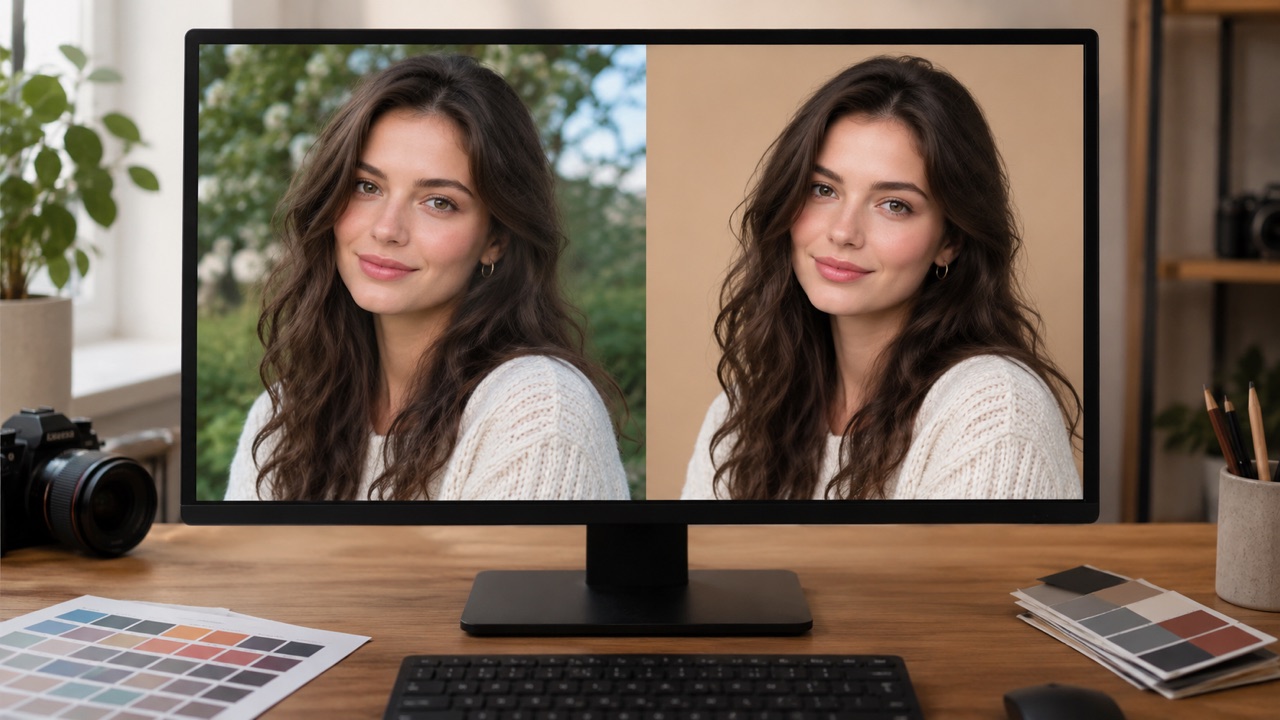


Place a product
One product per image gives the cleanest result.