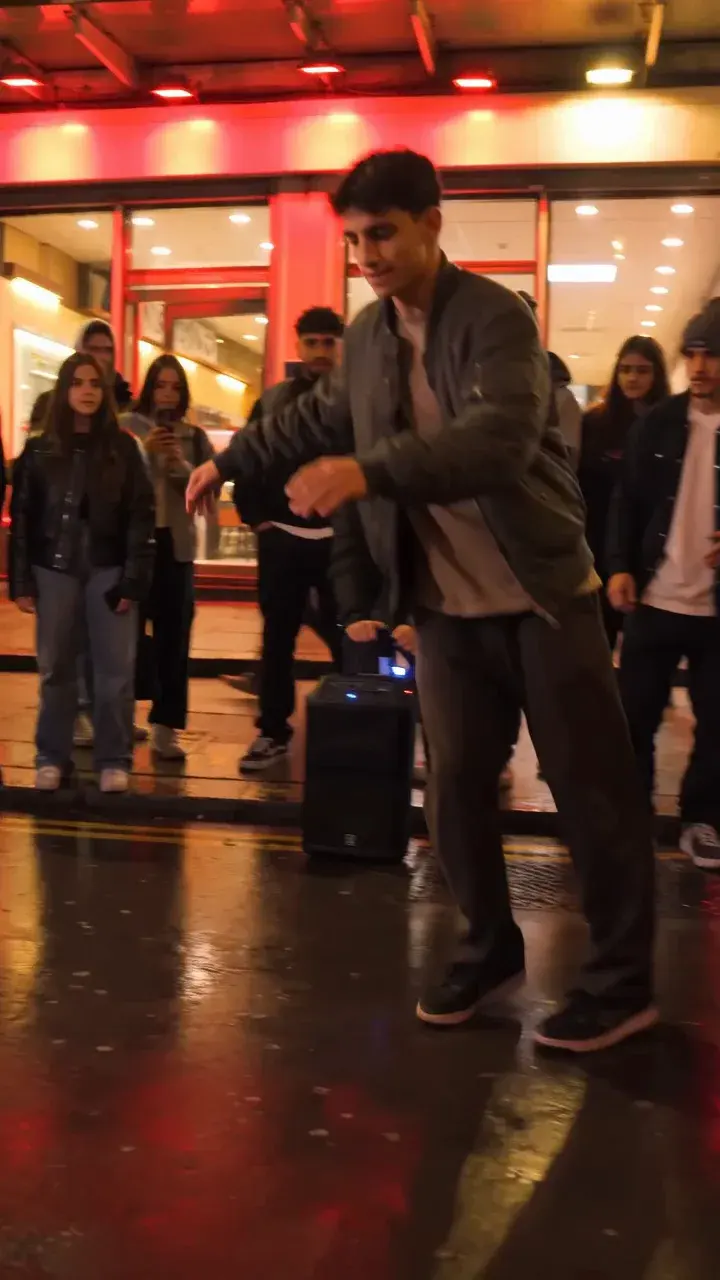
Bulin 47 AI Video for TikTok: Vertical Export Guide
Create a vertical Bulin 47 AI video for TikTok. Learn photo requirements, preview and unlock steps, 9:16 MP4 export, audio rights and AI-content labeling.
· Bulin 47 AI Team
Try the workflow
Make your Bulin 47 AI video
One photo puts your chosen adult into an original freestyle scene.
JPG, PNG or WebP · up to 10 MB · adults only
Choose one clear, well-lit adult portrait. A front-facing face and visible outfit help keep the result consistent.
Extra direction (optional)
Public is the default. Reviewed finished results may appear in examples. Your uploaded photo stays private.
$9.90/ 1 video
50 credits to unlock · 8 secondsUpload one portrait to continue.
Preview before you pay. Choose a one-time pack, monthly plan or yearly plan.
Your videos
Upload a portrait above. Your previews and unlocked clips will appear here.
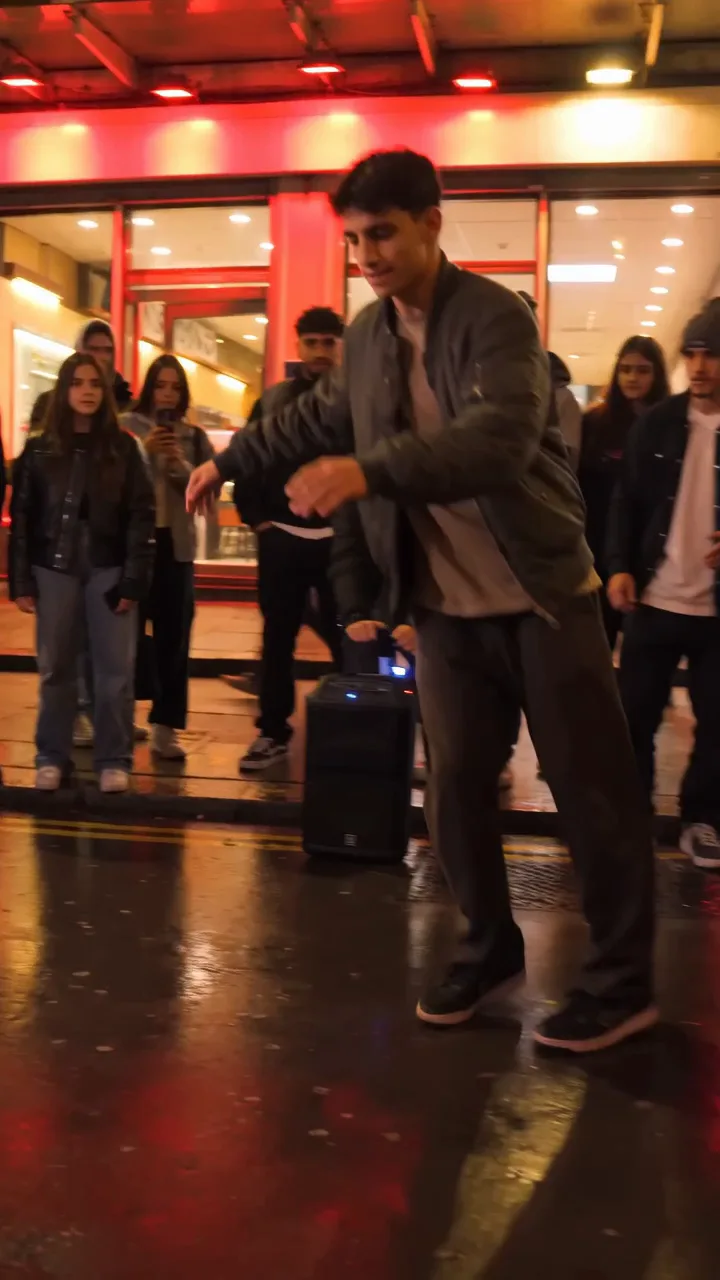
Access and credit rule: You can choose a photo before sign-in. Starting a new video requires an account and either an eligible preview allowance or enough purchased credits. First-touch ChatGPT users need payment before generation. Other eligible accounts have one no-credit preview under capacity. A preview itself deducts no site credits; only unlocking a clean MP4 deducts 50.
Bulin 47 AI makes it possible to create unique, AI-generated vertical videos for TikTok using a single portrait photo and a signature motion reference. To export a TikTok-ready vertical video, upload one consenting adult portrait, select the red-lit freestyle motion, and follow the site's preview and unlock process. The result is a silent, 8-second, 720p MP4 in 9:16 format—ideal for TikTok. This guide covers every step, clarifies pricing, and addresses common questions, so you can confidently create and export your own AI video.
Understanding Bulin 47 AI’s TikTok Video Export
Bulin 47 AI at bulin47aivideo.pro is an independent, unofficial tool that uses the Kie bytedance/seedance-2 STANDARD model to generate short, vertical AI videos. It is not affiliated with any performer or platform, including TikTok. The process is designed for privacy and simplicity:
- Input: One consenting adult portrait (JPG, PNG, or WebP, up to 10 MB), the site’s own red-lit freestyle motion reference, and optional brief text direction.
- Output: A silent, 8-second, 720p MP4 video in 9:16 vertical format—perfect for TikTok uploads.
- Preview: You can generate and view a low-resolution, watermarked preview before paying.
- Unlock: Only the clean, full-quality MP4 unlock costs credits (50 per video). Generation and preview are free.
No custom video, audio, or voice cloning is possible. The model attempts to match the portrait’s identity and applies the motion reference, but does not guarantee exact likeness or gesture accuracy. Uploaded portraits are not publicly listed. Generated results default to Public eligibility, with gallery review required.
Step-by-Step: Exporting a Vertical TikTok Video
Follow these detailed steps to create and export your TikTok-ready video:
-
Prepare Your Portrait Photo
- Use a clear, consenting adult portrait in JPG, PNG, or WebP format (max 10 MB).
- Ensure the subject is over 18 and has given explicit consent. See the consent guide for details.
-
Open the Bulin 47 AI Studio
- Open the studio and sign in or create an account.
- New accounts start with 0 credits. See the FAQ below for details on earning or purchasing credits.
-
Upload Your Photo
- Click the upload area and select your prepared portrait.
- The site checks for some unsafe content and blocks flagged inputs. It cannot verify consent or guarantee detection of every violation.
-
Select the Motion Reference
- Choose the site’s single available red-lit freestyle motion reference. No custom or multiple templates are available.
-
(Optional) Add a Brief Text Direction
- You may enter a short prompt to guide the style or mood, but the model’s interpretation is not guaranteed.
-
Generate the Video Preview
- Click to generate. The system will process your request and produce a low-resolution, watermarked preview.
- This preview is playable in your account and does not consume credits.
-
Review the Preview
- Watch the preview to ensure the likeness and motion are satisfactory. Note: The model does not guarantee perfect resemblance or gesture accuracy.
-
Unlock the Final Video
- If satisfied, proceed to unlock the clean, full-quality 720p MP4. This costs exactly 50 credits per video.
- Unlocking deducts credits only if successful. Failed generations do not charge credits.
-
Download and Export
- Download the unlocked MP4. The video is silent (no audio).
- Add music or sound separately in your TikTok app or video editor, ensuring you have rights to any audio used.
-
Upload to TikTok
- Open TikTok, select the video, and upload. The 9:16 format is optimized for TikTok’s vertical feed.
Bulin 47 AI vs. Other AI Video Tools: TikTok Export Comparison
| Feature | Bulin 47 AI | Custom AI Video Tools | TikTok In-App Creation |
|---|---|---|---|
| Input | 1 adult portrait + site motion | Multiple photos/videos, custom motion | Live camera or uploaded clips |
| Output Format | 8s, 720p, 9:16 MP4, silent | Varies (some 1080p, audio) | Up to 10m, 9:16, with audio |
| Customization | Limited (1 motion, no audio) | High (custom refs, audio, effects) | High (filters, music, effects) |
| Privacy | Photo private; Public result default | Varies | Public by default |
| Cost | 50 credits/video ($9.90+) | $10–$100+/video | Free (in-app) |
| TikTok Ready | Yes (vertical, MP4) | Varies | Yes |
Bulin 47 AI is ideal for those seeking a quick, private, AI-generated vertical video from a single photo, with a straightforward unlock process and no need for advanced editing or custom motion.
Realistic Example: Credits, Pricing, and Export
Suppose you want to create and export one TikTok-ready video. Here’s how the process and arithmetic work:
- Account Creation: You sign up and start with 0 credits.
- Credit Purchase: You buy the 1-video pack for $9.90, which gives you 50 credits (enough for one unlock).
- Generation: You upload your photo, select the motion, and generate a preview. No credits are used at this stage.
- Unlock: You like the preview and unlock the clean MP4. This deducts 50 credits from your balance.
- Result: You now have 0 credits remaining and a downloadable, silent, 8-second, 720p vertical MP4.
Arithmetic:
- Credits before unlock: 50
- Credits after unlock: 0
- Cost per video: $9.90 (plus any applicable tax at checkout)
If you want to create more videos, you can compare prices for larger packs or subscriptions. Credits do not expire unless you are on a subscription or yearly plan, in which case they expire at the end of the billing period.
Best Practices for TikTok Export
- Portrait Quality: Use a high-resolution, well-lit, front-facing photo for best results.
- Consent: Always ensure the subject is a consenting adult. See the consent guide.
- Preview First: If eligible, use the no-credit preview to check likeness and motion before unlocking.
- Audio: Add music or sound in TikTok or your editor after export. Bulin 47 AI videos are silent.
- Privacy: Uploaded portraits are not publicly listed. Generated results default to Public eligibility; only reviewed clips may enter the gallery.
- Compliance: Do not upload explicit, abusive, non-consensual, or underage content. Such uploads are rejected.
Frequently Asked Questions (FAQ)
Q1: Can I use my own motion reference or upload audio?
No. Bulin 47 AI only supports its own single red-lit freestyle motion reference and does not allow custom video, audio, or voice cloning. The output is always silent.
Q2: How do I earn free credits as a new user?
Verified users who are not first-touch ChatGPT visitors can earn 50 usable credits ONCE by opening the site on three consecutive UTC calendar days. No credits are earned on day 1 or 2. Missing a day resets progress. ChatGPT users must purchase credits.
Q3: What happens if generation fails?
If the system fails to generate your video, no credits are deducted. You can try again or consult the troubleshooting guide.
Q4: Can I batch create videos or use multiple templates?
No. The current product only supports one video at a time, with a single motion reference and no batch or multi-template options.
Q5: Are my photos and videos public?
No. Uploaded portraits are not publicly listed. Generated results default to Public eligibility; gallery inclusion requires review. See the consent guide for more.
Q6: How do I add music to my exported video?
After downloading your silent MP4, use TikTok’s in-app music tools or a video editor to add audio. Ensure you have rights to any music used.
Action Steps: Start Your TikTok AI Video
Ready to create your own vertical AI video for TikTok? Open the studio to get started, or compare prices for the best credit pack. For more tips, browse guides, check the photo guide, or review the troubleshooting guide. For privacy and consent details, see the consent guide.
Create your next TikTok-ready AI video with confidence—your studio, your rules.