SELFIE IN · HEADSHOT OUT
AI headshot generator for LinkedIn and resumes
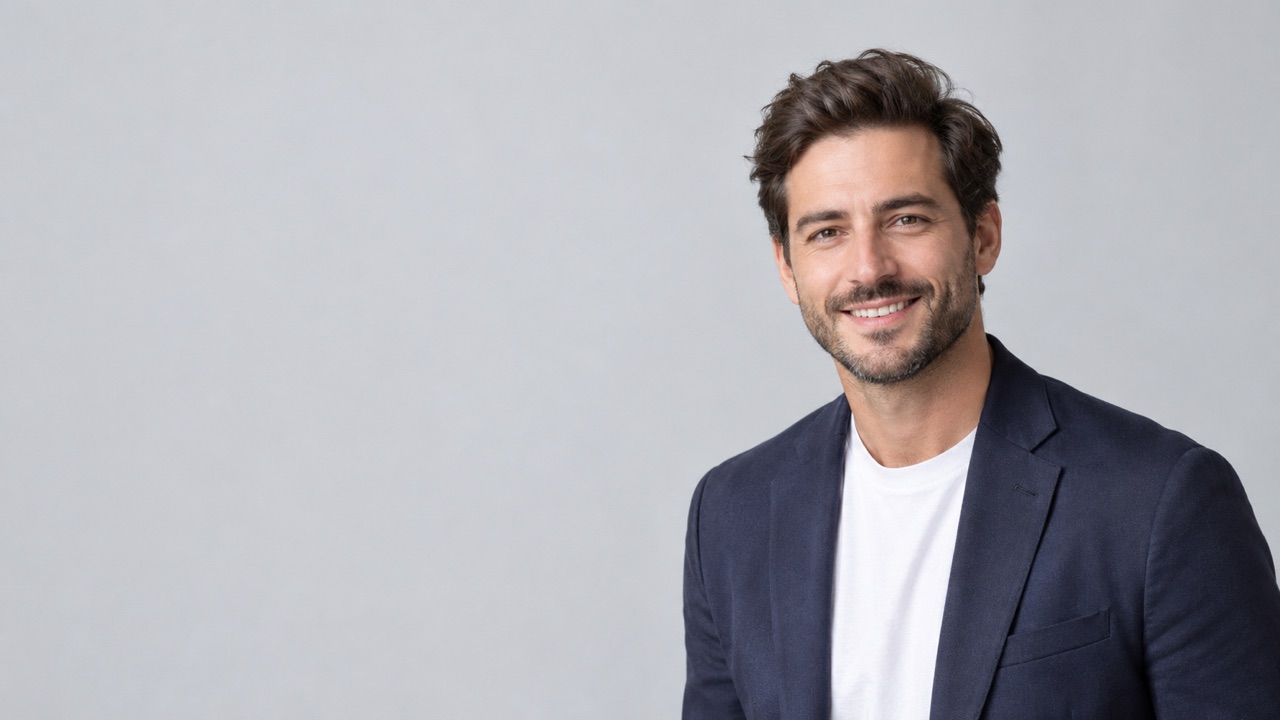
A professional headshot should still look like you. Upload one clear selfie, choose a studio or outdoor look, and generate a portrait with cleaner light and a calmer background. The prompt explicitly protects your face, so the result reads as a better photo rather than a different person.
Signed-in accounts get 3 free images a day. One purchase raises it to 10.
Make a headshot
A front-facing selfie with even light works best.
0/600
Style presets
Aspect ratio
Sign in to generate. Your first 3 images each day are free.
Your result appears here
Add a photo or a prompt, then press Generate image.
How it works
Choose a clear selfie
Face the camera, keep your eyes visible and avoid harsh shadows. A plain background and no sunglasses give the cleanest starting point.
Pick a professional look
Choose a corporate grey studio, a dark LinkedIn background or warm outdoor light. Each preset keeps the same face and changes the scene.
Download the keeper
Compare the eyes, hairline and skin texture. Download the PNG that still looks like you, and retry with a different preset if it does not.
Best for
- A quick profile photo for LinkedIn or a resume
- A consistent team page headshot
- A cleaner portrait for email and messaging apps
Good to know
- !It does not invent a new identity or change your facial structure.
- !Glasses, heavy hair and extreme angles can still cause artifacts.
Adults only. Use photos you have permission to use. No nudity, violence or impersonation. AI results vary. Label AI-generated media when a platform requires it.
Prompt ideas
Use these as a starting point, then adjust the details.
“Corporate grey studio, soft key light, smart casual jacket”
“Dark charcoal LinkedIn background, subtle rim light”
“Golden-hour outdoor headshot with a blurred city background”
Questions, answered
Does it look fake?
A good source photo and a simple studio prompt usually produce a natural result. Skin texture is preserved, but AI retouching can still smooth details; review at full size before using it.
Can I use it on LinkedIn?
Yes, as a photo of yourself. Do not use it to misrepresent your identity, and follow the platform's rules on edited images.
What if I wear glasses?
Keep them on in the source photo and mention “keep my glasses unchanged” in the prompt. Very thin frames can still warp.
Is it free?
Signed-in accounts get three free images per UTC day. A completed purchase raises the daily limit to ten.
Where is my photo stored?
Uploaded photos are private and kept for seven days for retries, then deleted. Results are available through your account, not a public gallery.
Related tools
All tools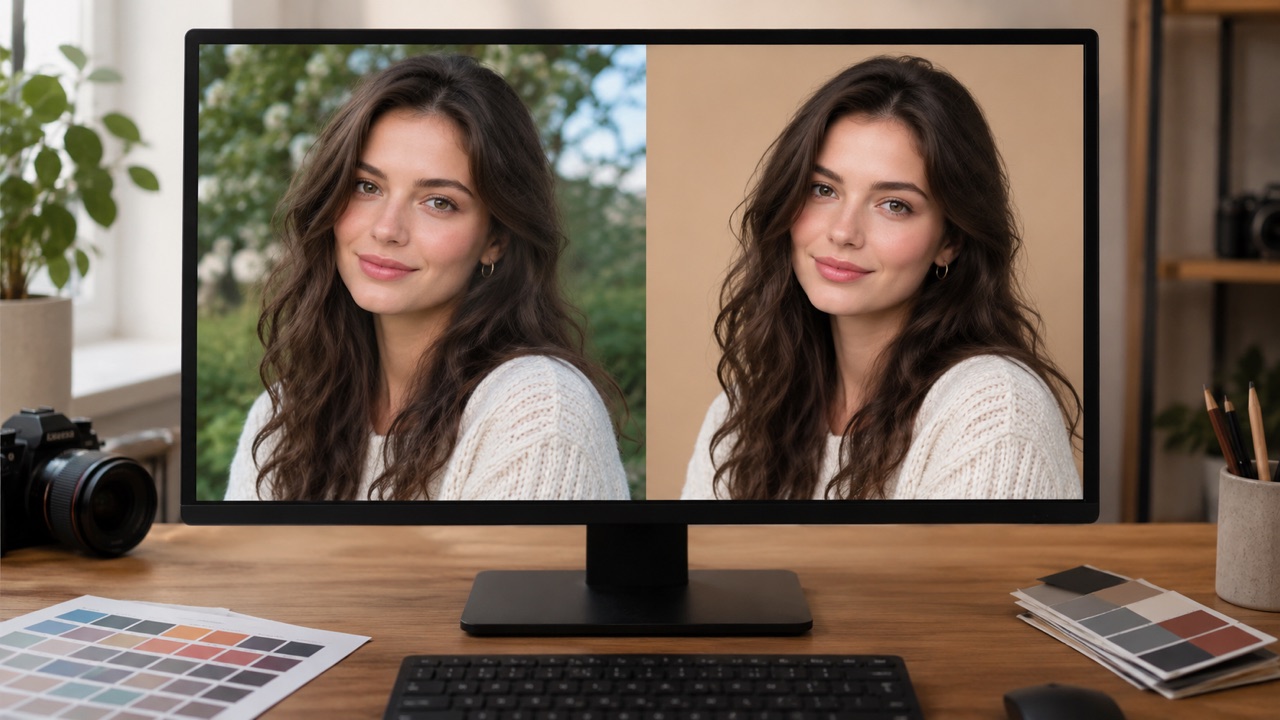
Make a headshot
A front-facing selfie with even light works best.