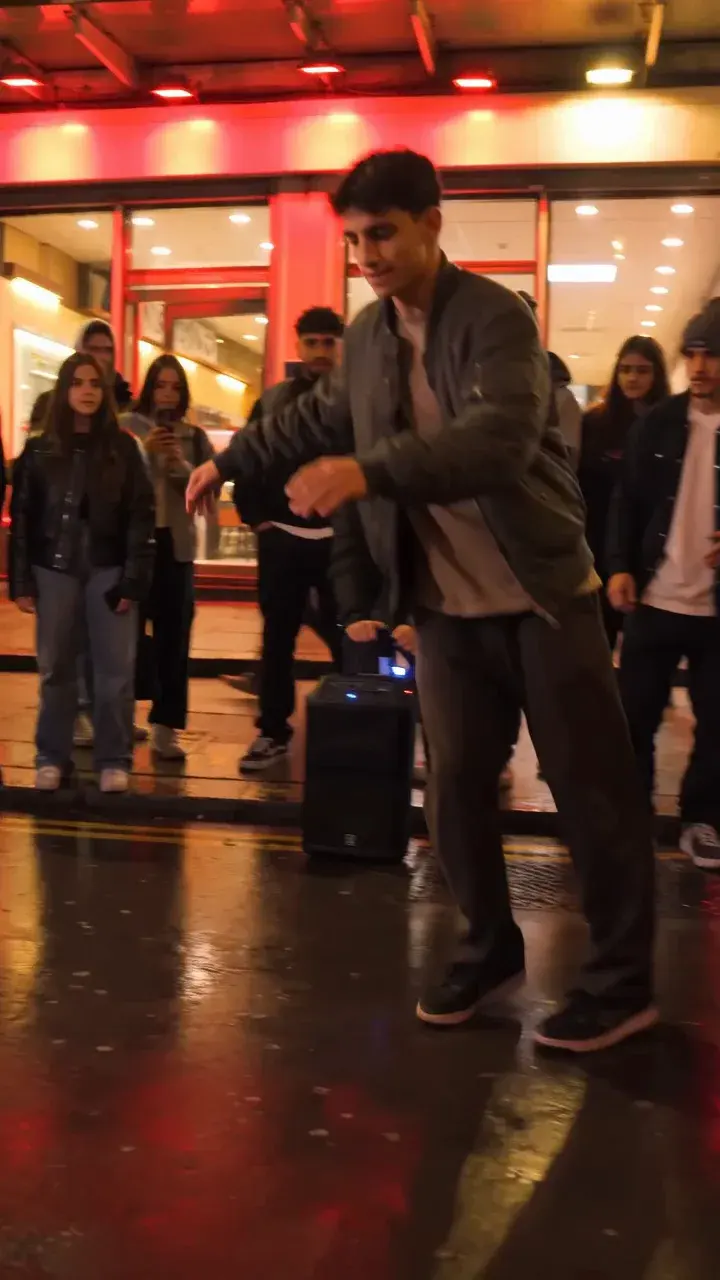
Best Photos for Bulin 47 AI Freestyle Videos in 2026
Choose a clear portrait for a Bulin 47 AI freestyle video. Compare lighting, framing, hair and clothing examples, then test your photo in the embedded studio.
· Bulin 47 AI Team
Try the workflow
Make your Bulin 47 AI video
One photo puts your chosen adult into an original freestyle scene.
JPG, PNG or WebP · up to 10 MB · adults only
Choose one clear, well-lit adult portrait. A front-facing face and visible outfit help keep the result consistent.
Extra direction (optional)
Public is the default. Reviewed finished results may appear in examples. Your uploaded photo stays private.
$9.90/ 1 video
50 credits to unlock · 8 secondsUpload one portrait to continue.
Preview before you pay. Choose a one-time pack, monthly plan or yearly plan.
Your videos
Upload a portrait above. Your previews and unlocked clips will appear here.
Access and credit rule: You can choose a photo before sign-in. Starting a new video requires an account and either an eligible preview allowance or enough purchased credits. First-touch ChatGPT users need payment before generation. Other eligible accounts have one no-credit preview under capacity. A preview itself deducts no site credits; only unlocking a clean MP4 deducts 50.
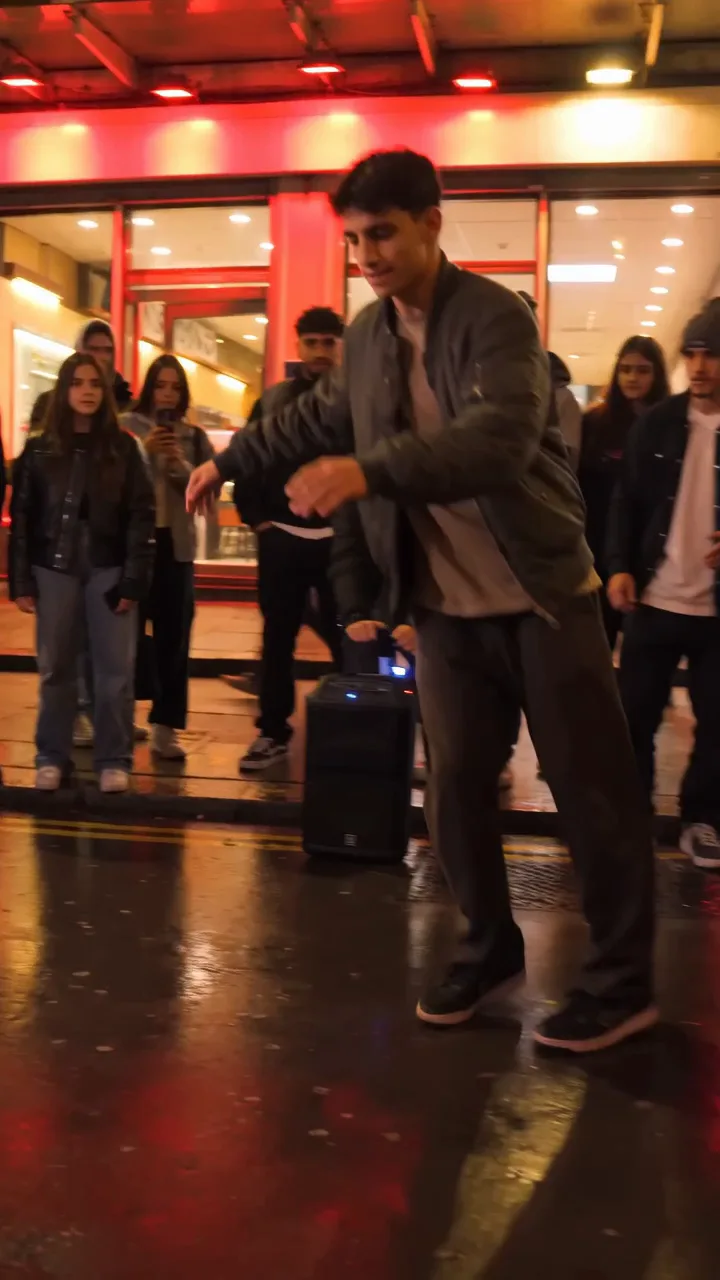
Bulin 47 AI Freestyle videos are a unique way to animate a portrait with dynamic, red-lit dance motion—no performer or platform affiliation. To get the best results, you need to choose the right photo and follow a few key steps. The best photo for a Bulin 47 AI Freestyle video is a clear, well-lit, single-adult portrait (JPG, PNG, or WebP, up to 10 MB) with a neutral background and full, unobstructed face. This guide explains exactly how to select, prepare, and upload your photo for optimal results, with a worked example, comparison table, and answers to common questions.
Why Photo Choice Matters for Bulin 47 AI Freestyle
The Bulin 47 AI Freestyle tool at bulin47aivideo.pro uses a single uploaded portrait and a fixed, original red-lit motion reference to generate a silent, 8-second, 720p vertical MP4 video. The AI model (Kie bytedance/seedance-2 STANDARD) attempts to animate your subject’s face and head in sync with the freestyle dance, but it cannot guarantee perfect likeness or gesture accuracy. Your photo is the foundation for the entire video—blurry, obstructed, or poorly lit images will reduce quality.
- Only one consenting adult per photo is allowed.
- No custom video, audio, or voice upload is possible.
- The site provides a preview before you pay credits to unlock the final MP4.
- See the full process and limitations here.
Step-by-Step: How to Choose and Prepare the Best Photo
Follow these steps to maximize your Bulin 47 AI Freestyle video quality:
-
Select a Recent, High-Resolution Portrait
- Use a photo taken with a modern smartphone or camera.
- Ensure the file is JPG, PNG, or WebP, and under 10 MB.
-
Check Lighting and Background
- The face should be evenly lit (avoid harsh shadows or colored lighting).
- Use a plain, uncluttered background—white, gray, or soft colors work best.
-
Face Position and Expression
- Subject should look straight at the camera, head upright.
- Neutral or slight smile is best; avoid exaggerated expressions.
- No sunglasses, masks, or heavy makeup.
-
No Obstructions
- Remove hats, large earrings, or anything covering the face.
- Hair should not cover eyes or major facial features.
-
Adult Consent and Age
- Only upload photos of adults who have given explicit consent.
- Underage, explicit, and non-consensual media are prohibited. Automated checks may miss violations; submit only authorized adult photos. Read more about privacy and consent.
-
Final Checks
- Crop the image to focus on the head and shoulders.
- Double-check clarity and that the face is not blurred or pixelated.
-
Upload and Preview
- Upload your photo on bulin47aivideo.pro’s Freestyle page.
- Add an optional short text direction (e.g., “smile gently”).
- Generate the preview (no credits consumed yet).
- If satisfied, unlock the clean MP4 for 50 credits.
For more photo tips, see the dedicated photo guide.
Comparison Table: Photo Types for Bulin 47 AI Freestyle
| Photo Type | Likely Result Quality | Common Issues | Recommended? |
|---|---|---|---|
| Clear, neutral portrait | High | Few | Yes |
| Group photo (cropped) | Low | Artifacts, errors | No |
| Selfie with filters | Medium-Low | Distortion, blur | No |
| Side profile | Low | Poor motion mapping | No |
| Obstructed face (hair, mask) | Very Low | Unrecognizable face | No |
Realistic Worked Example: Credits and Costs
Suppose you want to create one Bulin 47 AI Freestyle video. Here’s how the process and arithmetic work:
- Account Creation: You sign up and verify your email. New accounts start with 0 credits.
- Credit Options:
- You can purchase 50 credits for $9.90 (one video unlock).
- Or, if you are a verified user and your first three site visits are on consecutive UTC days (not via ChatGPT), you’ll receive 50 credits ONCE on day 3. If you miss a day, progress resets. See full cost breakdown.
- Photo Upload: You upload a clear, adult portrait (JPG, 4 MB).
- Preview Generation: The site generates a low-res, watermarked preview. No credits are deducted at this stage.
- Unlocking the Final Video:
- You like the preview and choose to unlock the clean MP4.
- 50 credits are deducted from your balance.
- If you bought credits: $9.90 paid, 50 credits used, 0 remaining.
- If you earned credits: 50 credits used, 0 remaining.
No credits are consumed if generation fails or you do not unlock.
For more on the video creation process, see how to make a Bulin 47 AI video.
Tips for Best Results (and What to Avoid)
-
Do:
- Use a recent, high-quality, neutral portrait.
- Ensure the subject is an adult and has given consent.
- Preview before unlocking to check likeness and motion.
- Add music separately after download (the output is silent). See music tips.
-
Don’t:
- Upload group shots, side profiles, or photos with filters.
- Attempt to use underage, explicit, or non-consensual images (will be rejected).
- Expect exact gesture or speed matching—the AI is not perfect.
- Expect voice, audio, or custom video reference support.
For troubleshooting, visit the help page.
Frequently Asked Questions
Q1: Can I use a selfie?
A: Yes, if it’s clear, well-lit, and shows a full, unobstructed adult face. Avoid heavy filters or distortion.
Q2: Does the AI guarantee an exact likeness?
A: No, the model attempts to match identity and motion, but results may vary. Preview before unlocking.
Q3: Can I upload a video or add audio?
A: No, only a single photo is accepted. The output is silent; you must add music separately. See audio tips.
Q4: How many credits do I need for one video?
A: Unlocking a clean MP4 costs exactly 50 credits. Generation and preview are free; only unlocking deducts credits.
Q5: What if my photo is rejected?
A: Check for underage, explicit, non-consensual, or obstructed faces. Only clear, consenting adult portraits are accepted. See privacy/consent details.
Q6: Can I batch upload or use multiple templates?
A: No, only one photo and the site’s single original motion reference are supported per video. No batch or template selection is available.
Take Action: Start Your Bulin 47 AI Freestyle Video
Ready to create your own AI freestyle video? Gather your best adult portrait, follow the steps above, and preview your animation risk-free. When you’re satisfied, unlock the clean MP4 for 50 credits—no credits are used until you choose to unlock. For more inspiration, tips, and updates, visit our blog or explore Instagram Reels and TikTok guides.
Want studio-quality results or have questions? Contact our team at contact@bulin47aivideo.pro for personalized support.
For pricing details, see our plans.