How to Add Music to a Bulin 47 AI Video Safely in 2026
Add licensed music to a silent Bulin 47 AI video after download. Follow practical editing steps, compare audio choices and learn what rights you still need.
· Bulin 47 AI Team
Try the workflow
Make your Bulin 47 AI video
One photo puts your chosen adult into an original freestyle scene.
JPG, PNG or WebP · up to 10 MB · adults only
Choose one clear, well-lit adult portrait. A front-facing face and visible outfit help keep the result consistent.
Extra direction (optional)
Public is the default. Reviewed finished results may appear in examples. Your uploaded photo stays private.
$9.90/ 1 video
50 credits to unlock · 8 secondsUpload one portrait to continue.
Preview before you pay. Choose a one-time pack, monthly plan or yearly plan.
Your videos
Upload a portrait above. Your previews and unlocked clips will appear here.
Access and credit rule: You can choose a photo before sign-in. Starting a new video requires an account and either an eligible preview allowance or enough purchased credits. First-touch ChatGPT users need payment before generation. Other eligible accounts have one no-credit preview under capacity. A preview itself deducts no site credits; only unlocking a clean MP4 deducts 50.
If you want to add music to a Bulin 47 AI video, you must first generate and unlock your silent video on bulin47aivideo.pro, then use a separate video editor to combine your chosen audio. Bulin 47 AI does not support direct audio uploads or music integration during generation. This guide explains the process, provides a practical example, and answers common questions so you can confidently enhance your AI-generated content.
Understanding Bulin 47 AI Video Generation
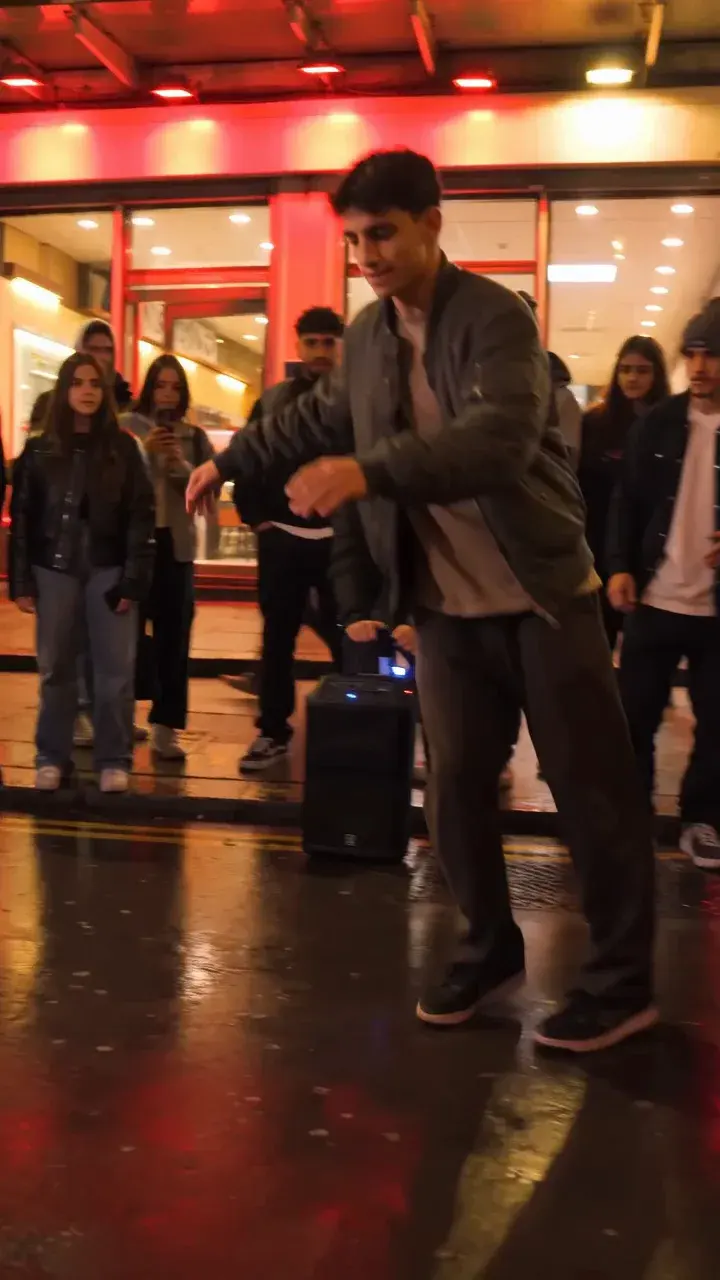
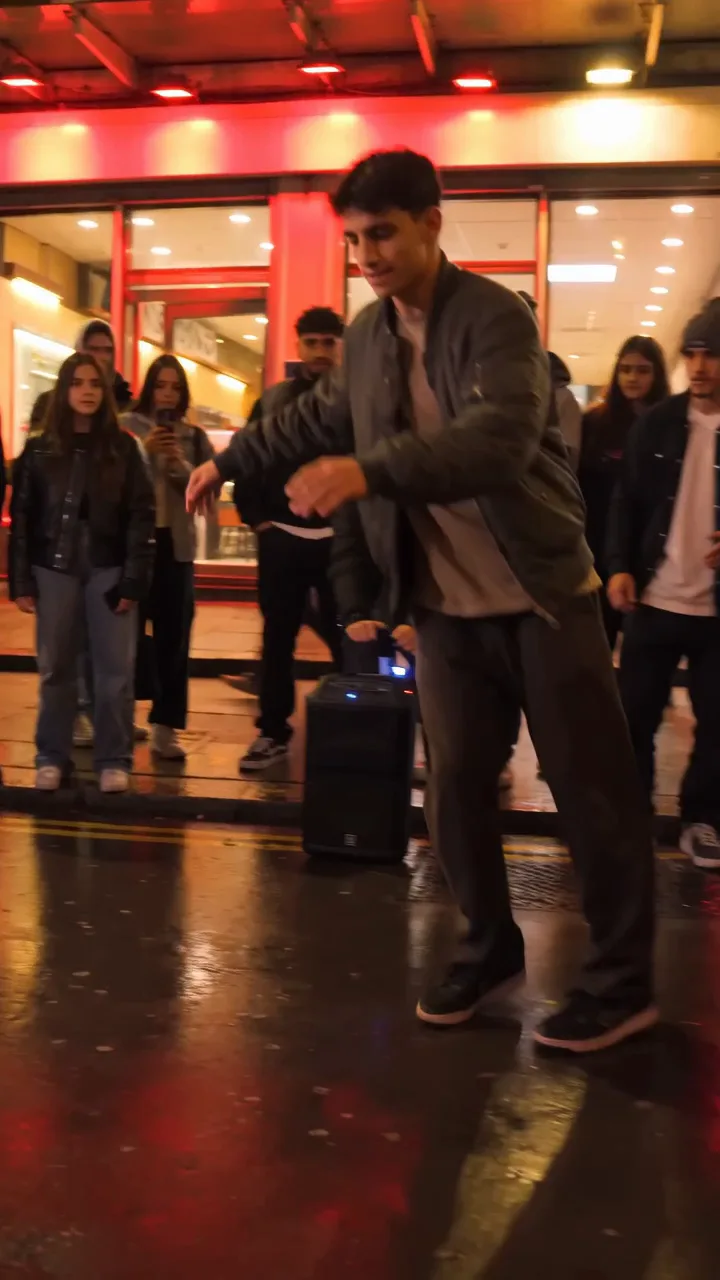
Bulin 47 AI is an independent, unofficial tool for creating short, AI-generated motion videos from a single consenting adult portrait. The platform uses the Kie bytedance/seedance-2 STANDARD model to animate your photo with a unique, red-lit freestyle motion reference. The result is a silent 8-second, 720p, 9:16 MP4 video. No audio, custom video, or voice cloning is included in the generation process. For more details on how the system works, see /blog/how-to-make-bulin-47-ai-video.
Step-by-Step: Adding Music to Your Bulin 47 AI Video
Follow these steps to add music to your Bulin 47 AI video:
-
Prepare Your Portrait Photo
- Use a clear, consenting adult portrait (JPG, PNG, or WebP, up to 10 MB).
- Ensure your image meets the platform’s guidelines (no explicit, abusive, or underage content).
-
Generate Your Silent AI Video
- Upload your photo and (optionally) a brief text direction to bulin47aivideo.pro.
- The site uses its own original red-lit freestyle motion reference.
- Wait for the AI to process and generate a silent 8-second preview.
- You can play the preview before deciding to unlock.
-
Unlock the Clean MP4
- If satisfied with the preview, unlock the clean, watermark-free MP4 for 50 credits.
- Generation and preview are free; only unlocking deducts credits.
- Credits can be purchased or, for eligible users, earned via the consecutive login reward (see FAQ below).
-
Download the Video
- Save the unlocked MP4 to your device.
-
Choose Your Music
- Select a music track you have rights to use (public domain, licensed, or original).
- Ensure the track is 8 seconds or can be trimmed to fit the video’s duration.
-
Combine Video and Audio in an Editor
- Use a video editing tool (such as CapCut, iMovie, DaVinci Resolve, or Adobe Premiere Pro).
- Import your Bulin 47 AI video and your chosen audio.
- Align the audio to the video’s 8-second length.
- Export the final video with music.
-
Share or Publish
- Upload your finished video to your preferred platform (Instagram, TikTok, etc.), following their content and copyright rules.
For troubleshooting tips, visit /blog/bulin-47-ai-troubleshooting.
Comparison Table: Bulin 47 AI vs. Adding Music in Editors
| Feature | Bulin 47 AI Video Maker | CapCut/iMovie/Other Editors | Resulting Video |
|---|---|---|---|
| Audio Support | No | Yes | Yes |
| Video Length | 8 seconds | Customizable | 8 seconds |
| Output Format | 720p, 9:16, MP4 | Varies (up to 4K) | 720p, 9:16, MP4 |
| Watermark-Free Option | Yes (after unlock) | Yes | Yes |
| AI Motion Generation | Yes | No | Yes |
For more on Bulin 47 AI’s features, see /blog/bulin-47-ai-video-maker.
Realistic Example: Adding Music to a Bulin 47 AI Video
Let’s walk through a real-world scenario:
Situation:
- You want to create a short, animated video for your Instagram Reels using Bulin 47 AI, and add an 8-second music clip.
Steps:
- Upload your portrait to bulin47aivideo.pro (e.g., a 2 MB JPG).
- Generate the preview (free, silent, 8 seconds).
- Unlock the clean MP4 for 50 credits. Suppose you are a new user and buy the $9.90 package (1 video/50 credits). After unlocking, your credit balance is:
- Starting credits: 50
- Unlock cost: -50
- Remaining credits: 0
- Download the MP4 (720p, 9:16, 8 seconds, silent).
- Select your music (e.g., an 8-second royalty-free clip).
- Open CapCut (or similar editor), import the video and audio, trim the music to 8 seconds, and export.
- Upload to Instagram Reels following their music and copyright guidelines.
For more on using Bulin 47 AI with Instagram, see /blog/bulin-47-ai-instagram-reels.
Frequently Asked Questions
Q1: Can I upload my own music or audio to Bulin 47 AI?
No. Bulin 47 AI only generates silent videos. You must add music separately using a video editor.
Q2: Does unlocking the video cost credits?
Yes. Unlocking the clean, watermark-free MP4 costs exactly 50 credits. Generating and previewing the video is free.
Q3: How do I earn credits as a new user?
Verified users who are not first-touch ChatGPT visitors can earn 50 usable credits ONCE by opening the site on three consecutive UTC calendar days. No credits are awarded on day 1 or 2, and missing a day resets progress. Credits are not given for ChatGPT-referred first visits.
Q4: What are the pricing options for credits?
- $9.90 for 1 video/50 credits (one-time)
- $19.90 for 3 videos/150 credits (one-time)
- $29.90 for 5 videos/250 credits (one-time)
- $24.90/month for 5 videos/250 credits (subscription, credits expire monthly)
- $249/year for 52 videos/2600 credits (subscription, credits expire yearly) See /pricing for details.
Q5: Is my uploaded photo private?
Yes. Uploaded portraits are not publicly listed. Generated results default to Public eligibility; only reviewed clips can appear in the gallery. For privacy details, see /blog/bulin-47-ai-privacy-consent.
Q6: Can I batch process or use multiple templates?
No. The current product only supports one video at a time, using the site’s single original motion reference.
Take Action: Enhance Your Bulin 47 AI Videos
Ready to bring your AI-generated videos to life with music? Start by creating your silent video on bulin47aivideo.pro, then use your favorite editor to add the perfect soundtrack. For more inspiration, tips, and creative ideas, explore our studio’s guides:
- How to Make a Bulin 47 AI Video
- Bulin 47 AI Video Maker Features
- Bulin 47 AI Freestyle Motion
- Troubleshooting Bulin 47 AI
If you have questions or need support, contact us at contact@bulin47aivideo.pro. Unlock your creativity and make your Bulin 47 AI videos stand out with music today!