ONE PHOTO · ONE CLIP
Photo to video AI with a simple, honest workflow
A photo-to-video tool should make one decision easy: does this portrait look right in motion? Here you upload a single adult portrait, watch a watermarked preview, and unlock the clean file only after you have seen the movement, framing and likeness for yourself.
A new personal video needs at least 50 valid credits before generation; unlocking the clean MP4 uses the same 50.
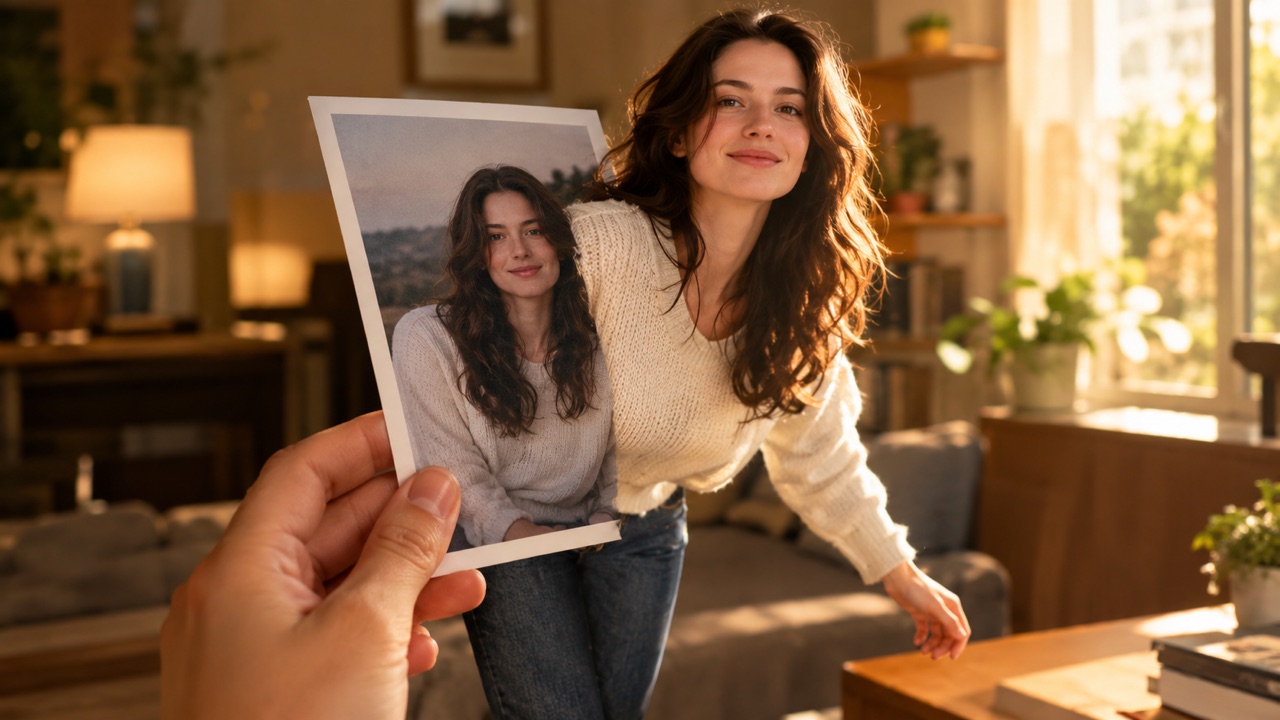
Turn a portrait into a clip
Best with a front-facing face and an uncluttered background.
Make your Bulin 47 AI video
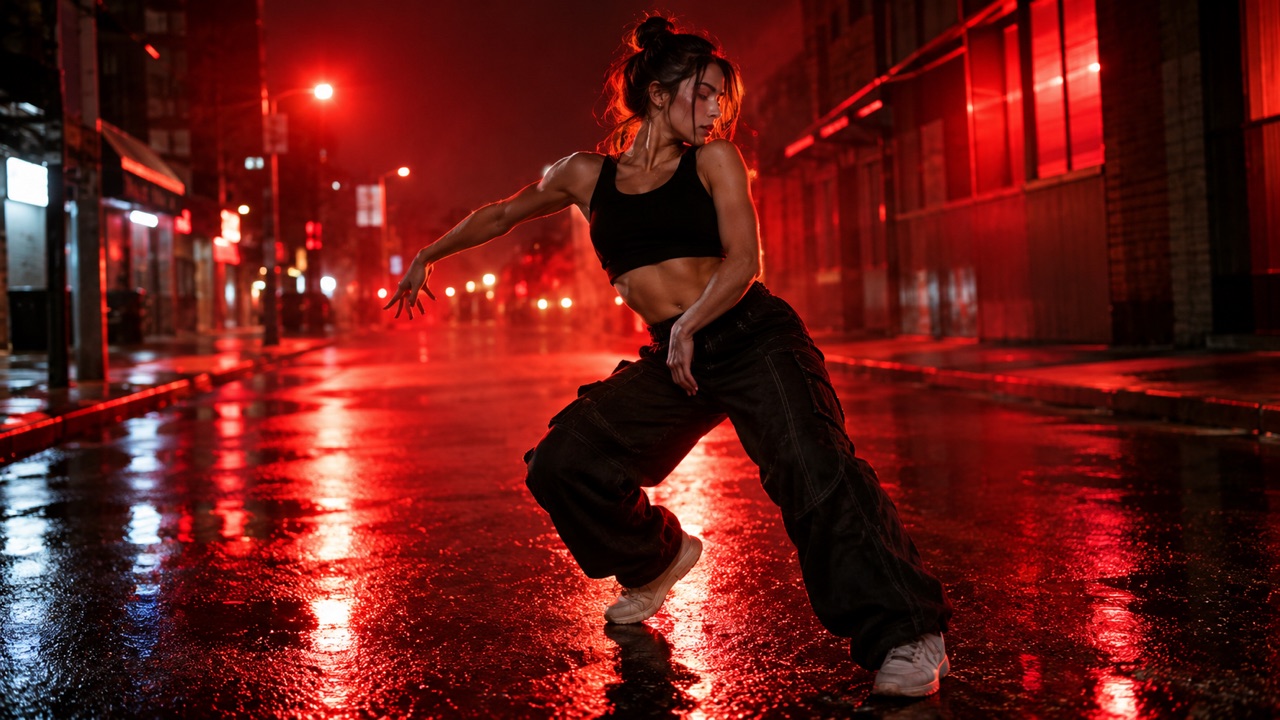
One photo puts your chosen adult into an original freestyle scene.
JPG, PNG or WebP · up to 10 MB · adults only
Choose one clear, well-lit adult portrait. A front-facing face and visible outfit help keep the result consistent.
Extra direction (optional)
Public is the default. Reviewed finished results may appear in examples. Your uploaded photo stays private.
$9.90/ 1 video
50 credits to unlock · 8 secondsSign in to check your balance · This video needs 50 credits
You need 50 more credits
1 video · $9.90 covers this video
Better value: 3 videos · $19.90 ($6.63 per video)
Upload one portrait to continue.
A new personal video requires at least 50 valid credits before generation.
Your videos
Upload a portrait above. After a paid generation, your watermarked previews and unlocked clips appear here.
How it works
Pick the right photo
Choose a sharp, front-facing portrait with even light. Avoid heavy filters, sunglasses and group photos; one visible adult gives the model the cleanest reference.
Let the scene move
The prepared freestyle reference supplies the camera timing and body movement. You can keep the original outfit or replace the whole appearance.
Unlock only the keeper
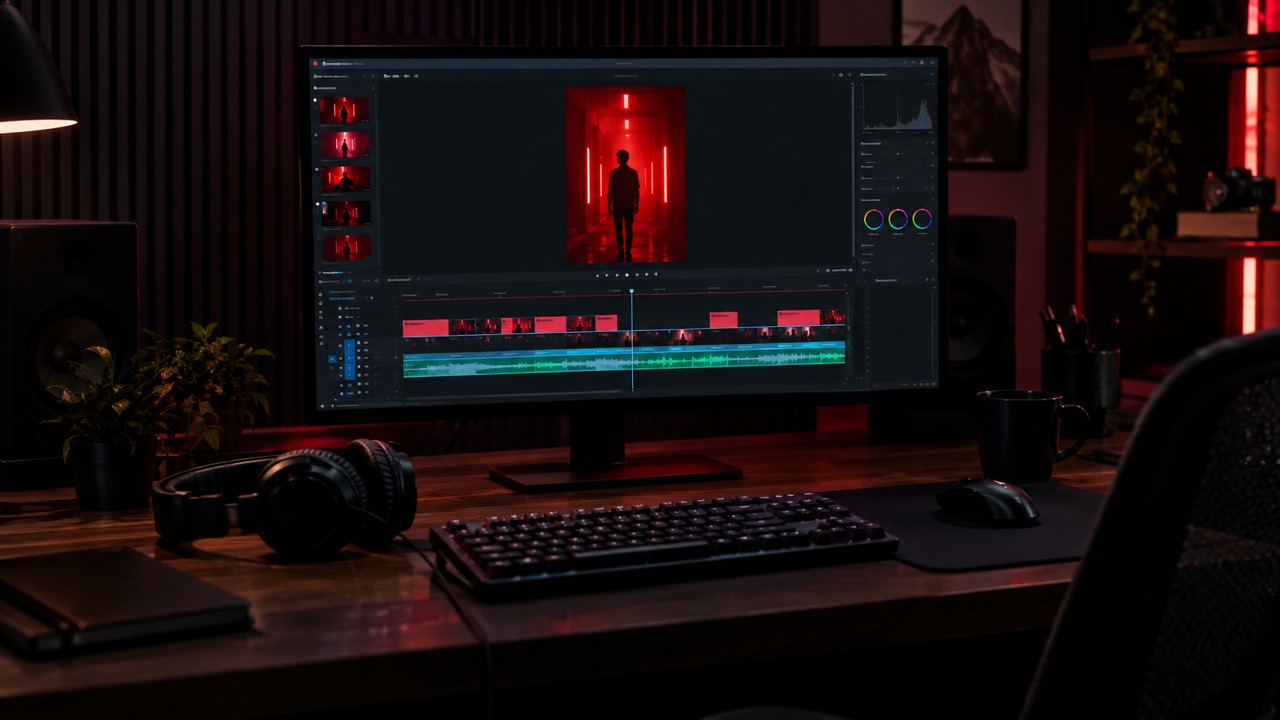
Preview the watermarked video first. If the likeness holds, use 50 credits to unlock the clean 8-second MP4.
Best for
- Turning a favorite portrait into a short social video
- Making a test clip before booking a real shoot
- Creating a labelled AI visual for a story or profile
Good to know
- !One adult per photo and one fixed motion reference.
- !Likeness, hands and fabric can vary between runs.
Adults only. Use photos you have permission to use. No nudity, violence or impersonation. AI results vary. Label AI-generated media when a platform requires it.
Prompt ideas
Use these as a starting point, then adjust the details.
“Keep the same outfit, only change the face”
“Natural smile, subtle head turn”
“Warm evening light, no extra people”
Questions, answered
What photo works best?
A recent, sharp, front-facing photo of one adult, with the face and shoulders clearly visible and no heavy shadow across the eyes.
Why does the face sometimes change?
The model reconstructs frames from a moving reference. Identity can drift when the photo is blurry, angled or partially covered. A clearer portrait usually reduces drift.
Can I use my phone?
Yes. The studio accepts JPG, PNG and WebP files up to 10 MB in a modern mobile browser, and the output is a vertical MP4.
Is my uploaded photo public?
No. Uploaded portraits stay private. Finished results default to public eligibility, but gallery selection requires a separate editorial review.
What if the generation fails?
A failed generation does not consume unlock credits. Check the error, try a clearer photo, and start a new video.
Related tools
All tools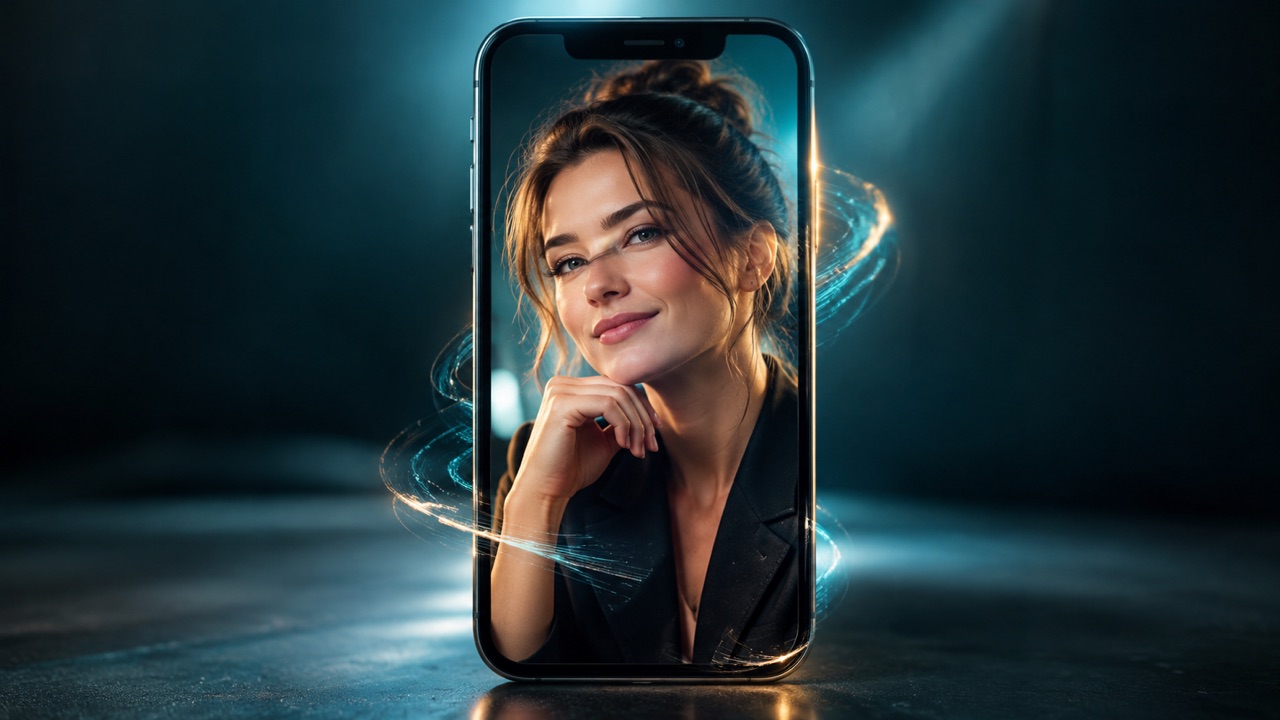
Turn a portrait into a clip
Best with a front-facing face and an uncluttered background.