REPLACE THE PERFORMER
AI video editing without a timeline
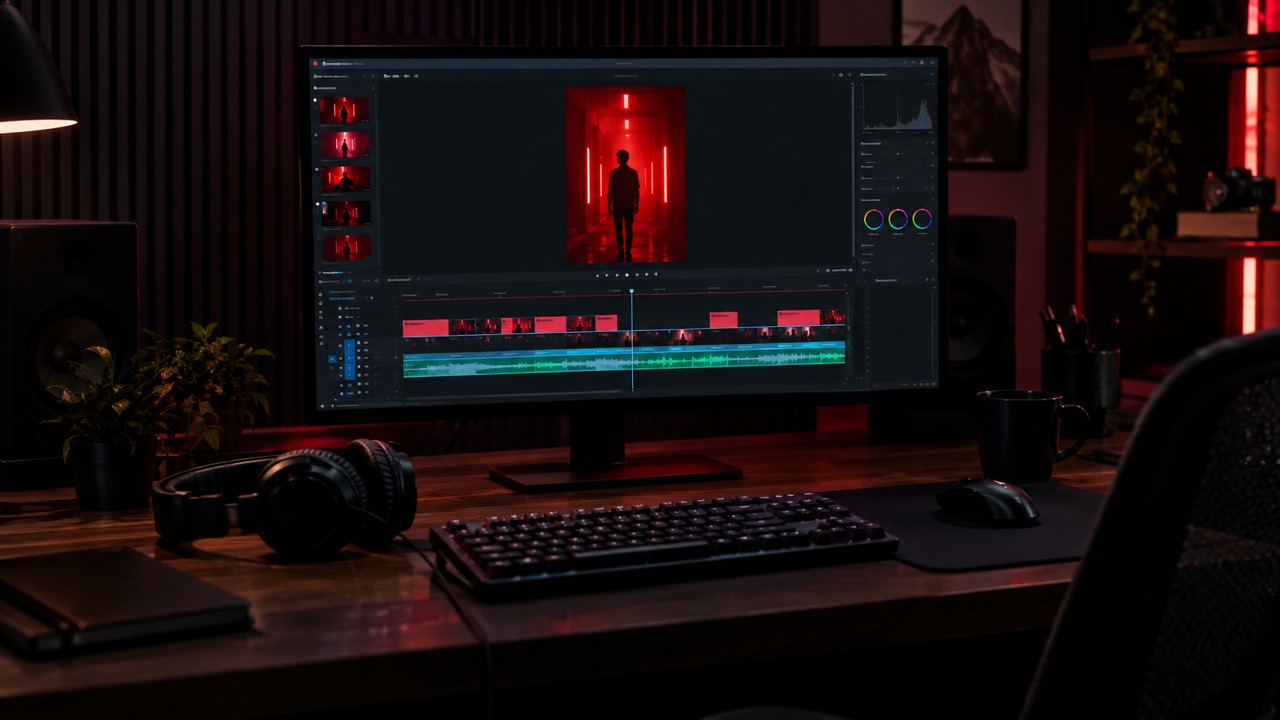
Most video editors ask you to learn tracks, masks and keyframes. This one asks for a photo. Replace the performer in a prepared freestyle clip with yourself or a consenting adult, keep the camera movement, and review the result before unlocking.
A new personal video needs at least 50 valid credits before generation; unlocking the clean MP4 uses the same 50.
Edit the performer
Face-only or full appearance, your choice.
Make your Bulin 47 AI video
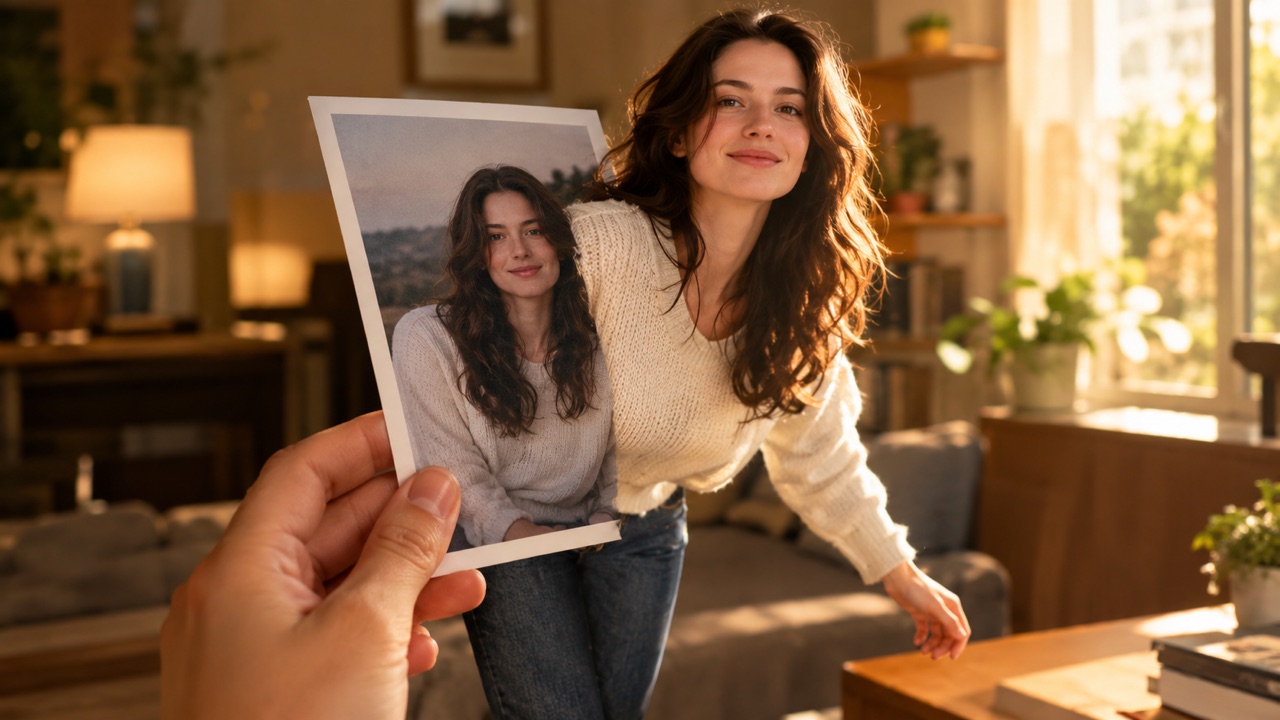
One photo puts your chosen adult into an original freestyle scene.
JPG, PNG or WebP · up to 10 MB · adults only
Choose one clear, well-lit adult portrait. A front-facing face and visible outfit help keep the result consistent.
Extra direction (optional)
Public is the default. Reviewed finished results may appear in examples. Your uploaded photo stays private.
$9.90/ 1 video
50 credits to unlock · 8 secondsSign in to check your balance · This video needs 50 credits
You need 50 more credits
1 video · $9.90 covers this video
Better value: 3 videos · $19.90 ($6.63 per video)
Upload one portrait to continue.
A new personal video requires at least 50 valid credits before generation.
Your videos
Upload a portrait above. After a paid generation, your watermarked previews and unlocked clips appear here.
How it works
Upload your reference
Choose one sharp portrait of an adult. The model uses it as the only appearance reference for the new performer.
Choose the edit depth
Face and hair keeps the original outfit. Whole appearance replaces the face, hair and clothing together.
Check the motion
The prepared clip keeps its camera timing and choreography. Watch the preview for hands, fabric and identity, then unlock the clean file.
Best for
- Replacing a performer without reshooting
- Testing a costume or character in motion
- Creating a short, labelled AI clip for social media
Good to know
- !You cannot upload your own source video; the edit happens on our prepared scene.
- !The output is silent, vertical and eight seconds long.
Adults only. Use photos you have permission to use. No nudity, violence or impersonation. AI results vary. Label AI-generated media when a platform requires it.
Prompt ideas
Use these as a starting point, then adjust the details.
“Keep the outfit, replace only the face”
“Use my face, hair and outfit”
“Keep the same body proportions”
Questions, answered
Can I upload my own video to edit?
Not yet. This page edits the prepared freestyle reference. Uploading an arbitrary clip would require a different moderation and licensing workflow.
What is the difference between the two edit modes?
Face and hair keeps the original clothing. Whole appearance replaces the face, hair and outfit with the person in your photo.
Can I change the length or aspect ratio?
The current output is fixed at eight seconds, 720p and 9:16 so the motion reference stays consistent.
Does a failed edit cost credits?
No. A failed generation does not consume unlock credits. Only a successful unlock uses 50 credits.
Can I use the result commercially?
You need the rights to the photo and to any audio you add. The export is silent, so add only music or recordings you are allowed to use.
Related tools
All tools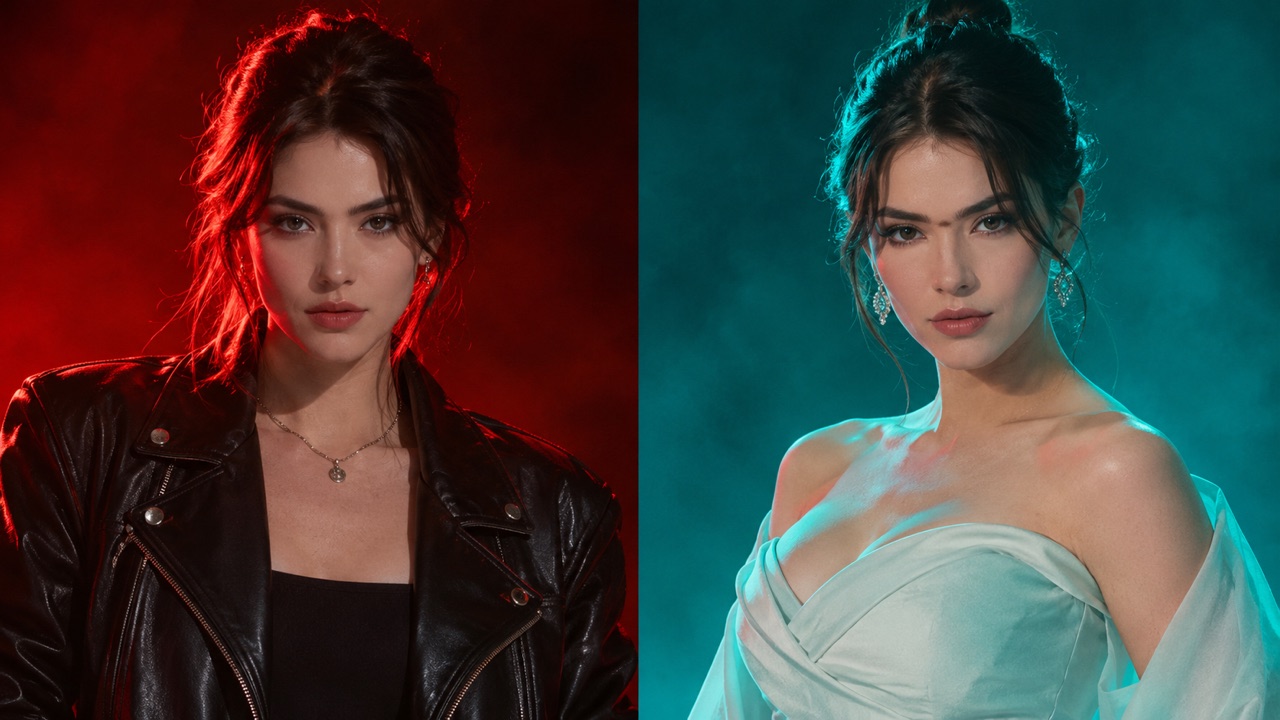
Edit the performer
Face-only or full appearance, your choice.