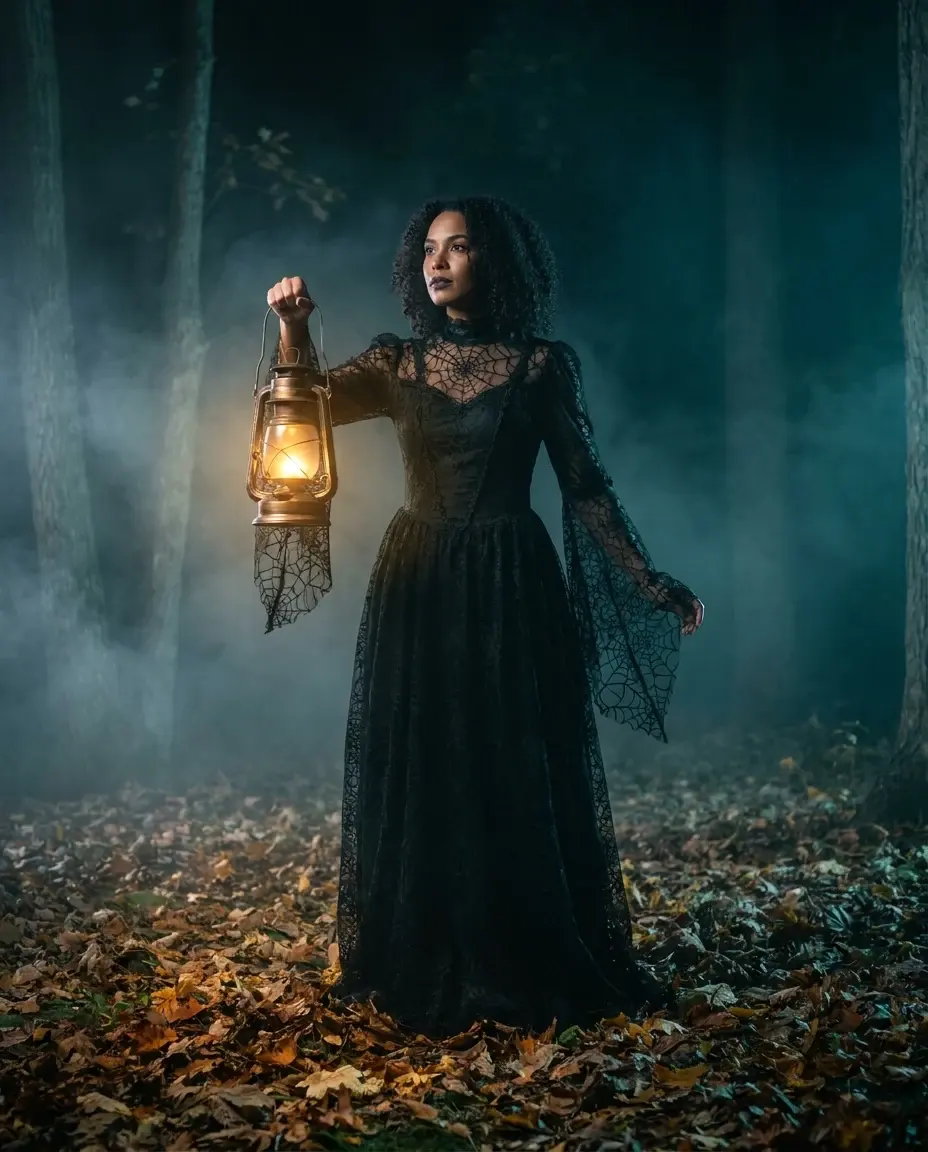
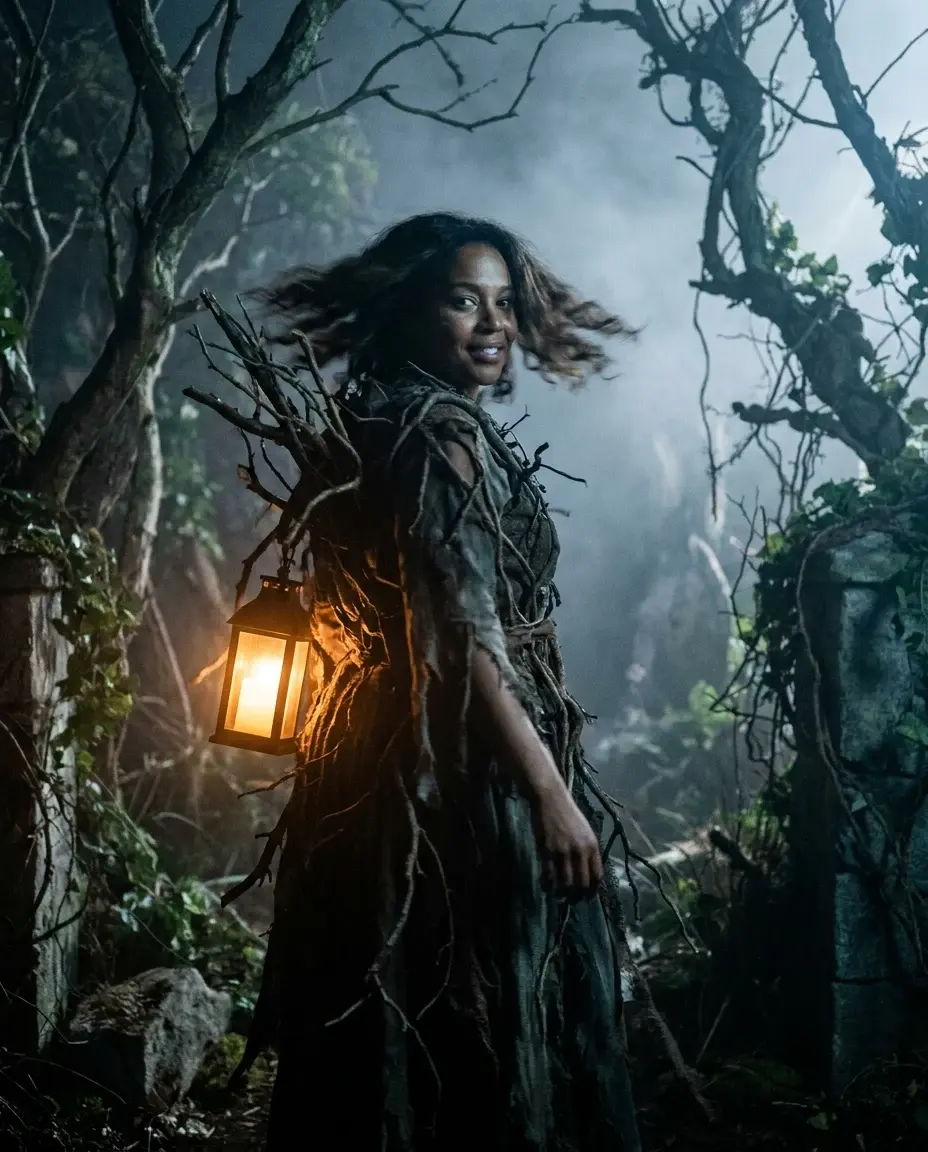
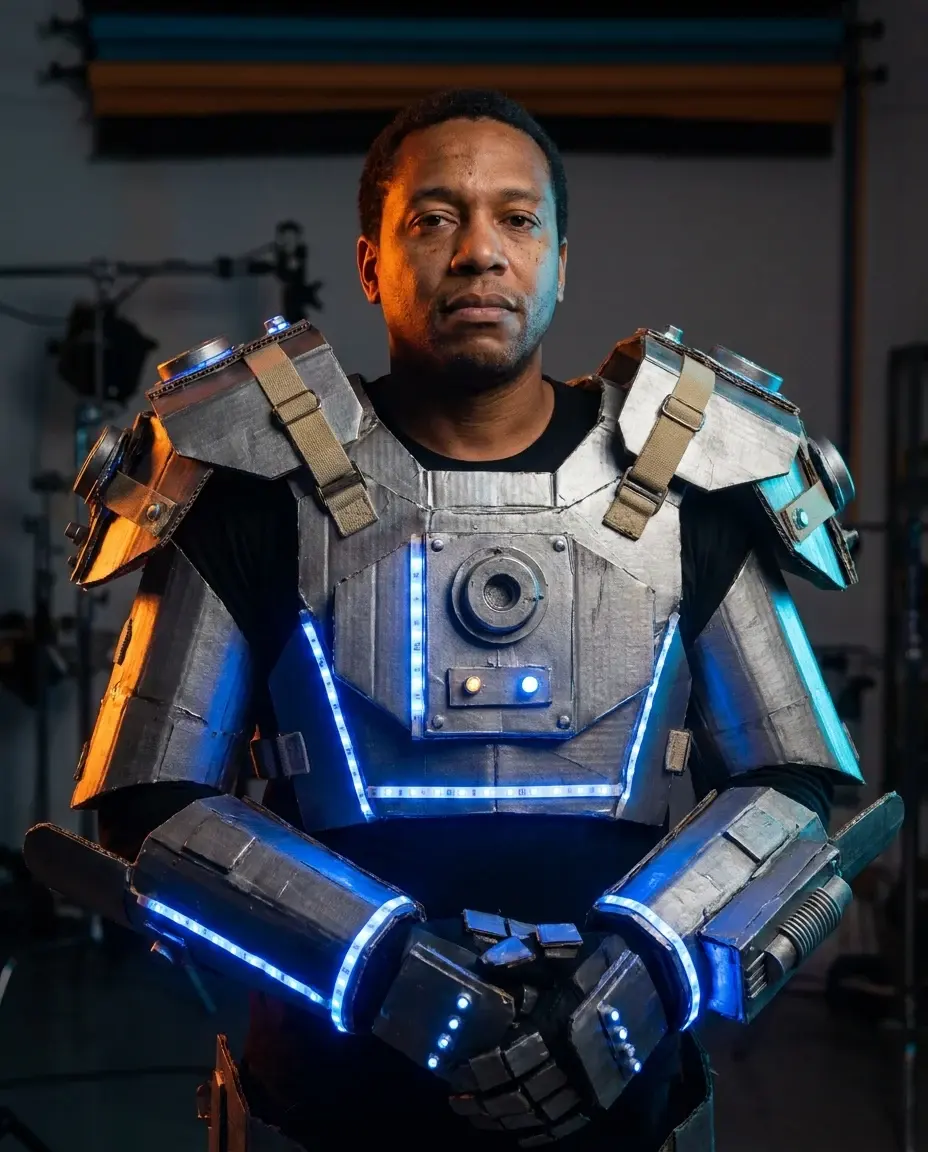
A CORRIDOR WITH NO EXIT
The Backrooms AI video: The Complete 2026 Guide
Make a restrained Backrooms-inspired Halloween clip with yellow corridors, fluorescent light and slow camera movement. No gore, no jump scares.
This guide walks through the look, the prompt, the honest limits and the exact credit rules. Use the studio below to test the idea with one clear adult portrait, then compare the result with the static reference.
What you get from this page
- Low ceiling and repeating frames.
- Damp carpet and fluorescent light.
- One small wrong detail.
- A distant subject for scale.
Overview
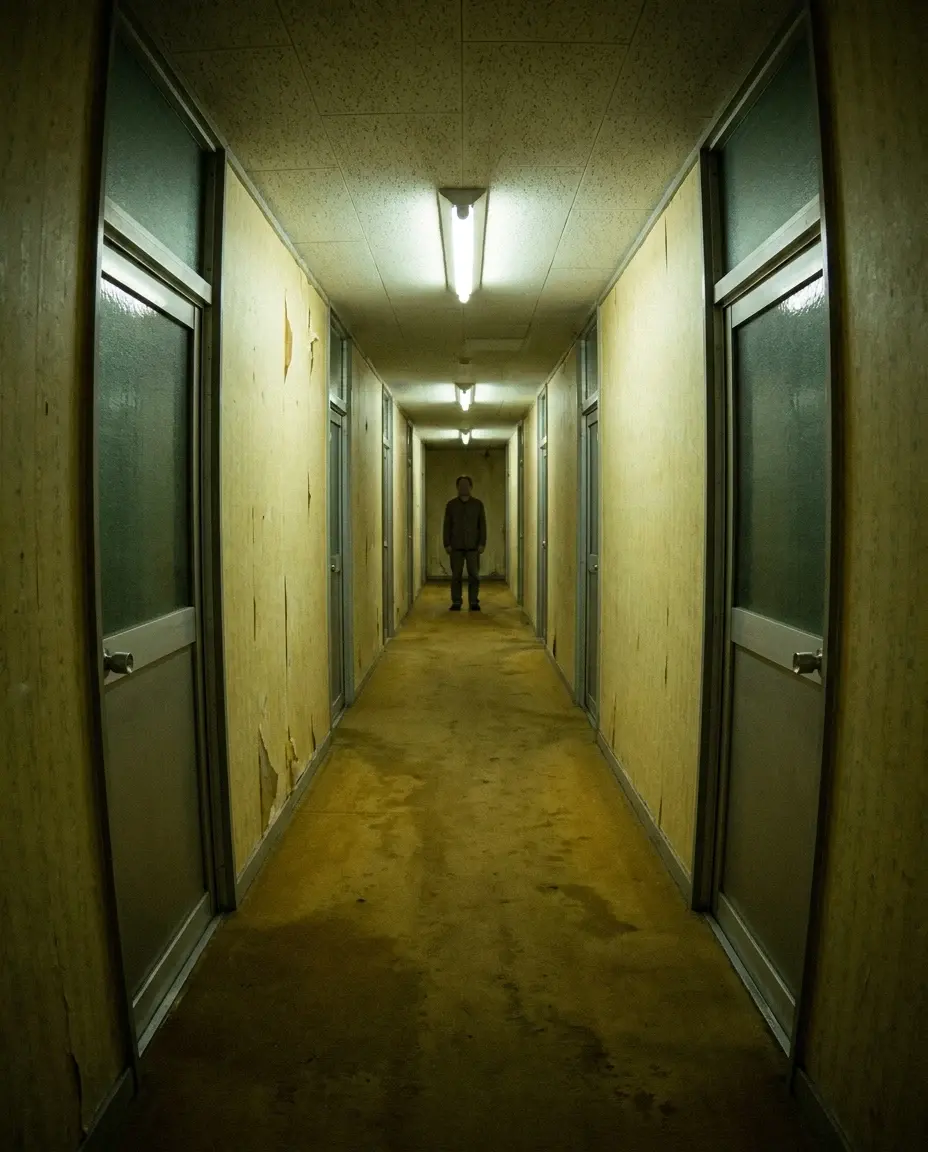
The Backrooms look is built from ordinary details: yellow wallpaper, damp carpet, fluorescent light and a corridor that repeats. The fear comes from the space, not from a monster. That makes it a good fit for a short, restrained Halloween clip.
This page keeps the look brand-neutral and avoids gore. Use a slow push-in, a single light flicker and a still subject. The moment you add a chase scene, the clip becomes harder to control and easier to make look cheap.
Try this look with your own photo
This is the working studio, not a mock-up. Upload one adult portrait, add the look direction and review the result before you pay to unlock the clean MP4.
Make your Bulin 47 AI video
One photo puts your chosen adult into an original freestyle scene.
JPG, PNG or WebP · up to 10 MB · adults only
Choose one clear, well-lit adult portrait. A front-facing face and visible outfit help keep the result consistent.
Extra direction (optional)
Public is the default. Reviewed finished results may appear in examples. Your uploaded photo stays private.
$9.90/ 1 video
50 credits to unlock · 8 secondsSign in to check your balance · This video needs 50 credits
You need 50 more credits
1 video · $9.90 covers this video
Better value: 3 videos · $19.90 ($6.63 per video)
Upload one portrait to continue.
A new personal video requires at least 50 valid credits before generation.
Your videos
Upload a portrait above. After a paid generation, your watermarked previews and unlocked clips appear here.
Copy-ready prompt recipes
Each recipe is a starting point. Change one detail at a time and keep the identity constraints in place. The video prompts describe motion; the still-image prompts describe a look.
Corridor still
A restrained Backrooms-style still with strong depth.
Eerie yellow corridor with damp carpet and fluorescent lights, a lone adult figure standing far away, low ceiling, repeating door frames, subtle film grain, no gore, no monsters, no text.
Image to video
A slow, uneasy clip that works as a loop.
Use the image as the starting frame. Camera pushes in slowly, one fluorescent light flickers, the distant subject stays still, dust drifts, no cuts, no monster, no gore, no text.
Empty corridor
A background plate for a title card or a longer edit.
Empty Backrooms-style corridor, yellow wallpaper, damp carpet, one chair in the middle, fluorescent light, wide angle, no people, no gore, no text or logos.
The details that sell the space
Use a low ceiling, a repeating door frame and a carpet that looks slightly wet. Add one wrong detail, such as a chair in the middle of the corridor or a light that is too warm. The brain notices the inconsistency before it notices the monster.
Keep the subject small in the frame. A person at the far end of the corridor creates scale. A close-up face removes the mystery and turns the image into a generic horror portrait.
- Low ceiling and repeating frames.
- Damp carpet and fluorescent light.
- One small wrong detail.
- A distant subject for scale.
How to keep it tasteful
Avoid gore, jump scares and real-world locations that could be mistaken for a crime scene. The look is a fiction, and the page should feel like a creative experiment, not a threat.
For video, use a slow push-in and a single flicker. If you want a stronger effect, add a low ambient sound in a separate editor. Do not ask the model to generate a scream or a voice.
Credits, pricing and delivery
A new personal video requires at least 50 valid credits before generation. Unlocking the clean MP4 uses 50 credits. One-time pack credits never expire; subscription credits expire at the end of the billing period.
One-time packs start at $9.90 for one video, $19.90 for three and $29.90 for five. A monthly plan is $24.90 and a yearly plan is $249. Prices are in USD and taxes are shown at checkout. A failed generation does not consume unlock credits.
Model and provider notes
The public video studio uses KIE with bytedance/seedance-2 Standard. Moderation uses SeeAPI. The concept images on this page were generated with KIE nano-banana-pro. WaveSpeed, fal and Replicate adapters exist in the codebase but are not enabled for this public studio unless configured.
Questions people ask before they try it
Is this based on a real place?
No. The image is a fictional, AI-generated interpretation of an internet horror aesthetic. It is not a photograph of a real location.
Can I add a monster?
You can, but the page is designed for restrained atmosphere. If you add a creature, keep it distant and avoid gore. Check the platform rules before posting.
Why does the clip look better in the dark?
Low light hides small inconsistencies and makes the fluorescent highlights stand out. Review the clip at phone brightness before you post.
Can I use this for a music video?
Yes, if you have the rights to the music and the image. Add the audio in a separate editor and credit the AI-generated visuals where required.
AI-generated examples. Results vary with the photo, prompt and model. Not affiliated with any film, game, music label or costume brand.