METAL, LIGHT, HUMAN FACE
AI robot costume videoA costume, not a transformation.
Robot costumes look best when the person is still visible inside the suit. The face, eyes and human proportions are what make the image feel like a costume rather than a CGI character. The prompt should protect those details and add armor around them.
A new personal video needs 50 valid credits before generation. Review the preview first; failed generation uses no unlock credits.
- One adult portrait
- 8 seconds, 720p, 9:16
- 50 credits to unlock
- Preview before you pay
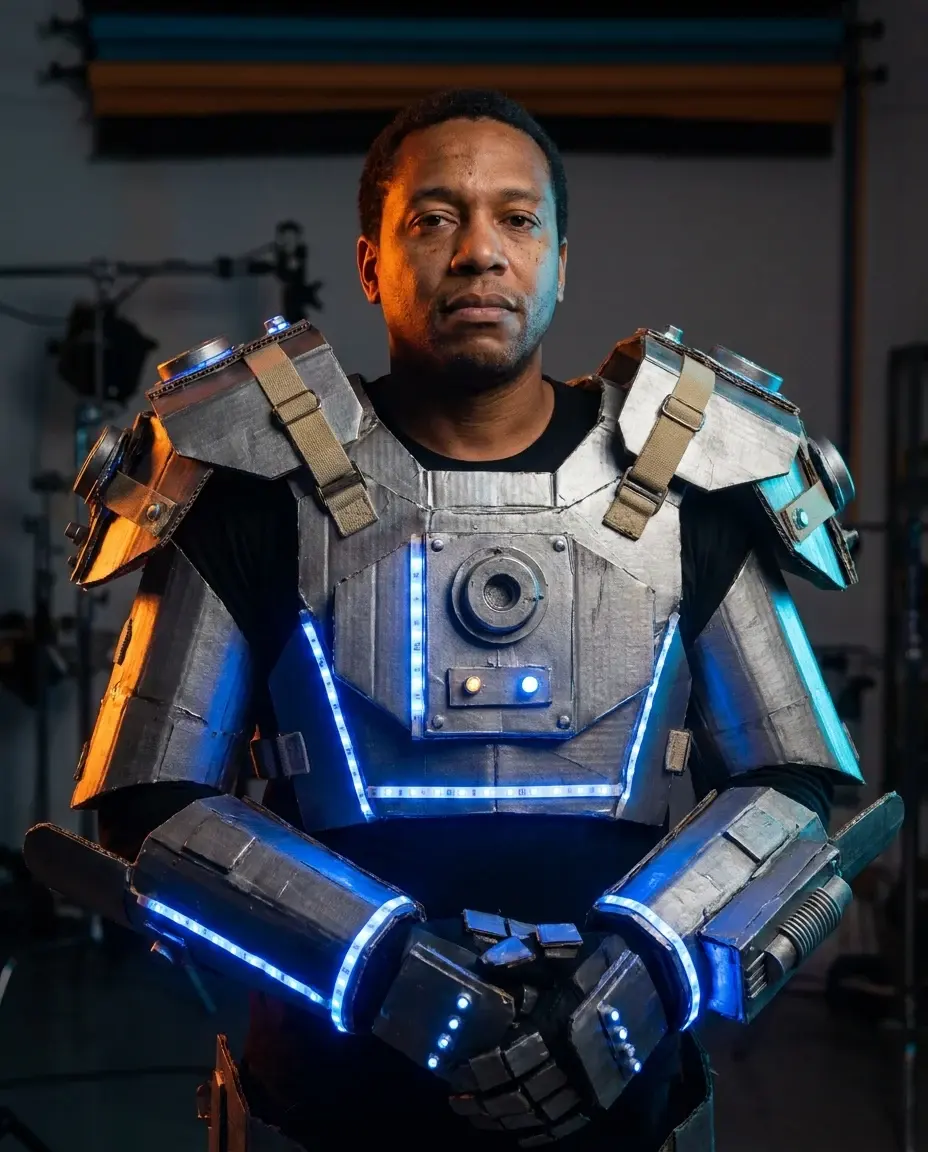
This look works for tech-themed parties, group costumes and short-form video. Keep the panels believable, keep the LEDs subtle and do not replace the face with a robot head.
What you get from this page
- Will the generator turn me into a robot?
- Can I use this for a tech product ad?
- Why do the hands look wrong?
01 / Try this look with your own photo
Try this look with your own photo
This is the working studio, not a mock-up. Upload one adult portrait, add the look direction and review the result before you pay to unlock the clean MP4.
Make your Bulin 47 AI video
One photo puts your chosen adult into an original freestyle scene.
JPG, PNG or WebP · up to 10 MB · adults only
Choose one clear, well-lit adult portrait. A front-facing face and visible outfit help keep the result consistent.
Extra direction (optional)
Public is the default. Reviewed finished results may appear in examples. Your uploaded photo stays private.
$9.90/ 1 video
50 credits to unlock · 8 secondsSign in to check your balance · This video needs 50 credits
You need 50 more credits
1 video · $9.90 covers this video
Better value: 3 videos · $19.90 ($6.63 per video)
Upload one portrait to continue.
A new personal video requires at least 50 valid credits before generation.
Your videos
Upload a portrait above. After a paid generation, your watermarked previews and unlocked clips appear here.
02 / Prompt recipe
Copy-ready prompt recipes
Each recipe is a starting point. Change one detail at a time and keep the identity constraints in place. The video prompts describe motion; the still-image prompts describe a look.
Wearable robot
A costume portrait that still looks human.
Copy prompt
Use the uploaded photo as reference. Preserve the adult face, skin tone and pose. Create a realistic wearable robot costume with metallic armor panels, visible straps, subtle blue LED accents and articulated shoulders. Do not replace the face with a robot head. Cinematic blue and orange studio light, no extra limbs, no text.
Image to video
A controlled motion clip for a tech or Halloween post.
Copy prompt
Use the image as the starting frame. The subject slowly turns their head, shoulder armor shifts slightly, blue LEDs pulse once, camera pushes in slowly, stable anatomy, consistent costume, no cuts, no text.
DIY cardboard variant
A budget-friendly costume concept that reads as handmade.
Copy prompt
Original DIY cardboard robot costume, silver paint, visible tape seams, blue LED strip, playful studio portrait, preserve the adult face and body proportions, no brand logos.
Make the costume look wearable
Add seams, straps and a little asymmetry. Perfectly smooth armor looks like a render; a visible strap or a slightly uneven panel looks like something a person could put on. Keep the shoulders and neck clear enough to show the body underneath.
Use blue LEDs as accents, not as the main light source. A warm key light on the face and cool blue accents on the armor create a cinematic contrast without turning the skin blue.
- Visible straps and seams.
- Warm face light, cool armor accents.
- Human eyes and skin texture.
- No full robot head replacement.
Motion that suits the costume
A robot look can handle a slightly more mechanical movement: a slow head turn, a small shoulder shift and a flicker of the LEDs. Avoid a full dance or a fast spin. The armor is complex and the model needs time to keep it consistent.
If the clip is for a product demo, put the product or the costume detail in the first frame. If it is for a party post, start with the face and let the armor reveal itself as the camera pushes in.
Questions people ask before they try it
Will the generator turn me into a robot?
The prompt explicitly asks for a wearable costume and a human face. Review the preview and reject any image that replaces your face with a machine.
Can I use this for a tech product ad?
Only with the right permissions and a clear disclosure that the image is AI generated. Do not imply that a real product was photographed if it was not.
Why do the hands look wrong?
Hands are a common failure point. Keep them out of the frame, or ask for simple gloved hands. Check the preview before unlocking.
Can I add audio?
The studio output is silent. Add licensed sound effects or music in a separate editor after download.
Ready to try this look with your own photo?
Upload one clear portrait of a consenting adult, review the watermarked preview and unlock the clean MP4 only when the result works for you.
Create this video · $9.90Keep exploring
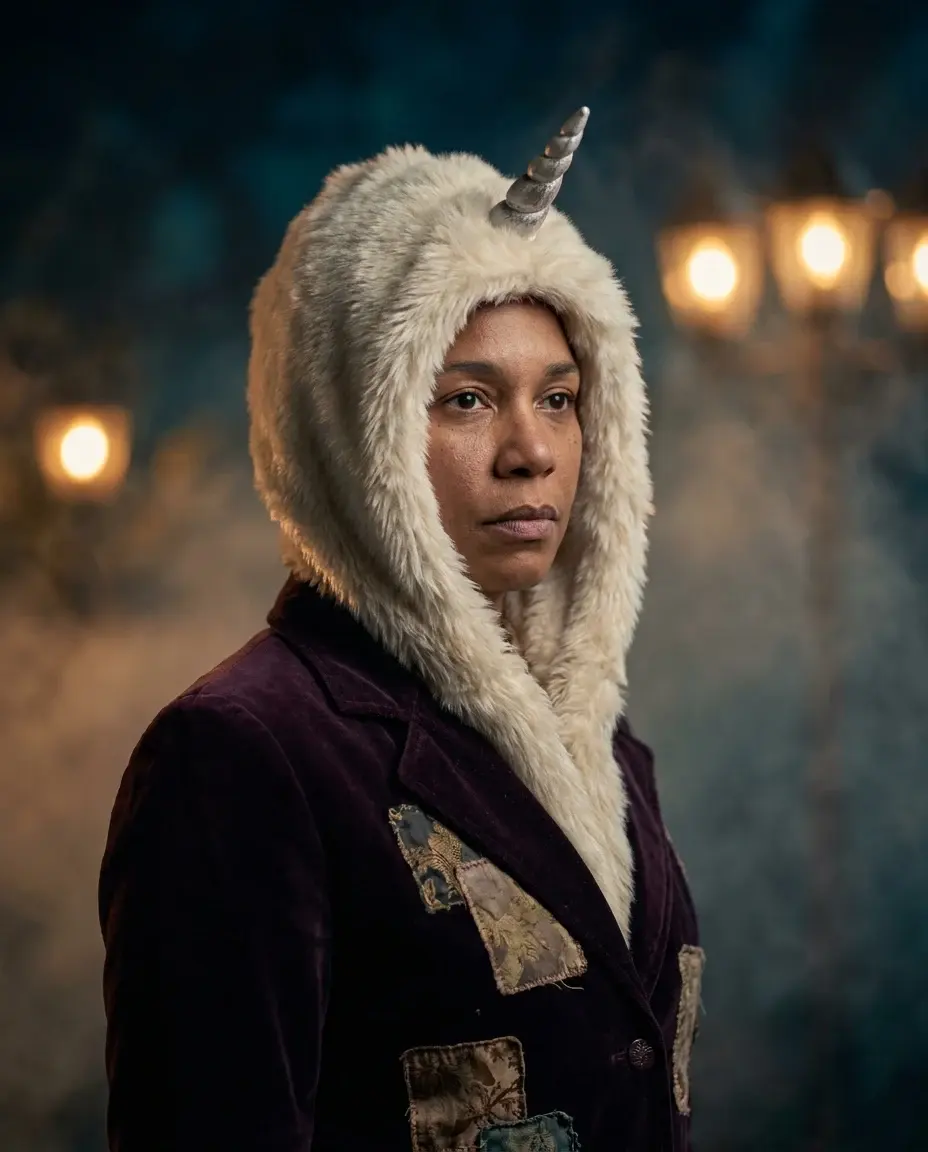
AI Halloween costume generator
Turn one clear photo into an 8-second Halloween costume video. Pick an original look, copy the prompt and try the working Bulin 47 AI studio.
Open this look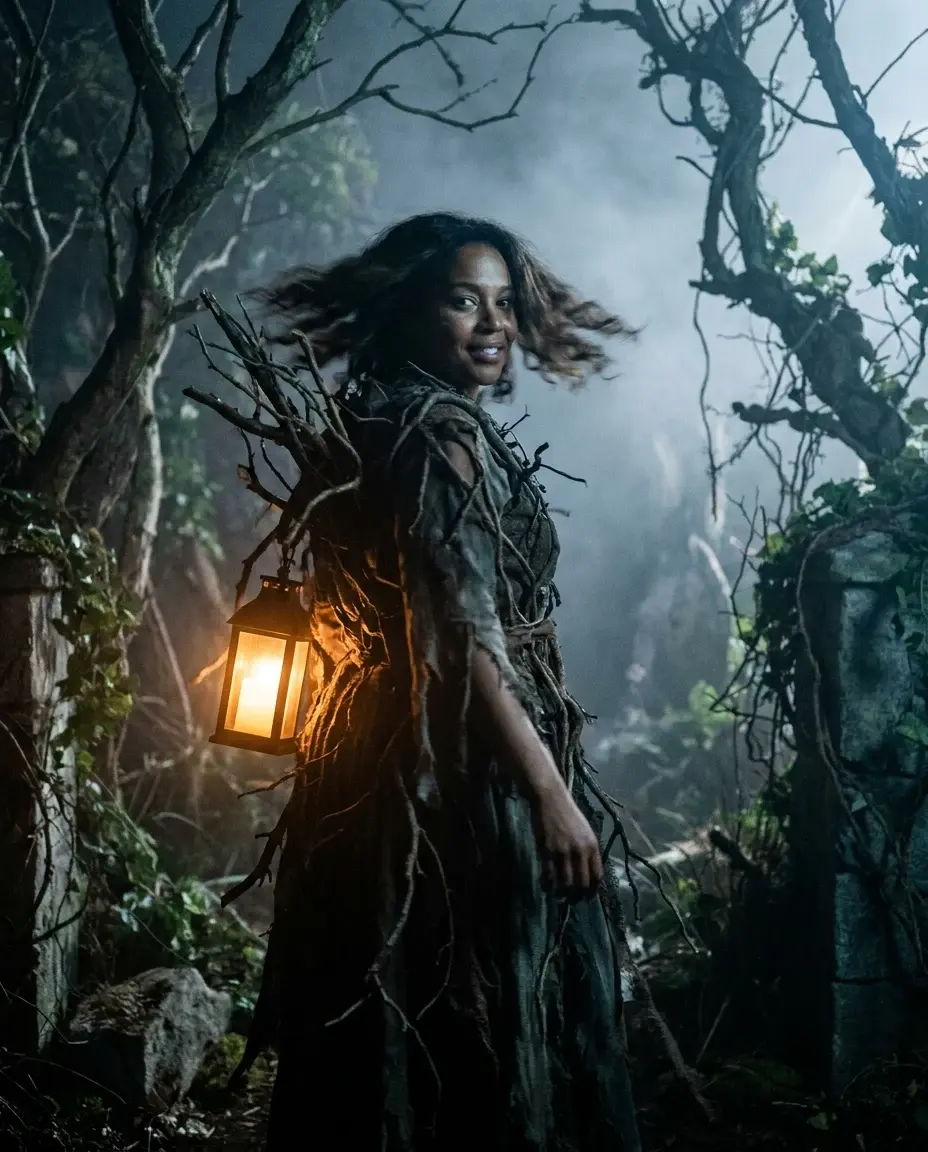
AI Halloween video generator
Make a short Halloween video from one adult photo. Review the look, generate an 8-second vertical MP4 and add your own licensed music before posting.
Open this look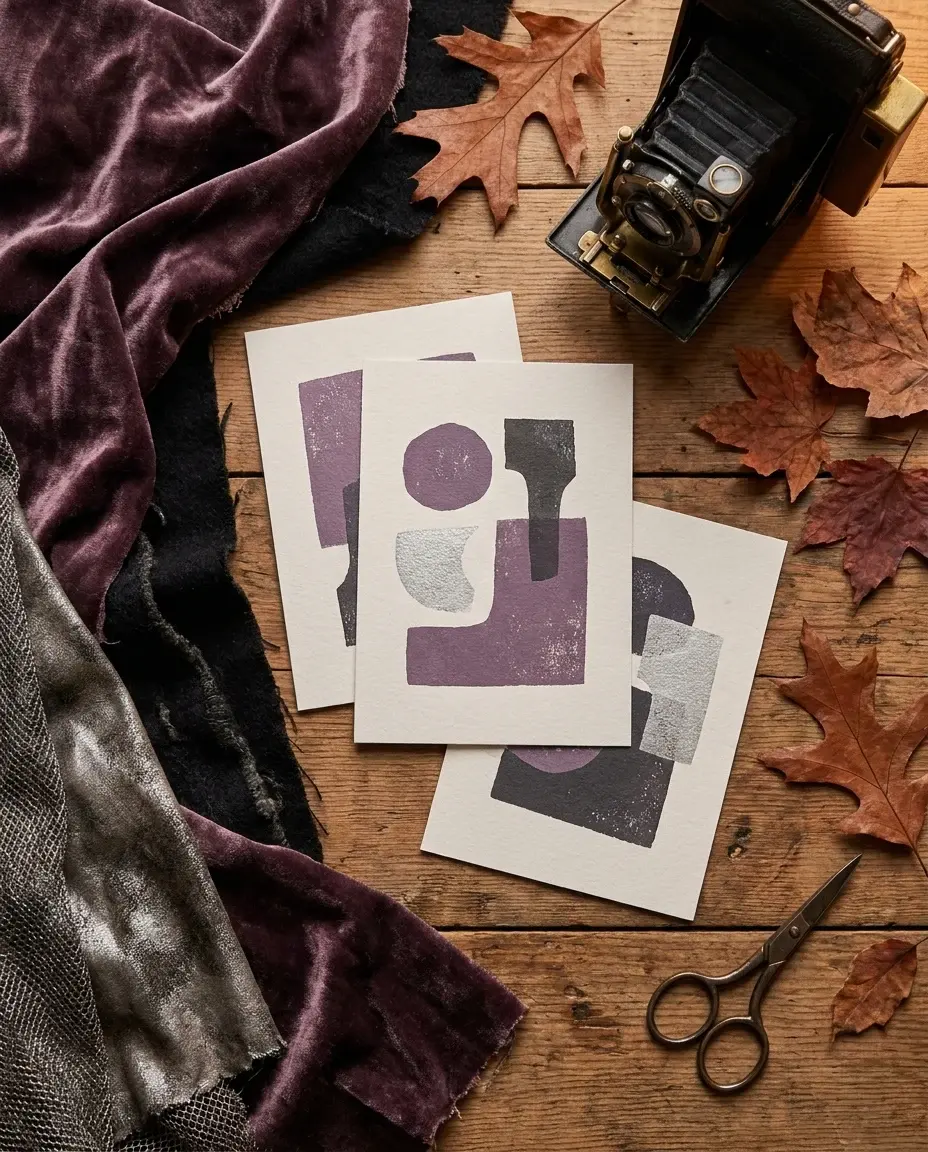
Halloween AI prompts
Copy Halloween AI prompts for costumes, portraits, pets, couples and short videos. Each recipe explains what to keep and what to change.
Open this lookAI-generated examples. Results vary with the photo, prompt and model. Not affiliated with any film, game, music label or costume brand.