LIGHT, FOG AND A LITTLE MENACE
Halloween photo editorFix the mood before you post.
A Halloween photo usually fails for a boring reason: the light is flat, the background is a living room and the costume reads as a dark shape. A photo editor should solve those three problems first. This page gives you copy-ready prompt recipes for mood, color and atmosphere, plus a working video studio for the final clip.
A new personal video needs 50 valid credits before generation. Review the preview first; failed generation uses no unlock credits.
- One adult portrait
- 8 seconds, 720p, 9:16
- 50 credits to unlock
- Preview before you pay
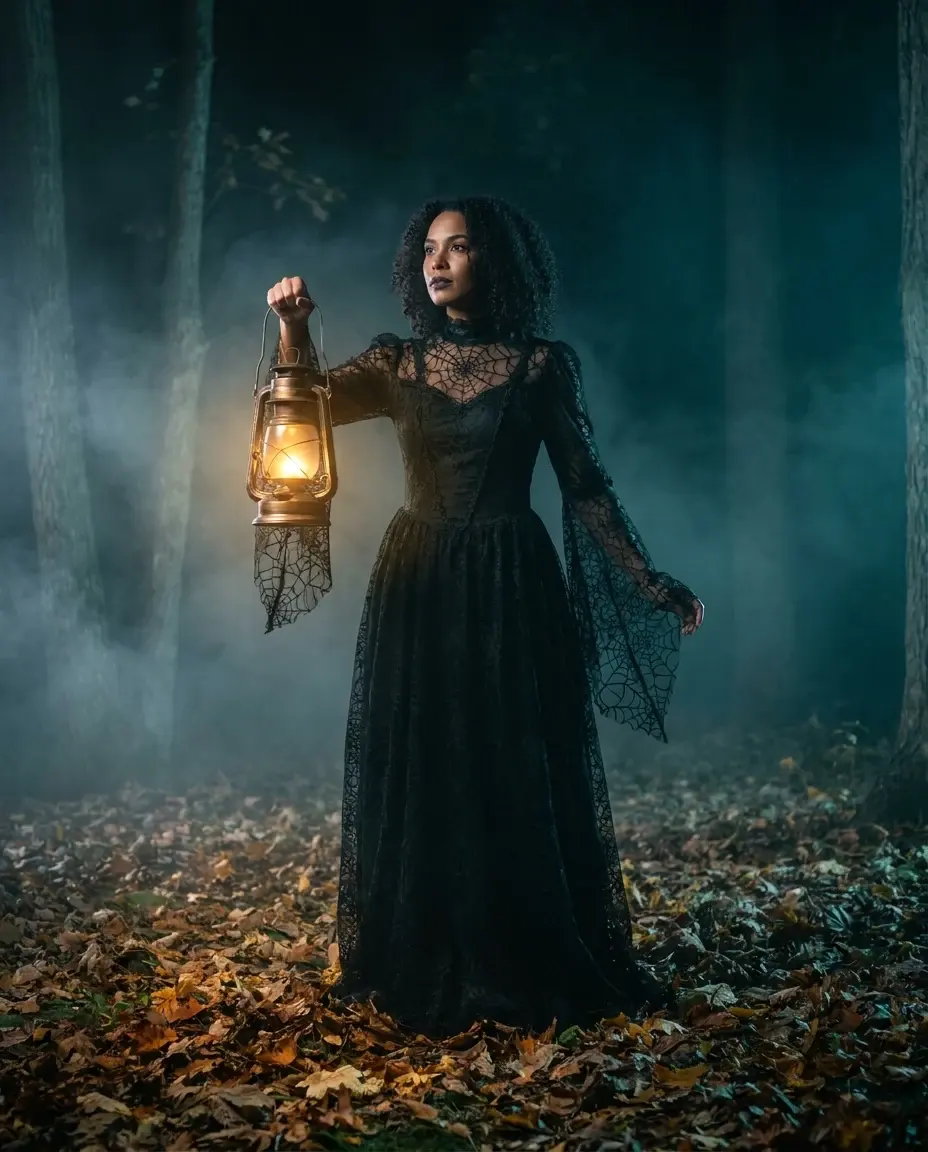
Use the recipes as a starting point, not a rulebook. Keep the face recognizable, change one thing at a time and compare the result on a phone. The best edit is usually the one that still looks like the person you photographed.
What you get from this page
- Can I edit a photo of a friend?
- Will the editor change my face?
- Can I make the edited photo move?
01 / Try this look with your own photo
Try this look with your own photo
This is the working studio, not a mock-up. Upload one adult portrait, add the look direction and review the result before you pay to unlock the clean MP4.
Make your Bulin 47 AI video
One photo puts your chosen adult into an original freestyle scene.
JPG, PNG or WebP · up to 10 MB · adults only
Choose one clear, well-lit adult portrait. A front-facing face and visible outfit help keep the result consistent.
Extra direction (optional)
Public is the default. Reviewed finished results may appear in examples. Your uploaded photo stays private.
$9.90/ 1 video
50 credits to unlock · 8 secondsSign in to check your balance · This video needs 50 credits
You need 50 more credits
1 video · $9.90 covers this video
Better value: 3 videos · $19.90 ($6.63 per video)
Upload one portrait to continue.
A new personal video requires at least 50 valid credits before generation.
Your videos
Upload a portrait above. After a paid generation, your watermarked previews and unlocked clips appear here.
02 / Prompt recipe
Copy-ready prompt recipes
Each recipe is a starting point. Change one detail at a time and keep the identity constraints in place. The video prompts describe motion; the still-image prompts describe a look.
Moonlit garden
A dark, readable portrait that still looks like a photograph.
Copy prompt
Replace the background with a moonlit Victorian garden, thin fog, warm lantern bokeh, keep the subject face and outfit unchanged, realistic skin texture, cinematic teal and amber grade, no text.
Pumpkin studio
A warmer look for family photos and party invitations.
Copy prompt
Cozy autumn studio, carved pumpkins out of focus, warm practical lights, soft falloff, preserve the costume colors and face, editorial Halloween portrait, no extra people.
Backrooms doorway
A restrained horror look without relying on shock imagery.
Copy prompt
Eerie yellow corridor, damp carpet, fluorescent hum, subject standing in a doorway, subtle film grain, keep the face recognizable, no gore, no text or logos.
The three edits that matter most
Start with light. Replace a flat ceiling light with a single warm lantern and a cool moonlight rim. Then add atmosphere, but keep it low. A thin layer of fog reads as depth; a wall of fog reads as a filter.
Finally, protect the face. Skin texture, eye color and facial proportions should stay close to the original. If the edit changes who the person is, it is no longer a Halloween photo. It is a different person in a costume.
- Light: one warm source, one cool rim light.
- Atmosphere: thin fog behind the subject, not over the face.
- Color: amber highlights with teal or plum shadows.
- Identity: keep eyes, skin and face shape recognizable.
A repeatable editing order
Crop for the final platform first. A 9:16 crop changes the composition more than any color grade. Then fix exposure, then background, then atmosphere, then costume detail. Save the most aggressive change for last so you can undo it without losing the rest.
If you plan to animate the photo, leave some space around the head and shoulders. The video model needs room to move without cutting off the face. A still image that fills the frame edge to edge often makes a poor short video.
Questions people ask before they try it
Can I edit a photo of a friend?
Only with their permission. The person must be an adult and must agree to the edit and to any public sharing. Do not upload photos of minors or people who have not consented.
Will the editor change my face?
A good prompt tells the model to preserve identity, skin tone and facial proportions. Results still vary. Review the preview before you download or share anything.
Can I make the edited photo move?
Yes. Use the studio on this page to turn one adult portrait into a silent 8-second vertical video. The motion is a gentle freestyle reference, not a custom dance you upload.
Do I need design software?
No. The recipes are written for prompt-based editors and for the Bulin 47 AI studio. You can copy a prompt, adjust one detail and run it again.
Ready to try this look with your own photo?
Upload one clear portrait of a consenting adult, review the watermarked preview and unlock the clean MP4 only when the result works for you.
Create this video · $9.90Keep exploring
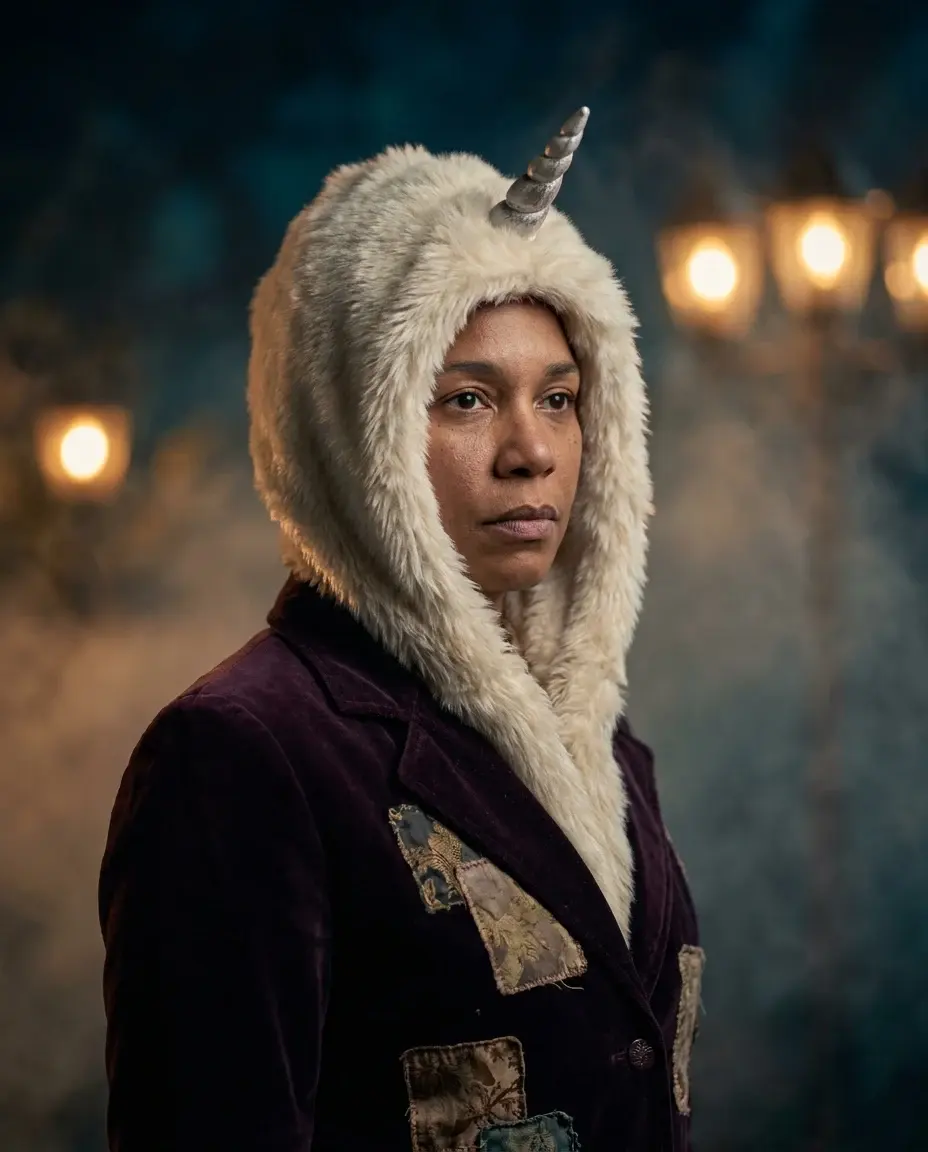
AI Halloween costume generator
Turn one clear photo into an 8-second Halloween costume video. Pick an original look, copy the prompt and try the working Bulin 47 AI studio.
Open this look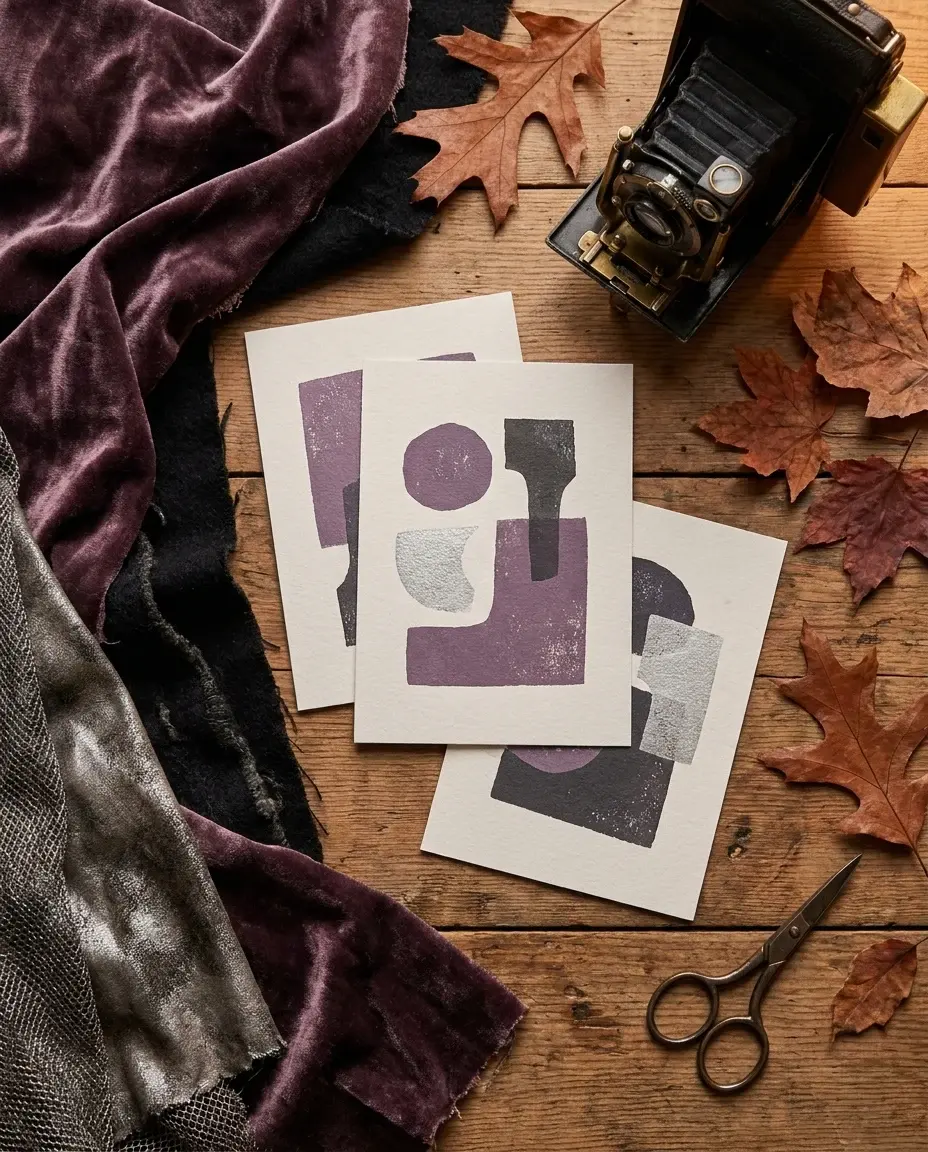
Halloween AI prompts
Copy Halloween AI prompts for costumes, portraits, pets, couples and short videos. Each recipe explains what to keep and what to change.
Open this look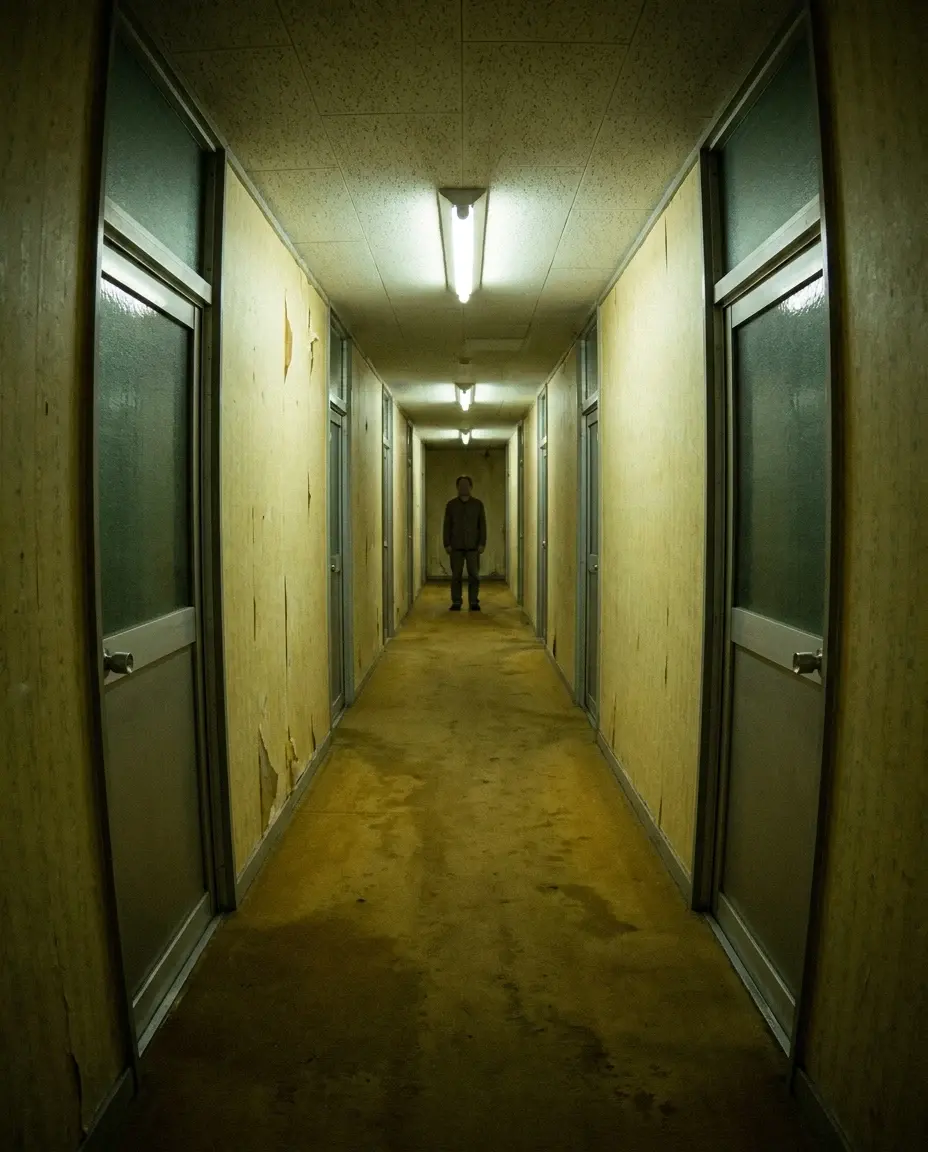
The Backrooms AI video
Make a restrained Backrooms-inspired Halloween clip with yellow corridors, fluorescent light and slow camera movement. No gore, no jump scares.
Open this lookAI-generated examples. Results vary with the photo, prompt and model. Not affiliated with any film, game, music label or costume brand.