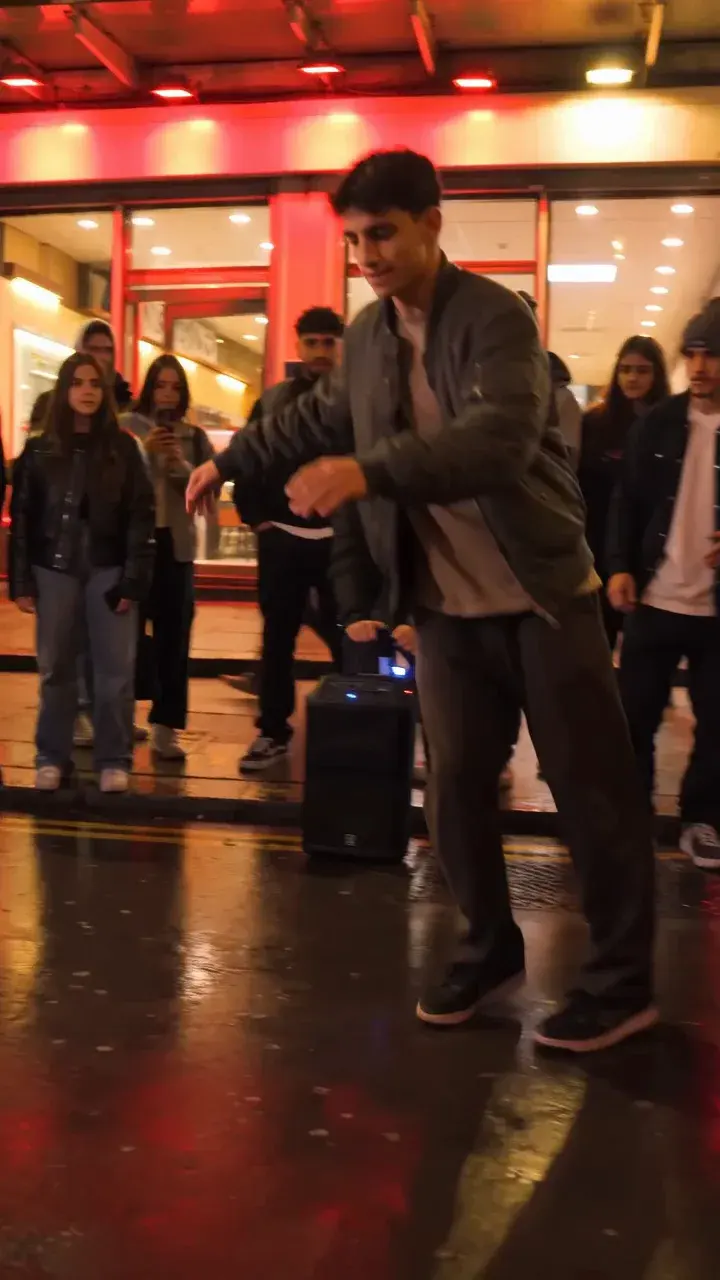
Bulin 47 AI Face Swap vs Photo-to-Video: A Detailed Guide
Compare Bulin 47 AI face-and-hair replacement with whole-appearance video generation. See input steps, pricing, limitations and answers to common questions.
· Bulin 47 AI Team
Try the workflow
Make your Bulin 47 AI video
One photo puts your chosen adult into an original freestyle scene.
JPG, PNG or WebP · up to 10 MB · adults only
Choose one clear, well-lit adult portrait. A front-facing face and visible outfit help keep the result consistent.
Extra direction (optional)
Public is the default. Reviewed finished results may appear in examples. Your uploaded photo stays private.
$9.90/ 1 video
50 credits to unlock · 8 secondsUpload one portrait to continue.
Preview before you pay. Choose a one-time pack, monthly plan or yearly plan.
Your videos
Upload a portrait above. Your previews and unlocked clips will appear here.
Access and credit rule: You can choose a photo before sign-in. Starting a new video requires an account and either an eligible preview allowance or enough purchased credits. First-touch ChatGPT users need payment before generation. Other eligible accounts have one no-credit preview under capacity. A preview itself deducts no site credits; only unlocking a clean MP4 deducts 50.
Bulin 47 AI Face Swap vs Photo-to-Video: Direct Comparison
Bulin 47 AI offers a unique approach to AI-powered video creation, but it does not provide a traditional face swap or a generic photo-to-video tool. Instead, it enables users to animate a single consenting adult portrait using a specific, site-generated freestyle motion reference. The result is a silent, 8-second, 720p vertical MP4 video, with a preview available before any payment. Unlocking the clean video costs 50 credits. There is no option for custom video uploads, audio, or multiple templates. This guide clarifies the differences, steps, and expectations for using Bulin 47 AI, so you can decide if it fits your creative needs.
How Bulin 47 AI Works: The Essentials
Bulin 47 AI at bulin47aivideo.pro is an independent, unofficial tool. It is not affiliated with any performer, celebrity, or major platform. The site uses the Kie bytedance/seedance-2 STANDARD model to animate a single uploaded portrait. Here’s what you can (and cannot) do:
- Input: One clear, consenting adult portrait (JPG, PNG, or WebP, up to 10 MB).
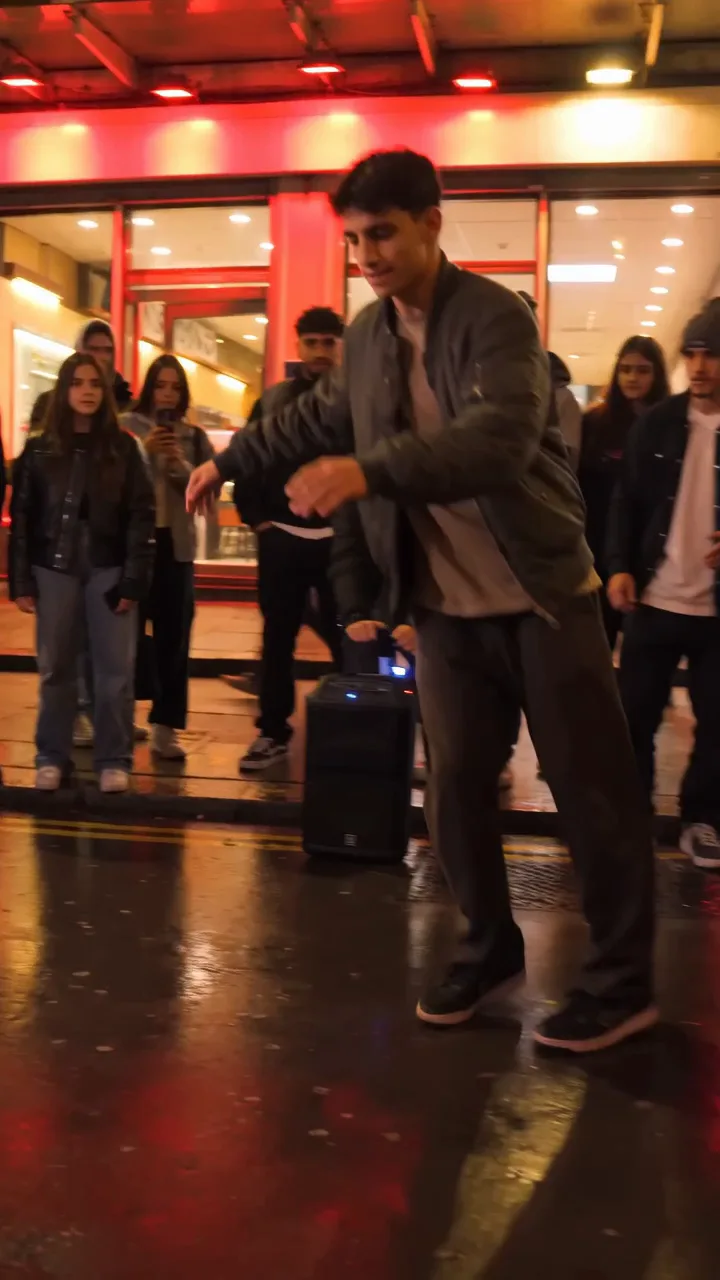
- Reference: The site’s own original, red-lit freestyle motion video (no custom video uploads).
- Optional: Brief text direction for style or mood.
- Output: A silent, 8-second, 720p, 9:16 MP4 video preview, with a watermark.
- Unlock: Pay 50 credits to download the clean, watermark-free MP4.
Key limitations:
- No traditional face swap between two photos or videos.
- No audio, voice cloning, or 1080p output.
- No batch processing or multiple templates.
- No custom reference video uploads.
For more details, see the Bulin 47 AI Face Swap guide and Photo Guide.
Step-by-Step: Creating a Bulin 47 AI Video
Follow these steps to create your own AI-animated video with Bulin 47 AI:
-
Prepare Your Portrait
- Choose a clear, well-lit photo of a consenting adult (JPG, PNG, or WebP, max 10 MB).
- Avoid group shots, heavy filters, or underage subjects.
-
Visit Bulin 47 AI
- Go to bulin47aivideo.pro and log in or create an account.
-
Upload Your Photo
- Click the upload button and select your portrait.
- Confirm that you have consent and that the image meets guidelines.
-
Add Optional Text Direction
- Enter a brief style or mood prompt if desired (e.g., "smiling confidently").
-
Generate Preview
- The site uses its own freestyle motion reference to animate your portrait.
- Wait for the preview to process (processing times may vary).
- You’ll see a low-resolution, watermarked preview playable in your account.
-
Review the Preview
- Check the likeness, motion, and overall effect.
- Remember: the model attempts to match identity and motion, but results may vary.
-
Unlock the Clean Video
- If satisfied, pay 50 credits to unlock the clean, watermark-free 8-second MP4.
- Only the unlock deducts credits; previewing is free.
-
Download and Use
- Download your video.
- Add audio separately if desired (ensure you have rights to any music used).
For troubleshooting, see the Bulin 47 AI Troubleshooting guide.
Comparison Table: Bulin 47 AI vs. Typical Face Swap & Photo-to-Video Tools
| Feature | Bulin 47 AI Face Animation | Traditional Face Swap | Generic Photo-to-Video |
|---|---|---|---|
| Input | 1 adult portrait + site’s motion reference | 2 faces (source & target) | 1+ photos, custom video/audio |
| Output | 8s, silent, 720p MP4, 9:16 | Varies (photo/video) | Varies (video, slideshow) |
| Custom Reference Video | No | Sometimes | Often |
| Audio Support | No | Sometimes | Often |
| Batch/Multiple Templates | No | Sometimes | Often |
| Free Preview | Yes | Sometimes | Sometimes |
| Unlock Cost | 50 credits ($9.90 minimum) | Varies | Varies |
| Privacy | Photo private; Public result default | Varies | Varies |
Realistic Example: Credits, Pricing, and Arithmetic
Suppose you want to create and unlock one Bulin 47 AI video. Here’s how the credits and pricing work:
-
Account Creation:
- New accounts start with 0 credits.
- If you are a verified user and your first three site visits are on consecutive UTC days (not using ChatGPT as your first source), you’ll receive 50 usable credits ONCE on day 3. If you miss a day, progress resets.
- ChatGPT-first users do not receive free credits and must pay.
-
Unlocking a Video:
- Generating and previewing your video is free.
- To download the clean MP4, you must unlock it for 50 credits.
-
Purchasing Credits:
- 50 credits (1 video) = $9.90 (one-time)
- 150 credits (3 videos) = $19.90 (one-time)
- 250 credits (5 videos) = $29.90 (one-time)
- Subscription: $24.90/month for 250 credits (5 videos/month, unused credits expire monthly)
- Yearly: $249 for 2600 credits (52 videos/year, unused credits expire at year-end)
Worked Example:
- You want to unlock 3 videos.
- The 3-video pack costs $19.90 for 150 credits.
- Each unlock costs 50 credits: 3 x 50 = 150 credits.
- Total cost: $19.90 for 3 clean videos.
For more on pricing, visit the Bulin 47 AI Cost page or Pricing.
Frequently Asked Questions
Q1: Can I swap faces between two different photos or videos?
A1: No. Bulin 47 AI only animates a single uploaded portrait using its own freestyle motion reference. It does not support traditional face swaps between two images or videos.
Q2: Is there a free trial or free credits?
A2: New accounts start with 0 credits. Verified users (not ChatGPT-first) can earn 50 credits ONCE by visiting the site on three consecutive UTC days. There is no ongoing free trial or free credits for ChatGPT-first users.
Q3: What happens if my video fails to generate?
A3: If generation fails, no credits are deducted. You only pay (50 credits) to unlock a successful, clean MP4.
Q4: Can I add audio or use my own reference video?
A4: No. Bulin 47 AI outputs a silent video. You must add audio separately, and you cannot upload a custom reference video or use voice cloning.
Q5: Are my uploaded photos private?
A5: Yes. Uploaded photos are private by default. Generated results default to Public eligibility, and gallery inclusion requires review. For more, see the Privacy & Consent guide.
Q6: What if I miss a day during the free credit challenge?
A6: If you miss a day, your progress resets. You must visit on three consecutive UTC days to earn the 50 credits.
Take Action: Try Bulin 47 AI Studio
Ready to see your portrait come to life with AI-powered animation? Visit Bulin 47 AI Studio to generate an eligible preview without a credit deduction and decide if you want to unlock the clean video. For more tips, check out our Freestyle guide, Video Maker, and Instagram Reels tips. Questions? Contact support at contact@bulin47aivideo.pro.
Explore more on our blog for the latest guides and updates.