SMALL OUTFIT, BIG PERSONALITY
Halloween pet costume generatorKeep the pet, change the outfit.
Pet costume photos work when the animal still looks like the animal. The eyes, markings, fur texture and body shape carry the joke. A good generator prompt protects those details and changes only the costume, the set and the light.
A new personal video needs 50 valid credits before generation. Review the preview first; failed generation uses no unlock credits.
- One adult portrait
- 8 seconds, 720p, 9:16
- 50 credits to unlock
- Preview before you pay
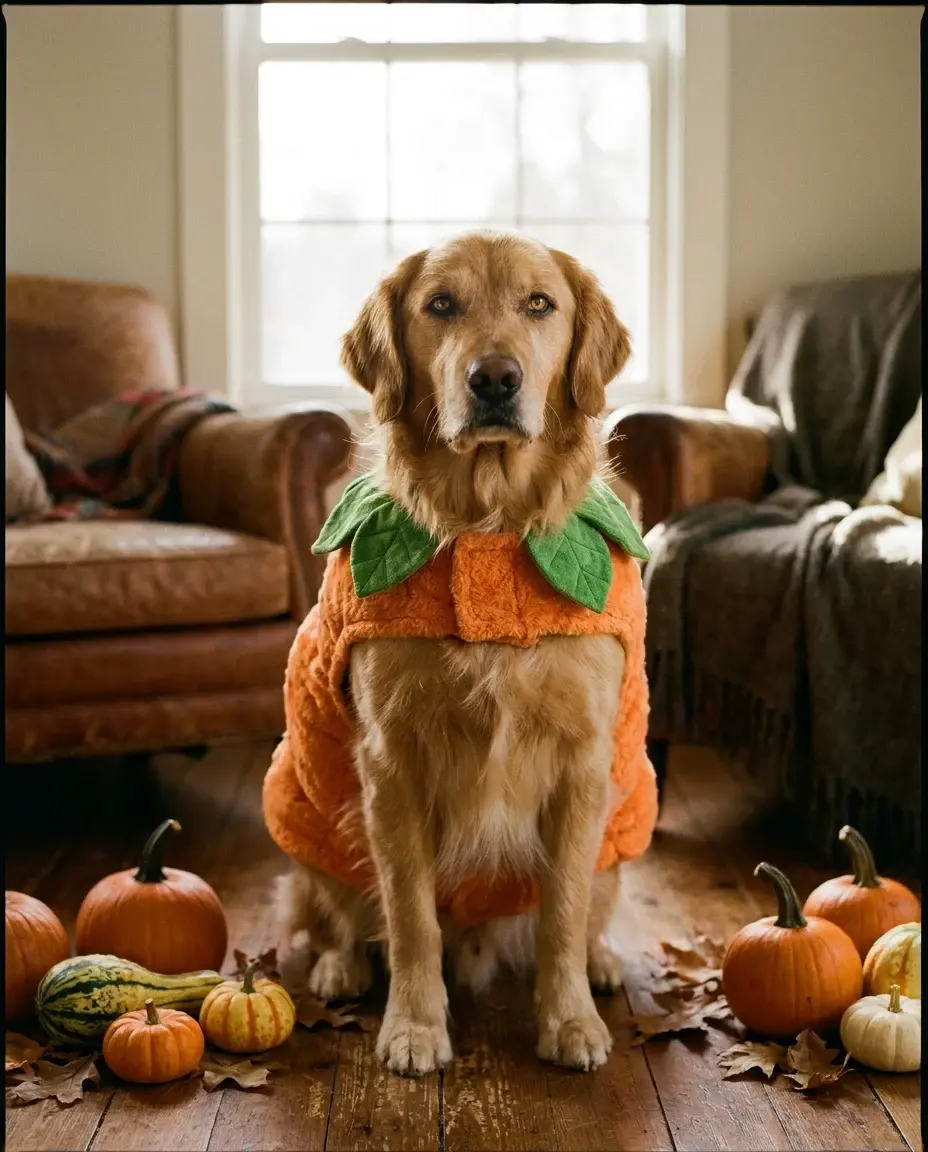
This page is a visual planning tool for pet owners, groomers and pet brands. Use the recipes to test a look before you buy a costume, then turn the best portrait into a short seasonal video.
What you get from this page
- Can I upload my pet photo?
- Will the generator change my pet?
- Is a costume safe for my pet?
01 / Try this look with your own photo
Try this look with your own photo
This is the working studio, not a mock-up. Upload one adult portrait, add the look direction and review the result before you pay to unlock the clean MP4.
Make your Bulin 47 AI video
One photo puts your chosen adult into an original freestyle scene.
JPG, PNG or WebP · up to 10 MB · adults only
Choose one clear, well-lit adult portrait. A front-facing face and visible outfit help keep the result consistent.
Extra direction (optional)
Public is the default. Reviewed finished results may appear in examples. Your uploaded photo stays private.
$9.90/ 1 video
50 credits to unlock · 8 secondsSign in to check your balance · This video needs 50 credits
You need 50 more credits
1 video · $9.90 covers this video
Better value: 3 videos · $19.90 ($6.63 per video)
Upload one portrait to continue.
A new personal video requires at least 50 valid credits before generation.
Your videos
Upload a portrait above. After a paid generation, your watermarked previews and unlocked clips appear here.
02 / Prompt recipe
Copy-ready prompt recipes
Each recipe is a starting point. Change one detail at a time and keep the identity constraints in place. The video prompts describe motion; the still-image prompts describe a look.
Pumpkin pet
A warm, shareable pet portrait.
Copy prompt
Soft pumpkin costume with a green leaf collar, preserve the pet breed, fur and eye color, cozy autumn studio, warm light, realistic fur, no extra animals, no text.
Glow dinosaur
A playful look for a pet brand or party post.
Copy prompt
Original glow-in-the-dark dinosaur harness, sculpted foam scales, subtle green accents, dark studio, preserve the pet face and markings, no mask, no extra limbs.
Stick of butter
A simple visual joke that reads in a thumbnail.
Copy prompt
Soft butter-stick costume, yellow fabric, simple silver wrapper detail, keep the pet recognizable and comfortable, bright studio, comic timing, no text or logos.
What makes a pet costume look believable
The costume has to sit on the body like fabric, not float like a sticker. A harness, a collar or a small cape is easier to believe than a full-body suit. Keep the face and ears clear, and avoid covering the eyes.
The background should support the joke. A cozy studio with miniature pumpkins works for a warm portrait; a dark corridor works for a spooky one. Do not ask for both a cute costume and a horror scene in the same prompt.
- Keep eyes, ears and markings visible.
- Use a harness, cape or small costume instead of a full mask.
- Choose one background mood.
- Avoid costumes that restrict movement in real life.
A note on real pet safety
An AI image is not a fitting test. If you buy a real costume, check that the pet can breathe, see, hear and move normally. Avoid small pieces that can be chewed off, and never leave a dressed pet unattended.
The studio on this page is for human portraits. For a pet video, use the pet portrait as a planning reference and keep the real animal comfortable. Do not upload a pet photo to a tool that requires human consent.
Questions people ask before they try it
Can I upload my pet photo?
Use the prompt recipes with an image editor that supports pet references. The Bulin 47 AI video studio is designed for consenting adult human portraits, so do not use it for pet uploads.
Will the generator change my pet?
Ask it to preserve breed, fur color, markings and eye color. Review the result and reject any image that changes the animal into a different species.
Is a costume safe for my pet?
An AI image cannot tell you that. Check fit, breathing, vision and movement in real life. Remove any costume that causes stress or restricts the animal.
Can I use the image commercially?
Only if you have the rights to the original photo and the output. Do not use a customer pet photo without permission.
Ready to try this look with your own photo?
Upload one clear portrait of a consenting adult, review the watermarked preview and unlock the clean MP4 only when the result works for you.
Create this video · $9.90Keep exploring
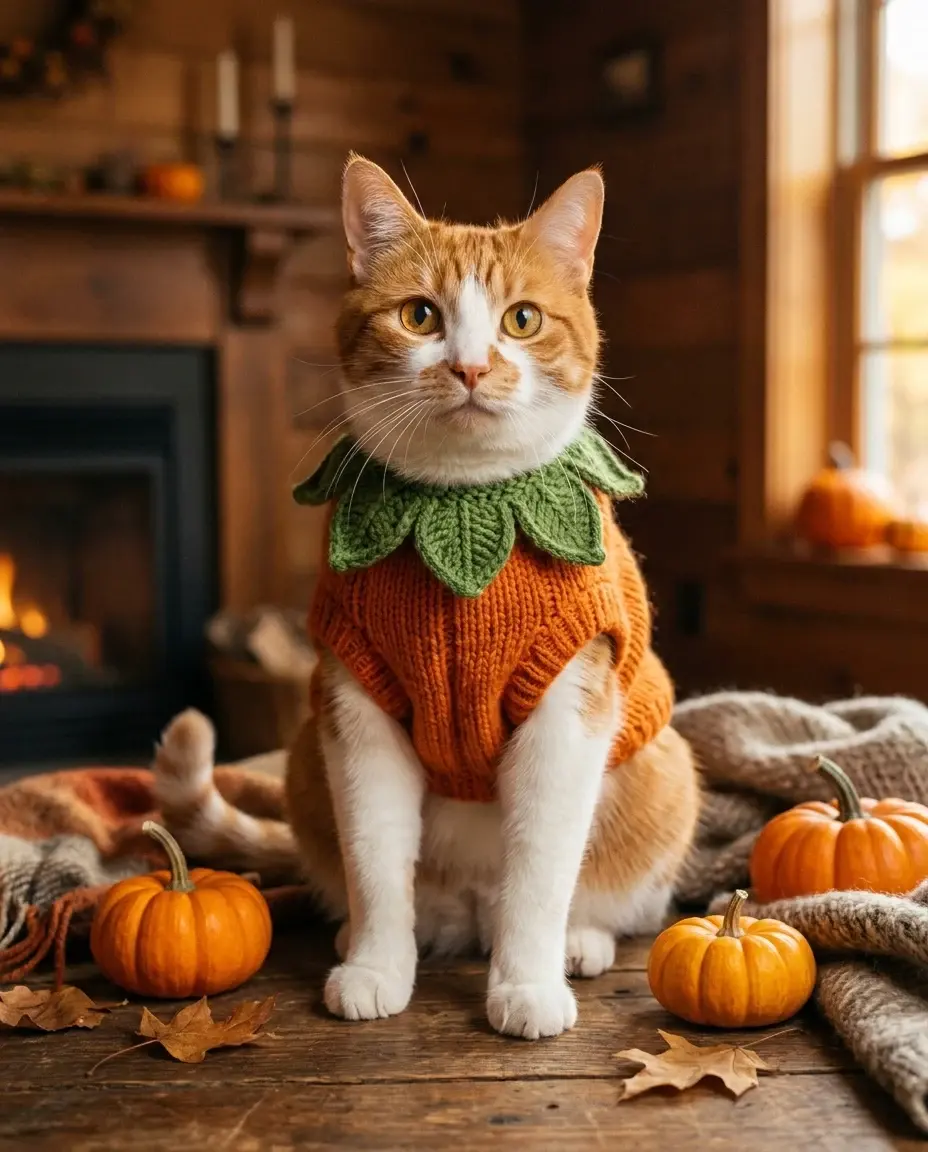
Pumpkin pet AI video
Make a cozy pumpkin pet portrait with a copy-ready prompt, then use the studio for a human Halloween video or a separate pet-photo edit.
Open this look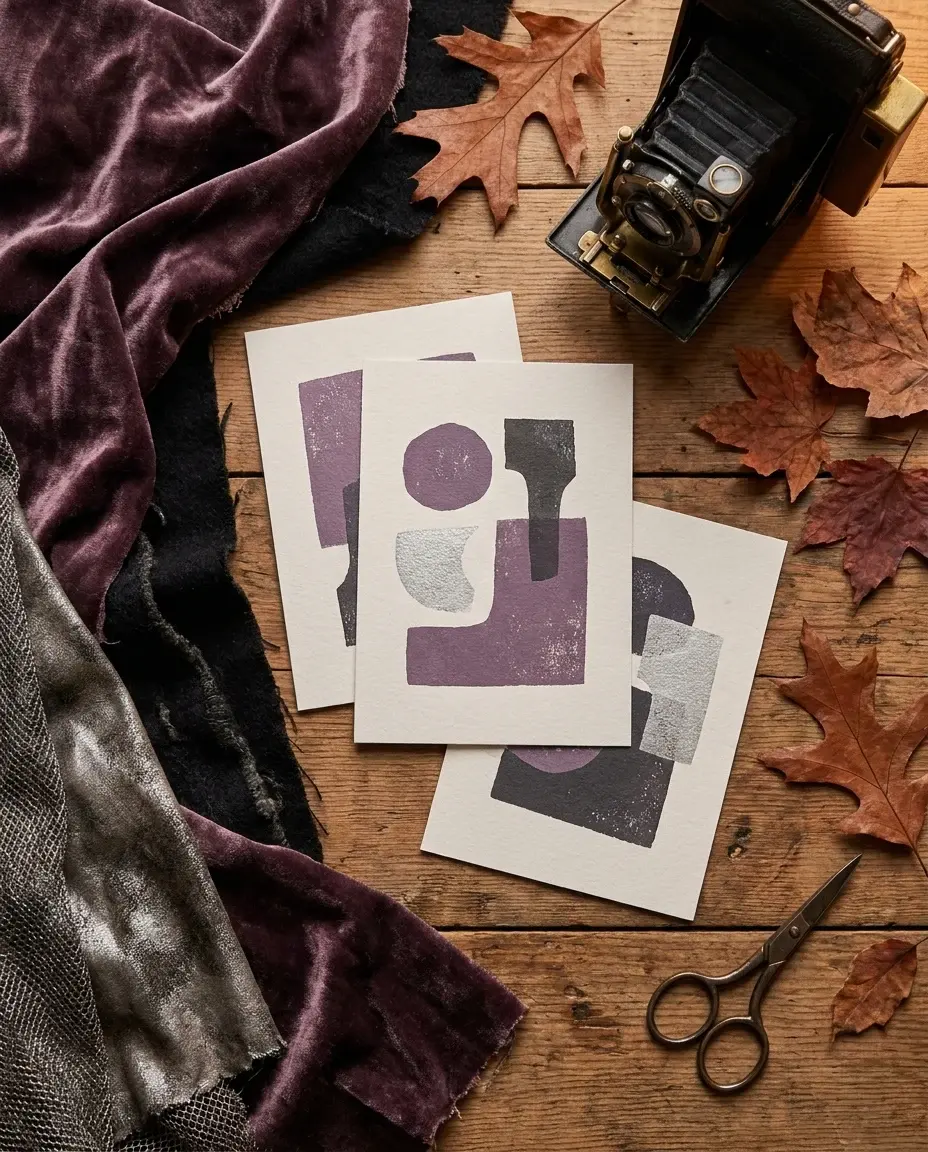
Halloween AI prompts
Copy Halloween AI prompts for costumes, portraits, pets, couples and short videos. Each recipe explains what to keep and what to change.
Open this look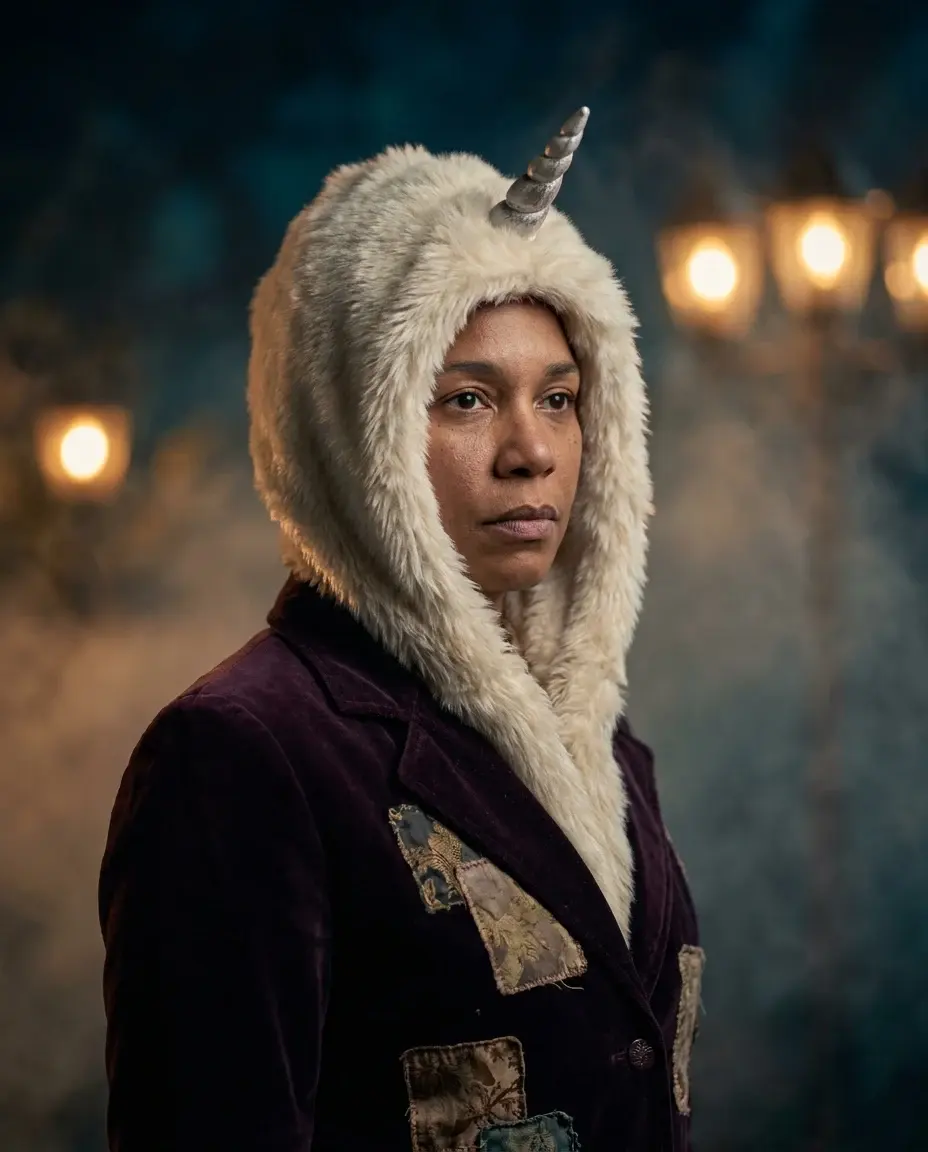
AI Halloween costume generator
Turn one clear photo into an 8-second Halloween costume video. Pick an original look, copy the prompt and try the working Bulin 47 AI studio.
Open this lookAI-generated examples. Results vary with the photo, prompt and model. Not affiliated with any film, game, music label or costume brand.