VIOLET BRAIDS, MOONLIT GARDEN
Midnight Braids AI video: The Complete 2026 Guide
Create a Midnight Braids Halloween look with a copy-ready prompt, then turn one adult portrait into an 8-second vertical video.
This guide walks through the look, the prompt, the honest limits and the exact credit rules. Use the studio below to test the idea with one clear adult portrait, then compare the result with the static reference.
What you get from this page
- Vertical braids for a 9:16 frame.
- Silver accents for a rim-light highlight.
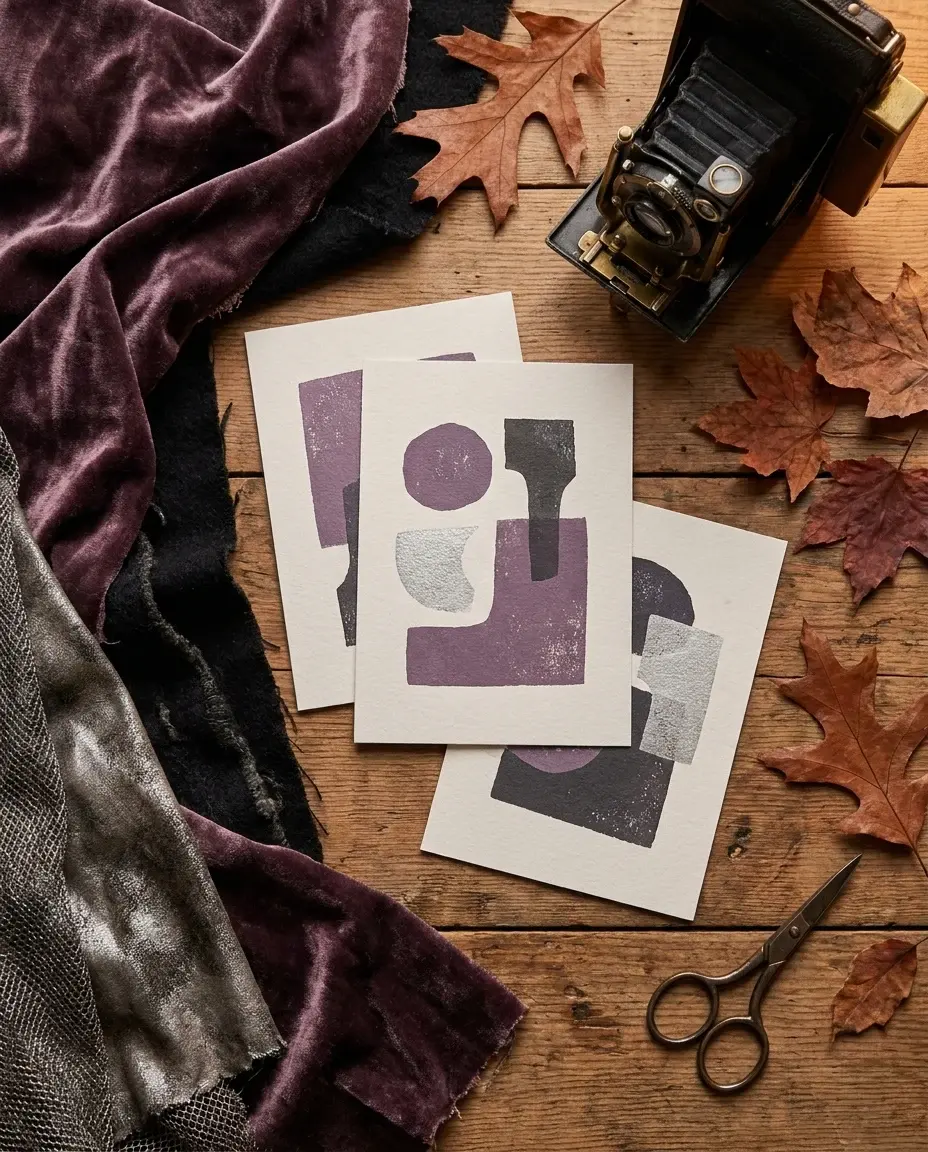
- Velvet texture for contrast.
- Thin fog for depth, not a wall of haze.
Overview
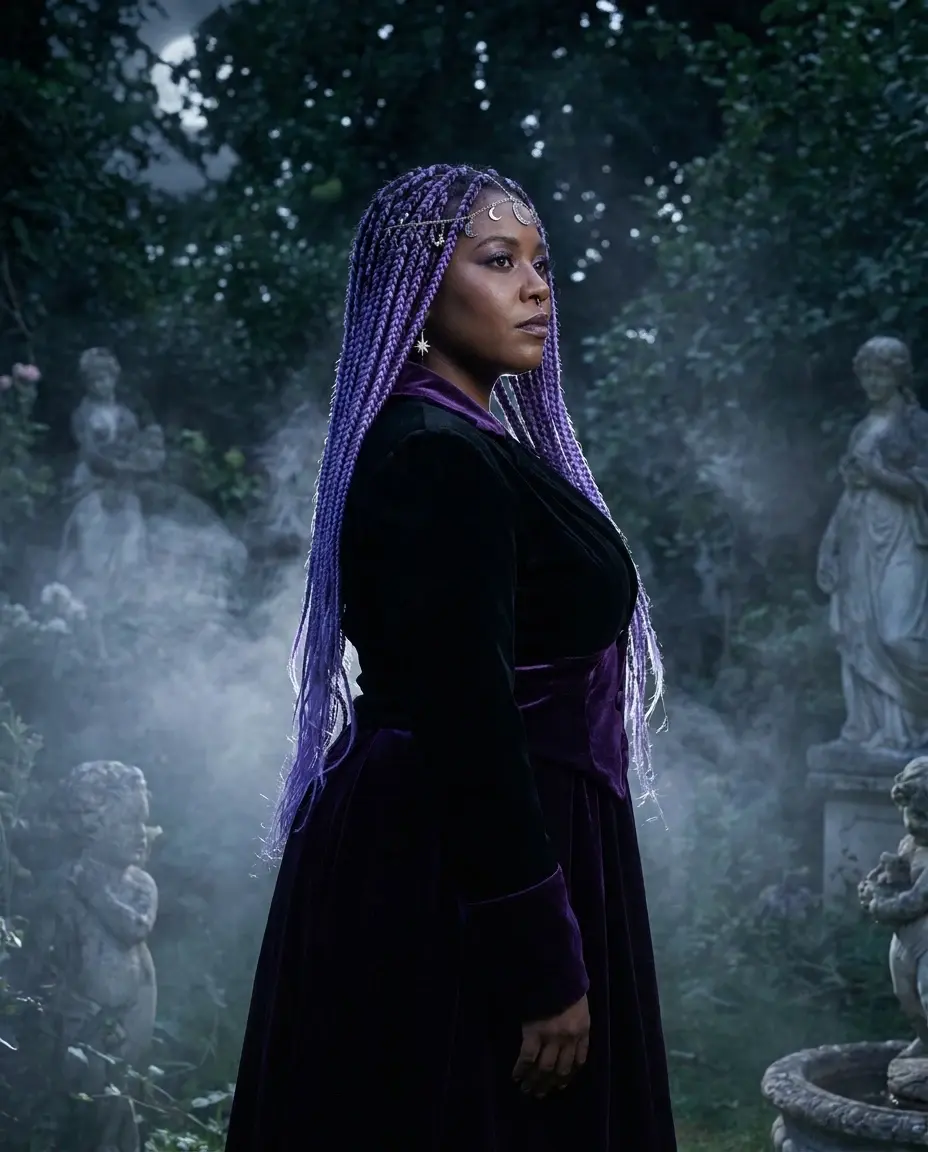
Midnight Braids is a simple idea with a strong silhouette: long violet braids, silver hair jewelry, a black and purple velvet outfit and a garden at night. It works because every element points in the same direction.
This page gives you the still-image prompt and the motion prompt. Keep the face recognizable, let the hair and fog move, and avoid changing the costume halfway through the clip.
Try this look with your own photo
This is the working studio, not a mock-up. Upload one adult portrait, add the look direction and review the result before you pay to unlock the clean MP4.
Make your Bulin 47 AI video
One photo puts your chosen adult into an original freestyle scene.
JPG, PNG or WebP · up to 10 MB · adults only
Choose one clear, well-lit adult portrait. A front-facing face and visible outfit help keep the result consistent.
Extra direction (optional)
Public is the default. Reviewed finished results may appear in examples. Your uploaded photo stays private.
$9.90/ 1 video
50 credits to unlock · 8 secondsSign in to check your balance · This video needs 50 credits
You need 50 more credits
1 video · $9.90 covers this video
Better value: 3 videos · $19.90 ($6.63 per video)
Upload one portrait to continue.
A new personal video requires at least 50 valid credits before generation.
Your videos
Upload a portrait above. After a paid generation, your watermarked previews and unlocked clips appear here.
Copy-ready prompt recipes
Each recipe is a starting point. Change one detail at a time and keep the identity constraints in place. The video prompts describe motion; the still-image prompts describe a look.
Still image
A still Halloween portrait with a strong vertical silhouette.
Use the uploaded photo as the primary reference. Preserve the adult face, skin tone and body proportions. Long violet braids with delicate silver jewelry, black and purple velvet outfit, moonlit Victorian garden, soft fog, cinematic editorial photography, no extra people, no text.
Image to video
A controlled 8-second clip with a clear first frame.
Use the image as the exact starting frame. The subject slowly turns toward the camera, loose hair moves gently, fog drifts, camera pushes in slowly, stable anatomy and consistent lighting, no cuts, no text.
Safer variant
A subtler version for a profile photo or a family-friendly post.
Midnight Braids look without heavy makeup, natural skin texture, soft violet lighting, silver hair pins, calm expression, moonlit garden, preserve identity, no costume change.
Why this look works on camera
The braids create a vertical line, which fits a 9:16 frame. The silver accessories catch a rim light, and the dark velvet gives the face a clean edge. The garden background adds depth without competing with the subject.
Keep the makeup controlled. A strong lip and a soft smoky eye are enough. If the face is too dark, the identity disappears and the clip looks like a costume ad rather than a portrait.
- Vertical braids for a 9:16 frame.
- Silver accents for a rim-light highlight.
- Velvet texture for contrast.
- Thin fog for depth, not a wall of haze.
The motion prompt
Ask for a slow head turn, a gentle breeze in the loose hair and a slow push-in. Do not ask for a walk, a spin or a costume change. Those actions give the model too many places to fail in eight seconds.
If the first frame is too dark, brighten the key light before you generate the video. It is easier to fix a still image than to repair a dark, moving clip.
Credits, pricing and delivery
A new personal video requires at least 50 valid credits before generation. Unlocking the clean MP4 uses 50 credits. One-time pack credits never expire; subscription credits expire at the end of the billing period.
One-time packs start at $9.90 for one video, $19.90 for three and $29.90 for five. A monthly plan is $24.90 and a yearly plan is $249. Prices are in USD and taxes are shown at checkout. A failed generation does not consume unlock credits.
Model and provider notes
The public video studio uses KIE with bytedance/seedance-2 Standard. Moderation uses SeeAPI. The concept images on this page were generated with KIE nano-banana-pro. WaveSpeed, fal and Replicate adapters exist in the codebase but are not enabled for this public studio unless configured.
Questions people ask before they try it
Do I need purple hair dye?
No. The look is generated from your photo. Do not dye your hair for a single image. If you want a real costume, use the image as a reference for a wig.
Can I make the braids move?
Ask for gentle hair movement, not a hair flip. Small motion is easier to keep consistent in an 8-second clip.
Will the video keep my face?
The prompt asks the model to preserve identity, but results vary. Review the preview and reject any clip that changes your face beyond recognition.
How much does it cost?
A new personal video requires at least 50 valid credits. A one-time pack starts at $9.90. Unlock the clean MP4 with 50 credits after reviewing the preview.
AI-generated examples. Results vary with the photo, prompt and model. Not affiliated with any film, game, music label or costume brand.