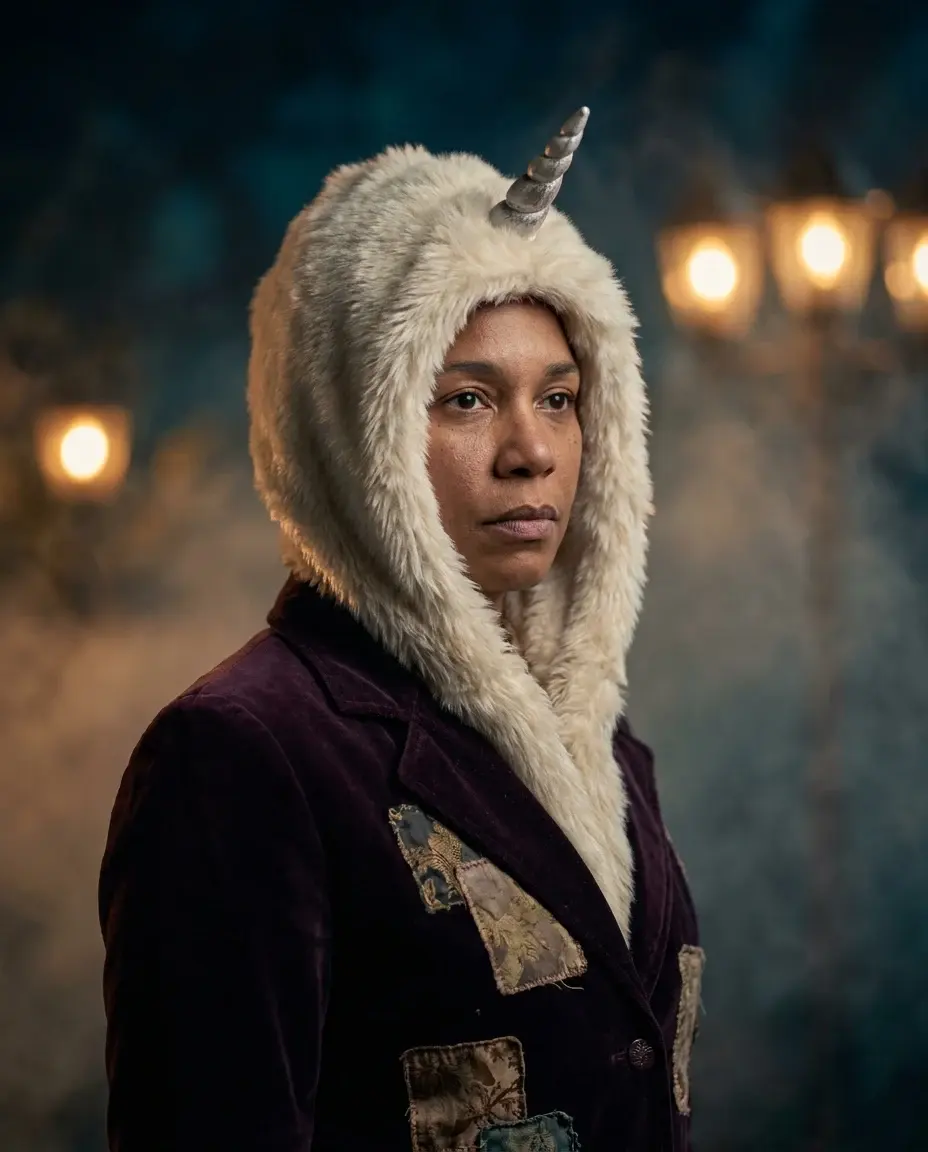
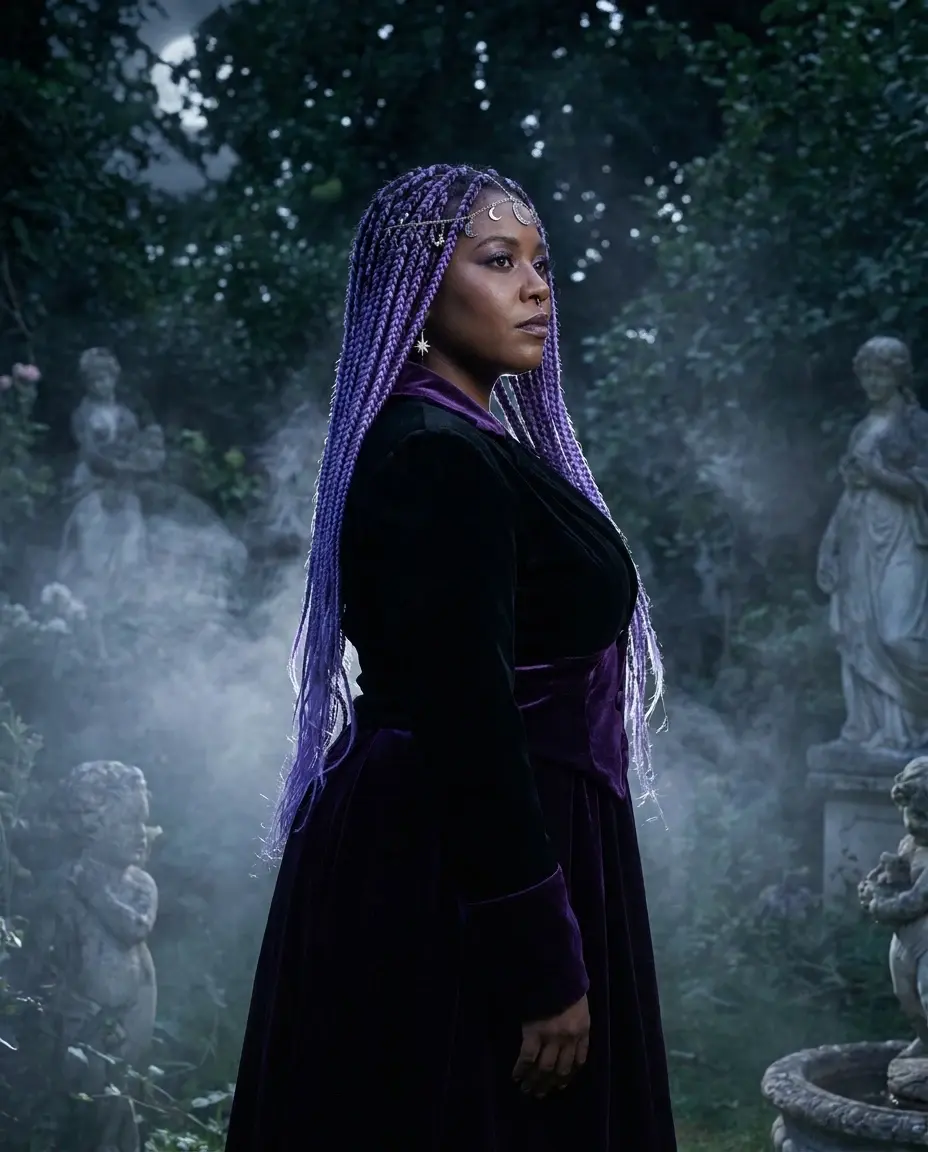
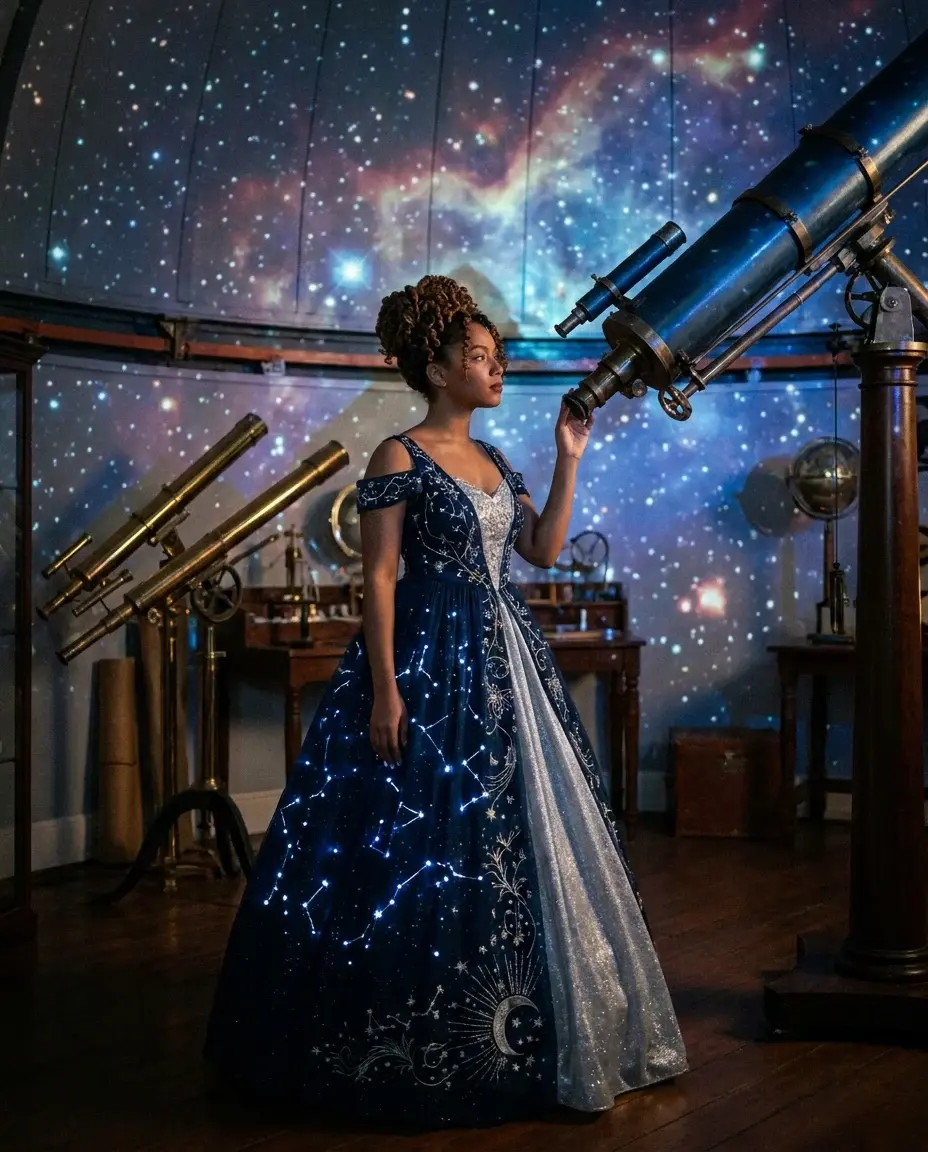
ONE PHOTO, ONE SHORT SCENE
AI Halloween video generator: The Complete 2026 Guide
Make a short Halloween video from one adult photo. Review the look, generate an 8-second vertical MP4 and add your own licensed music before posting.
This guide walks through the look, the prompt, the honest limits and the exact credit rules. Use the studio below to test the idea with one clear adult portrait, then compare the result with the static reference.
What you get from this page
- Use a clear, well-lit portrait with the full head and shoulders visible.
- Keep hands out of the frame if you can; hands are the most common failure point.
- Choose one motion idea per clip.
- Add music after download, using audio you have the rights to use.
Overview
A costume photo is static. A short video gives the look movement, atmosphere and a reason to stop scrolling. This page is built for that final step: one adult portrait goes in, an 8-second vertical MP4 comes out, and you add your own licensed audio afterward.
The motion is intentionally gentle. The subject shifts, the camera pushes in and the background drifts. That is enough for a costume reveal, a party teaser or a TikTok loop. It is not a full dance choreography tool, and it does not clone a voice.
Try this look with your own photo
This is the working studio, not a mock-up. Upload one adult portrait, add the look direction and review the result before you pay to unlock the clean MP4.
Make your Bulin 47 AI video
One photo puts your chosen adult into an original freestyle scene.
JPG, PNG or WebP · up to 10 MB · adults only
Choose one clear, well-lit adult portrait. A front-facing face and visible outfit help keep the result consistent.
Extra direction (optional)
Public is the default. Reviewed finished results may appear in examples. Your uploaded photo stays private.
$9.90/ 1 video
50 credits to unlock · 8 secondsSign in to check your balance · This video needs 50 credits
You need 50 more credits
1 video · $9.90 covers this video
Better value: 3 videos · $19.90 ($6.63 per video)
Upload one portrait to continue.
A new personal video requires at least 50 valid credits before generation.
Your videos
Upload a portrait above. After a paid generation, your watermarked previews and unlocked clips appear here.
Copy-ready prompt recipes
Each recipe is a starting point. Change one detail at a time and keep the identity constraints in place. The video prompts describe motion; the still-image prompts describe a look.
Slow costume reveal
A clean reveal that works as a loop or a teaser.
Start on a dark background, subject turns slowly toward camera, costume details catch the light, gentle fog, slow push-in, keep face and outfit consistent, cinematic vertical video.
Lantern walk
A more narrative clip for a party invite.
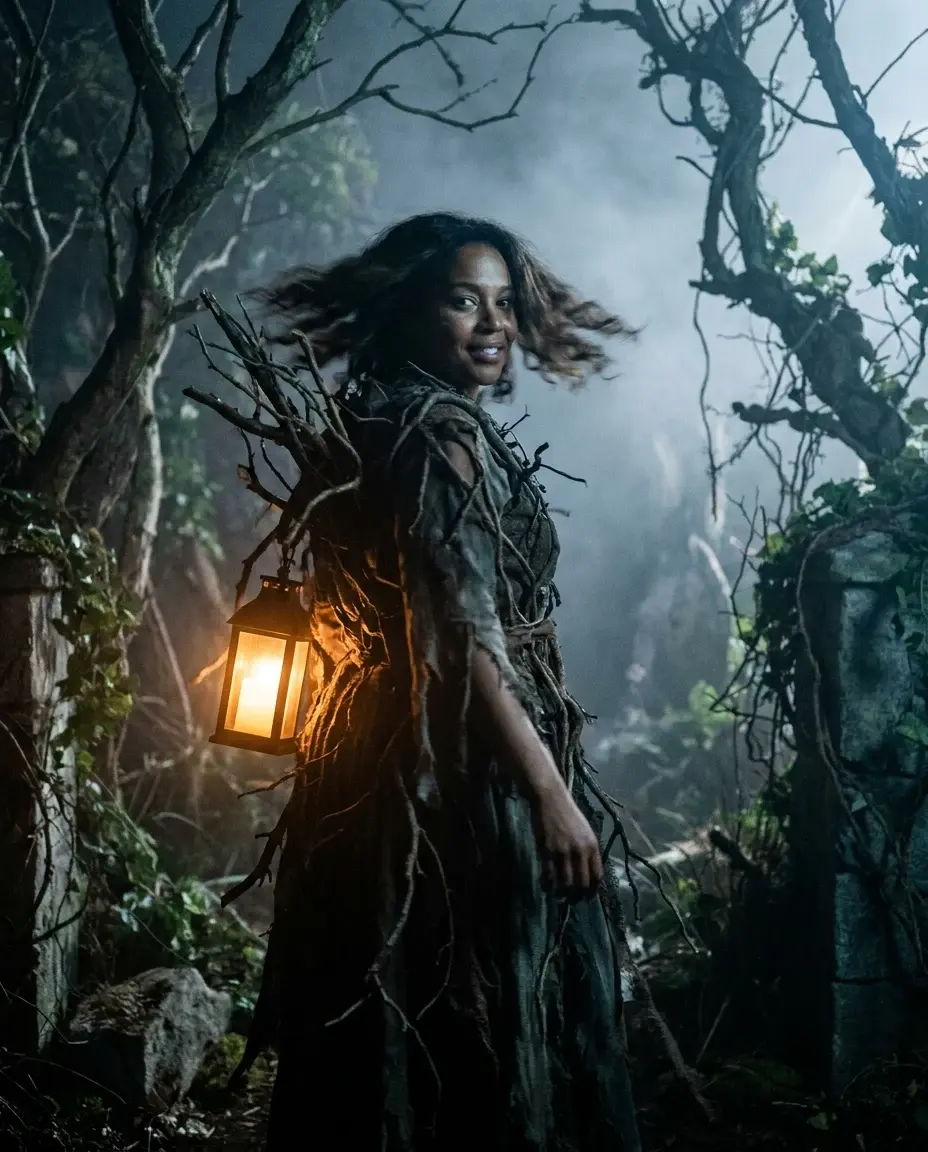
Subject walks one step forward holding a lantern, warm light on the face, cool moonlight behind, leaves drifting, stable body proportions, no sudden cuts.
Backrooms drift
A restrained horror loop with a strong thumbnail.
Subject stands still in a yellow corridor, fluorescent light flickers once, camera slowly pushes in, subtle grain, no gore, no extra characters.
What makes a Halloween clip watchable
The first frame has to work as a thumbnail. Put the face near the upper third, keep the costume silhouette readable and avoid a background that competes with the subject. If the first frame is confusing, motion will not save it.
The second ingredient is restraint. A slow turn, a small step and a drifting light are easier to control than a spin, a jump or a costume change. Short clips look better when the model has fewer things to invent.
- Use a clear, well-lit portrait with the full head and shoulders visible.
- Keep hands out of the frame if you can; hands are the most common failure point.
- Choose one motion idea per clip.
- Add music after download, using audio you have the rights to use.
Where to post the result
The 9:16 frame is ready for TikTok, Instagram Reels, YouTube Shorts and Stories. Export or download the clean MP4, then add captions and licensed music in the platform editor. Do not assume a generated clip is safe to monetize without checking the platform rules.
If you are posting a costume reveal, put the before photo and the generated clip in the same carousel or sequence. The contrast is the story. A silent clip with a strong first frame often performs better than a busy clip with no clear subject.
Credits, pricing and delivery
A new personal video requires at least 50 valid credits before generation. Unlocking the clean MP4 uses 50 credits. One-time pack credits never expire; subscription credits expire at the end of the billing period.
One-time packs start at $9.90 for one video, $19.90 for three and $29.90 for five. A monthly plan is $24.90 and a yearly plan is $249. Prices are in USD and taxes are shown at checkout. A failed generation does not consume unlock credits.
Model and provider notes
The public video studio uses KIE with bytedance/seedance-2 Standard. Moderation uses SeeAPI. The concept images on this page were generated with KIE nano-banana-pro. WaveSpeed, fal and Replicate adapters exist in the codebase but are not enabled for this public studio unless configured.
Questions people ask before they try it
How long is the video?
The current Bulin 47 AI studio produces a silent 8-second, 720p, 9:16 MP4. You can trim it or add music in a separate editor.
Can I upload a dance video?
No. The studio uses its own freestyle motion reference. It does not accept a custom dance video, voice clone or celebrity likeness.
What if the video fails?
A failed generation does not consume unlock credits. You can retry the preview without another unlock charge. Check the preview before you unlock the clean MP4.
Can I use the video commercially?
Review the terms and the platform rules for your use case. Do not use a real person, a licensed character or copyrighted music without permission.
AI-generated examples. Results vary with the photo, prompt and model. Not affiliated with any film, game, music label or costume brand.